Need help?
Do you have a question about the aqprox! appPOS80AM3 and is the answer not in the manual?
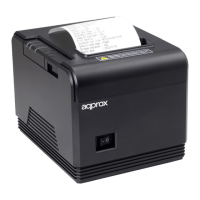
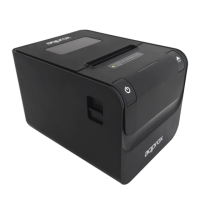
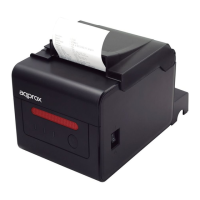
Details the appPOS80AM3 thermal printer's features like compactness, reliability, speed, and compatibility.
Lists the items included in the printer package, such as the printer, cables, and power adapter.
Outlines the necessary computer and electrical connections needed for the printer to function.
Provides step-by-step instructions for connecting the printer to power, PC, and cash drawer.
Explains how to open the printer, insert the paper roll, and close the lid correctly.
Details how to access and use DIP switches to configure printer settings like cutter, beeper, and speed.
Describes the function of LED indicators (Power, Error, Paper) and the forward button.
Instructs on how to perform a self-test to verify correct installation and printer operation.
Explains how to enter hexadecimal mode for data dumps and reset the printer.
Guides through the process of installing printer drivers from the CD, including OS and series selection.
Discusses using ESC/POS commands for direct printing and serial port configuration.
Warns against opening the device, using it near water, and inserting objects.
Advises on handling the print filament, cleaning, and proper disposal.
Explains the meaning of recycling symbols and proper disposal of electronic waste.
Provides contact information for obtaining further assistance with the printer.

 To Next Page
 General