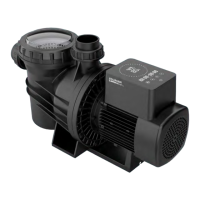
4.5 Application conditions
Indoor installation, temperature range: -10 - 42℃
Salt concentration up to 0.5%, i.e 5g/l
The pump can be installed max. 2m above water level;
5. SETTING AND OPERATION
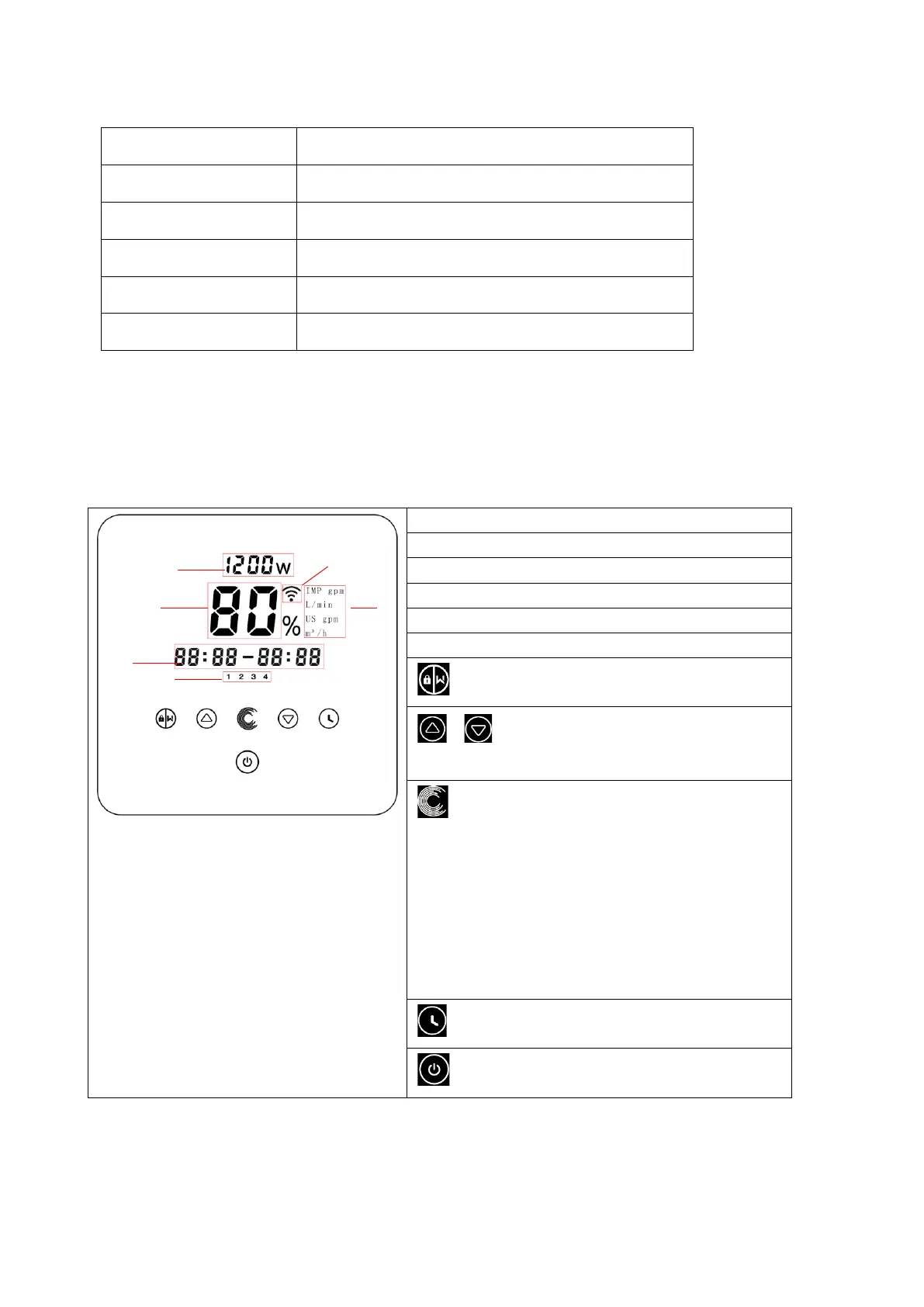
5.1 Display on control panel:
② Running capacity / Flow rate
Up/down: to change the value
(capacity/flow/time)
Switch between Manual-Inverter Mode and
Auto-Inverter Mode
Manual-Inverter Mode: The running capacity will be
set manually between 30%-120%
Auto-Inverter Mode: The running capacity will be
automatically adjusted between 30%-120% according
to the preset flow rate.
The default mode is Manual-Inverter mode.


 To Next Page