Need help?
Do you have a question about the Aquagem IP25 and is the answer not in the manual?
Describes the automatic self-priming process, manual activation, and how to exit or disable the function for optimal operation.
Guide to operating the pump in manual mode, covering screen unlock, starting, and adjusting running capacity between 30% and 120%.
Explains how the pump automatically adjusts speed based on system pressure to maintain a set flow rate.
Comprehensive guide to accessing and modifying pump settings like factory reset, system time, and advanced parameter adjustments.
Detailed instructions for pairing the pump with the InverFlow app via Wi-Fi and Bluetooth for remote control and monitoring.
Describes the pump's response to high temperatures, including warning triggers, speed reduction logic, and display alerts.
Explains how the pump limits speed and operates at reduced capacity when input voltage falls below specified thresholds.
Lists common problems like failure to start or prime, low flow, and noise, with their likely causes and recommended solutions.
Provides a comprehensive list of error codes displayed by the pump upon detecting failures, detailing each code and its meaning.
 General
| Frequency | 50/60Hz |
|---|---|
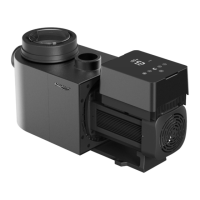
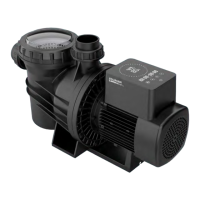
| Model | IP25 |
| Type | Swimming Pool Pump |
| Power | 1.85kW |
| Voltage | 230V |


 To Next Page