5.6 Auto-Inverter Mode
Under Auto Inverter Mode, the pump can automatically detect the system pressure and adjust the speed
of motor to reach the set flow.
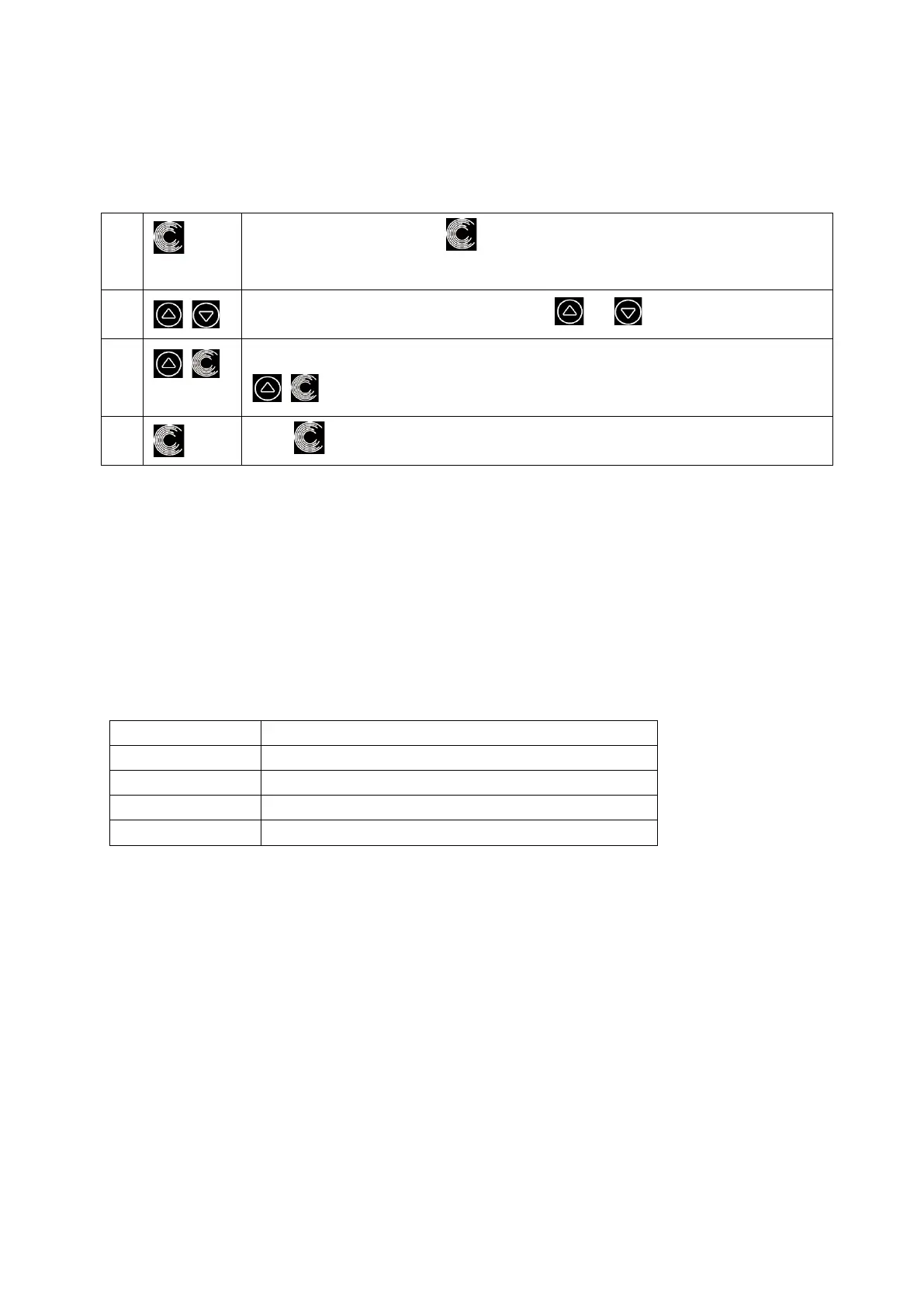
Unlock the screen, press to switch from the Manual-Inverter mode to
Auto-Inverter mode.
The flow rate could be adjusted, by pressing or with 1m³/h for each step.
The unit of flow rate could be changed to LPM, IMP GPM or US GPM, by pressing both
for 3 seconds
Press to switch to Manual-Inverter mode
Self-learning:
When first switching to the Auto-Inverter mode manually or via external control or activating timer mode
with flow rate setting, the system will perform the self-priming process (see 5.3) and then the self-learning
process for 180s and redefine the adjustable flow range of the pump by detecting the pipeline pressure.
eg: the default adjustable flow range of InverPro IP25 is 5-25 m³/h, after self-learning, the range may be
redefined to 7-22 m³/h. If the set flow is beyond the current adjustable range, the actual achievable flow
rate will be displayed after the motor speed is stabilized.
The default adjustable flow range for InverPro is as below:
Default adjustable flow rate range
Note:
After the first self-priming, the pump will redefine the adjustable flow range. The pipeline pressure will be
recorded by the system after the pump runs at the set flow/capacity for 5 minutes without other
operations.
During the pump running, if it is detected that the pipeline pressure changes beyond a certain range, the
icon of % or m³/h (or other flow units) symbol will flash for 5 minutes. If the change last for 5 minutes, the
pump will perform a self-priming and self-learning process, and redefine the flow range accordingly.
After the redefinition of the flow range, the pump will automatically adjust the running capacity to reach
the set flow.
User can set the time interval to trigger the self-leaning automatically in the parameter setting (see 5.10)
to ensure the accuracy of the flow rate.



 To Next Page