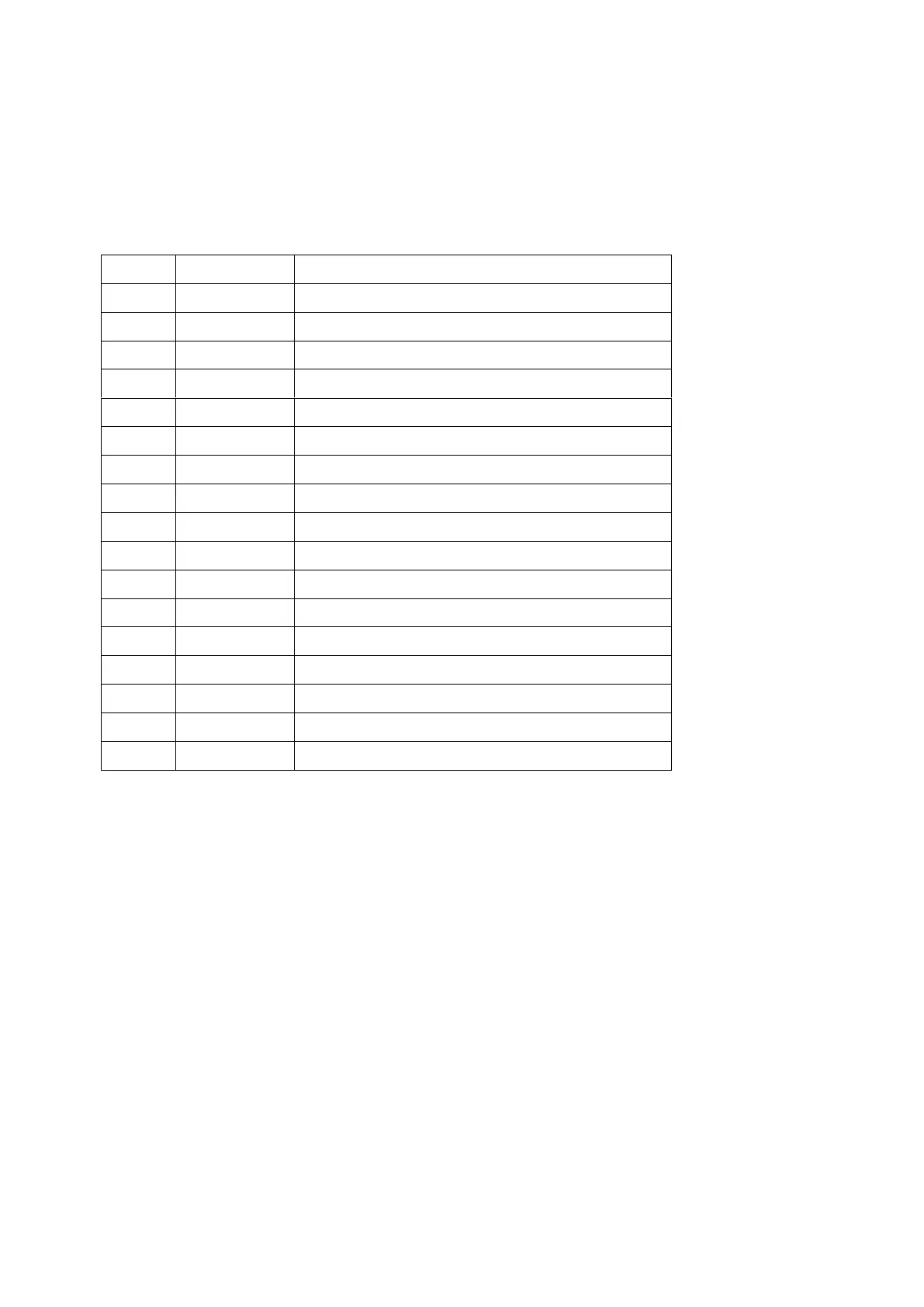
8.4 Error code
When the device detects a failure (except for the running capacity reduction strategy and 485
communication failure), it will stop automatically and display the error code. After stopping for 15 seconds,
check if the failure is cleared. If cleared, the pump will resume working.
Note:
1. When E002/E101/E103 is displayed, the device will resume working automatically, however when it
appears a fourth time, the device will stop working, to resume operation, unplug the device and plug in &
restart again.
9. MAINTENANCE
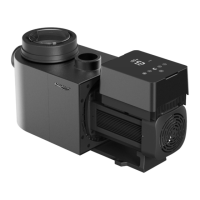
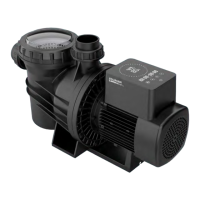
Empty the strainer basket frequently. The basket should be inspected through the transparent lid and
emptied when there is an evident stack of rubbish inside. The following instructions should be followed:
1). Disconnected the power supply.
2). Unscrew the strainer basket lid anti-clockwise and remove.
3). Lift up the strainer basket.



 To Next Page