EasyManua.ls Logo

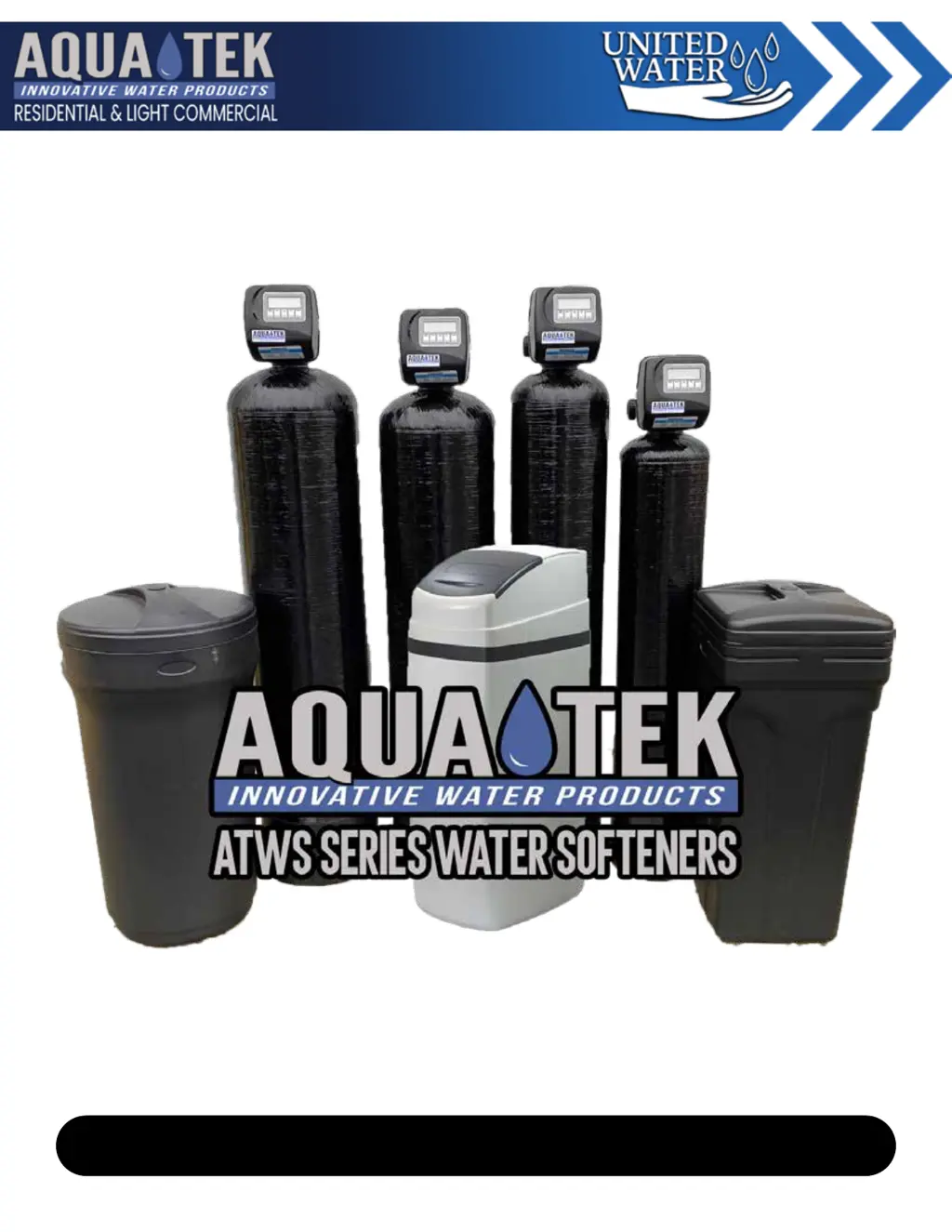
Aquatek ATTWS - User Manual

Default Icon
25 pages
Print Icon
To Next Page IconTo Next Page
Loading...
Operation & Maintenance Manual
United Water Inc | 1-877-414-PURE(7873) | www.unitedwaterinc.com | unitedwatercorp@gmail.com
ATCWS | Atws | ATWS-C/CC | ATWS-HI | ATnWS | ATTWS

Questions and Answers

  • C
    carterkellyAug 21, 2025
    How to reduce salt usage in my Aquatek ATTWS Water Dispenser?
    • G
      George PetersenAug 21, 2025
      If your Aquatek Water Dispenser is using too much salt, check the refill setting to ensure it is correct. Also, verify the program settings to make sure they are specific to the water quality and application needs. Frequent regeneration of the control valve could be due to leaking fixtures or an undersized system. A slow drip from the brine refill tubing, which the float valve isn't designed to stop, may require replacing the Seal and Spacer Stack Assembly.
  • M
    Melissa WilliamsAug 25, 2025
    What to do if Aquatek Water Dispenser doesn't automatically regenerate?
    • K
      kristajonesAug 25, 2025
      If your Aquatek Water Dispenser's control valve doesn't regenerate automatically unless you press and hold the REGEN button, check if the bypass valve is in the bypass position and turn the bypass handles to place bypass in the service position. Ensure the meter is securely connected to the three-pin connection labeled METER on the circuit board. Remove the meter and check for rotation or foreign material. Also, check for any programming errors. The meter may be defective and require replacement, or the circuit board may be defective and need replacement.
  • J
    Johnathan NelsonAug 26, 2025
    How to remove residual salt from Aquatek Water Dispenser service lines?
    • B
      Bonnie BarnesAug 26, 2025
      If you're finding residual salt in the service lines of your Aquatek Water Dispenser, check the incoming water pressure to ensure it remains at a minimum of 40 psi. Verify that the injector size is correct for your application, referring to the system specification. Inspect the drain line for restrictions or debris and clean it, and check the refill setting. Remove the injector and clean or replace it if plugged. Ensure the drive cap assembly is properly tightened. Replace the Seal and Spacer Stack Assembly if damaged. Also, inspect the drain line for restrictions, debris, or kinks. Remove the backwash flow controller and clean or replace it if plugged.
  • J
    Julian MasonAug 27, 2025
    Why is my Aquatek Water Dispenser control valve not drawing brine?
    • F
      flemingpeterAug 27, 2025
      If the control valve on your Aquatek Water Dispenser isn't drawing brine, first, remove the injector and clean or replace it if it's plugged. If the injector is not the issue, consider replacing the brine piston. Inspect the tubing and fittings for any air leaks. Check the drain line for restrictions or debris that could cause excess back pressure on the injector. Ensure the drain line isn't too long or elevated too high, and verify that the incoming water pressure is at least 40 psi.
  • T
    Tiffany BatesAug 29, 2025
    What to do if Aquatek Water Dispenser display doesn't indicate water flow?
    • T
      Tiffany FrostAug 29, 2025
      If the display on your Aquatek Water Dispenser doesn't show water flowing and "Softening" flashes when water is used, ensure the bypass valve isn't in the bypass position; turn the bypass handles to place it in the service position. Check that the meter is securely connected to the meter connection on the circuit board. Remove the meter and check for rotation or foreign material. If these steps don't resolve the issue, the meter or circuit board may be defective and require replacement.
  • J
    jason60Aug 31, 2025
    Why is water constantly running to drain from my Aquatek Water Dispenser?
    • M
      Marc AllisonAug 31, 2025
      If water is constantly running to the drain in your Aquatek Water Dispenser, it could be due to a power outage during regeneration; the control valve will finish when power is restored, so reset the time of day. Alternatively, a damaged Seal and Spacer Stack Assembly or a Piston assembly failure might be the cause, requiring replacement. Also, ensure the Drive Cap Assembly is properly tightened.
  • C
    Carrie HamptonSep 2, 2025
    Why does my Aquatek ATTWS Water Dispenser circuit board display the wrong time?
    • M
      Matthew KleinSep 3, 2025
      If your Aquatek Water Dispenser's control valve circuit board isn't displaying the correct time, the power cord might be plugged into an outlet controlled by a light switch; use an uninterrupted outlet instead. Check if a breaker switch or GFI has tripped and reset it. If there was a power outage, reset the time of day. If the circuit board has a battery backup, it may be depleted and need replacement. In some cases, the circuit board itself may be defective and require replacement.
  • F
    Frank PatelSep 5, 2025
    What to do if Aquatek ATTWS won't regenerate when pressing REGEN button?
    • R
      ruben34Sep 5, 2025
      If your Aquatek Water Dispenser's control valve doesn't regenerate when you press and hold the REGEN button, the drive gear or drive cap assembly may be broken and needs replacement. Another possible cause is a broken piston rod, which also requires replacement. In some cases, the PC board may be defective and need to be replaced.
  • A
    Allison MasonSep 6, 2025
    How to fix a blank display on my Aquatek ATTWS control valve?
    • W
      William WoodSep 7, 2025
      If there's no display on your Aquatek Water Dispenser's control valve circuit board, first, check if there's power at the electrical outlet; repair the outlet or use a working one. Ensure the control valve power cord is securely plugged into the circuit board at both ends. Verify the proper voltage is being delivered to the circuit board. If none of these steps work, the circuit board may be defective and need replacement.
  • J
    Joshua ArnoldSep 8, 2025
    Why does the time of day flash on my Aquatek ATTWS?
    • A
      Amanda CaseySep 9, 2025
      If the time of day is flashing on and off on your Aquatek Water Dispenser, it indicates a power outage. Reset the time of day. If your circuit board has a battery backup, the battery may be depleted and need replacement.

Summary

ATWS System Specifications & Warnings

System Specifications

Details technical parameters like water pressure, temperature, and electrical requirements for the ATWS system.

Warnings

Lists critical safety warnings regarding installation, use, and potential hazards associated with the water softener system.

Principles of Ion Exchange

Ion Exchange Softening Process

Explains the ion exchange process, defining terms like Hard Water, Brine, and Cation Exchanger.

Installation Guide

Installation Steps

Provides step-by-step instructions for installing the water softener, including floor space and leveling.

Installation Continued

Plumbing Connections

Details connecting the drain line, overflow line, and brine line to the water softener.

Installation Diagram

System Start-Up

Start-Up Procedure

Guides users through the process of starting up the Aquatek ATWS Softener after installation.

Programming Guide

Programming and Time Setting

Instructions for setting water hardness, day override, and the current time of day.

Manual Regeneration

The Brine System

Trouble Shooting Guide

Brine Draw, Drain, and Error Codes

Troubleshooting for issues with drawing brine, water running to drain, and error codes 1001/1002.

Motor Error Codes

Diagnoses and provides solutions for motor-related error codes 1003 and 1004.

Aquatek ATTWS Specifications

General IconGeneral
BrandAquatek
ModelATTWS
CategoryWater Dispenser
LanguageEnglish

Related product manuals