EasyManua.ls Logo

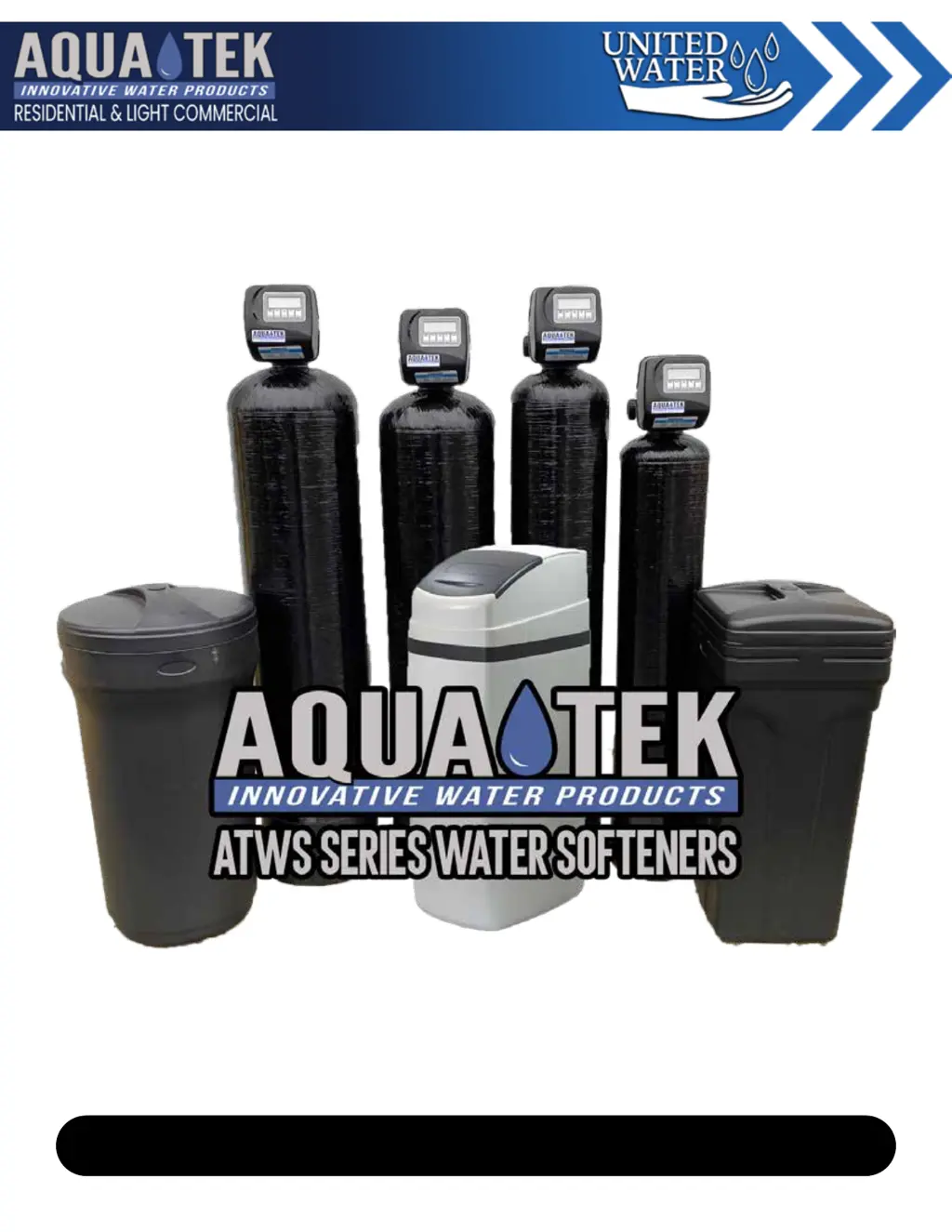
Aquatek ATWS Series - User Manual

Aquatek ATWS Series
25 pages
Print Icon
To Next Page IconTo Next Page
Loading...
Operation & Maintenance Manual
United Water Inc | 1-877-414-PURE(7873) | www.unitedwaterinc.com | unitedwatercorp@gmail.com
ATCWS | Atws | ATWS-C/CC | ATWS-HI | ATnWS | ATTWS

Questions and Answers

  • A
    Austin BartonAug 22, 2025
    How to reduce salt usage in my Aquatek Water Dispenser?
    • R
      Rachel GonzalezAug 22, 2025
      If your Aquatek Water Dispenser is using too much salt, check the refill setting to ensure it is correct. Also, verify the program settings to make sure they are specific to the water quality and application needs. Frequent regeneration of the control valve could be due to leaking fixtures or an undersized system. A slow drip from the brine refill tubing, which the float valve isn't designed to stop, may require replacing the Seal and Spacer Stack Assembly.
  • L
    Lisa GuerreroAug 25, 2025
    What to do if Aquatek Water Dispenser doesn't automatically regenerate?
    • S
      stonejessicaAug 25, 2025
      If your Aquatek Water Dispenser's control valve doesn't regenerate automatically unless you press and hold the REGEN button, check if the bypass valve is in the bypass position and turn the bypass handles to place bypass in the service position. Ensure the meter is securely connected to the three-pin connection labeled METER on the circuit board. Remove the meter and check for rotation or foreign material. Also, check for any programming errors. The meter may be defective and require replacement, or the circuit board may be defective and need replacement.
  • K
    Kevin NelsonAug 26, 2025
    How to remove residual salt from Aquatek ATWS Water Dispenser service lines?
    • S
      Shawn FryeAug 26, 2025
      If you're finding residual salt in the service lines of your Aquatek Water Dispenser, check the incoming water pressure to ensure it remains at a minimum of 40 psi. Verify that the injector size is correct for your application, referring to the system specification. Inspect the drain line for restrictions or debris and clean it, and check the refill setting. Remove the injector and clean or replace it if plugged. Ensure the drive cap assembly is properly tightened. Replace the Seal and Spacer Stack Assembly if damaged. Also, inspect the drain line for restrictions, debris, or kinks. Remove the backwash flow controller and clean or replace it if plugged.
  • J
    Jason ShahAug 28, 2025
    Why is my Aquatek ATWS control valve not drawing brine?
    • C
      Cody GrahamAug 28, 2025
      If the control valve on your Aquatek Water Dispenser isn't drawing brine, first, remove the injector and clean or replace it if it's plugged. If the injector is not the issue, consider replacing the brine piston. Inspect the tubing and fittings for any air leaks. Check the drain line for restrictions or debris that could cause excess back pressure on the injector. Ensure the drain line isn't too long or elevated too high, and verify that the incoming water pressure is at least 40 psi.
  • S
    Steven BaileyAug 30, 2025
    What to do if Aquatek Water Dispenser display doesn't indicate water flow?
    • J
      johnjimenezAug 30, 2025
      If the display on your Aquatek Water Dispenser doesn't show water flowing and "Softening" flashes when water is used, ensure the bypass valve isn't in the bypass position; turn the bypass handles to place it in the service position. Check that the meter is securely connected to the meter connection on the circuit board. Remove the meter and check for rotation or foreign material. If these steps don't resolve the issue, the meter or circuit board may be defective and require replacement.
  • C
    carolevansSep 1, 2025
    Why is water constantly running to drain from my Aquatek Water Dispenser?
    • W
      williamsandreaSep 1, 2025
      If water is constantly running to the drain in your Aquatek Water Dispenser, it could be due to a power outage during regeneration; the control valve will finish when power is restored, so reset the time of day. Alternatively, a damaged Seal and Spacer Stack Assembly or a Piston assembly failure might be the cause, requiring replacement. Also, ensure the Drive Cap Assembly is properly tightened.
  • B
    Brandon RodriguezSep 3, 2025
    Why does my Aquatek Water Dispenser circuit board display the wrong time?
    • Z
      zimmermanrobertSep 3, 2025
      If your Aquatek Water Dispenser's control valve circuit board isn't displaying the correct time, the power cord might be plugged into an outlet controlled by a light switch; use an uninterrupted outlet instead. Check if a breaker switch or GFI has tripped and reset it. If there was a power outage, reset the time of day. If the circuit board has a battery backup, it may be depleted and need replacement. In some cases, the circuit board itself may be defective and require replacement.
  • R
    Richard JamesSep 5, 2025
    What to do if Aquatek Water Dispenser won't regenerate when pressing REGEN button?
    • D
      Daniel GillSep 5, 2025
      If your Aquatek Water Dispenser's control valve doesn't regenerate when you press and hold the REGEN button, the drive gear or drive cap assembly may be broken and needs replacement. Another possible cause is a broken piston rod, which also requires replacement. In some cases, the PC board may be defective and need to be replaced.
  • M
    manuel29Sep 7, 2025
    How to fix a blank display on my Aquatek ATWS Water Dispenser control valve?
    • T
      Taylor TurnerSep 7, 2025
      If there's no display on your Aquatek Water Dispenser's control valve circuit board, first, check if there's power at the electrical outlet; repair the outlet or use a working one. Ensure the control valve power cord is securely plugged into the circuit board at both ends. Verify the proper voltage is being delivered to the circuit board. If none of these steps work, the circuit board may be defective and need replacement.
  • S
    Stephanie BautistaSep 9, 2025
    Why does the time of day flash on my Aquatek ATWS Water Dispenser?
    • O
      omorganSep 9, 2025
      If the time of day is flashing on and off on your Aquatek Water Dispenser, it indicates a power outage. Reset the time of day. If your circuit board has a battery backup, the battery may be depleted and need replacement.

Summary

ATWS System Specifications & Warnings

System Specifications

Lists technical parameters like pressure, voltage, and flow.

Safety Warnings

Critical safety instructions for system operation and maintenance.

Introduction to Aquatek Water Softeners

Important Pre-Operation Reading

Advises reading the manual before use.

Meet Your Water Softener

Cabinet Systems Overview

Describes the self-contained cabinet type units.

Two Tank Systems Components

Control Valve Operations

Explains service, regeneration, and brine refill cycles.

Mineral and Brine Tank Descriptions

Details the function of each tank.

Principles of Ion Exchange

Ion Exchange Softening Process

Explains the core mechanism of water softening.

Quality of Effluent Explained

Discusses factors affecting treated water quality.

Ion Exchanger Capacity and Operation

Capacity Factors: Water & Salt

How raw water and salt dosage affect capacity.

Operator Responsibilities & Caution

Key duties and a warning against changes.

Installation Guide

Pre-Installation Checklist

Requirements before starting the installation.

Initial Installation Steps

Guidance on floor space, leveling, and bypass.

Installation Continued

Connecting Drain, Overflow, and Brine Lines

Procedures for essential line connections.

Installation Diagrams

Typical Well Installation Diagram

Visual guide for well water systems.

Public Water Supply Diagram

Visual guide for city water systems.

System Start-Up Procedures

Initiating Regeneration Cycles

Step-by-step process for starting the system.

Finalizing Start-Up and Post-Notes

Completing the process and important follow-up.

Water Softener Programming Guide

Understanding Control Valve Screens

Description of the unit's operating display screens.

Setting the Current Time of Day

How to set the system clock.

Control Valve Programming Details

Adjusting Hardness and Regeneration Time

Configuring key operational settings.

Setting the Time of Day Correctly

Step-by-step guide for time setting.

Manual Regeneration Methods

Delayed Regeneration Process

How to schedule a regeneration cycle.

Immediate Regeneration Process

How to initiate regeneration instantly.

The Brine System and Maintenance

Salt Usage and Recommendations

Guide to salt types and minimum levels.

Brine Tank Cleaning Procedure

Step-by-step instructions for cleaning the brine tank.

Brine Tank Components

Square Brine Tank Parts List

Lists components for square brine tanks.

Round Brine Tank Parts List

Lists components for round brine tanks.

System Parts Breakdown

Front Cover and Drive Assembly Parts

Components of the control head assembly.

Main Body Internals Parts

Internal parts of the control valve.

Control Valve and Brine Refill Parts

Injector Assembly Components

Parts related to the injector system.

Brine Elbow Refill Parts

Components for the brine refill assembly.

Drain and Bypass Assembly Parts

1 Drain Assembly Components

Parts for the drain line connection.

Bypass Assembly Components

Parts for the bypass valve assembly.

Installation Fitting Components

Standard and Optional Fittings

Details on various connection fittings.

Troubleshooting: Control Valve Issues

Display and Time Malfunctions

Problems with the unit's display and clock.

Regeneration Cycle Problems

Issues preventing automatic regeneration.

Troubleshooting: Water Quality & Salt

Hard Water or High Salt Usage

Problems with water quality and salt consumption.

Brine Tank and Residual Salt Issues

Problems with brine tank and salt in lines.

Troubleshooting: Control Valve Errors

Brine Draw Malfunctions

Reasons for failure to draw brine.

Error Codes: Motor Movement

Specific error codes for motor function.

Troubleshooting: Motor Control Errors

Error Codes: Motor Timing Issues

Specific error codes for motor timing.

Manufacturers Limited Warranty

Warranty Coverage and Service

Details on coverage and how to obtain service.

Aquatek ATWS Series Specifications

General IconGeneral
BrandAquatek
ModelATWS Series
CategoryWater Dispenser
LanguageEnglish

Related product manuals