EasyManua.ls Logo

Aquatic AQ-AD300.2-MICRO - User Manual

Aquatic AQ-AD300.2-MICRO
11 pages
Print Icon
To Next Page IconTo Next Page
Loading...
USER / INSTALLATION MANUAL
PLEASE READ THIS INSTRUCTION MANUAL BEFORE
INSTALLATION AND OPERATION
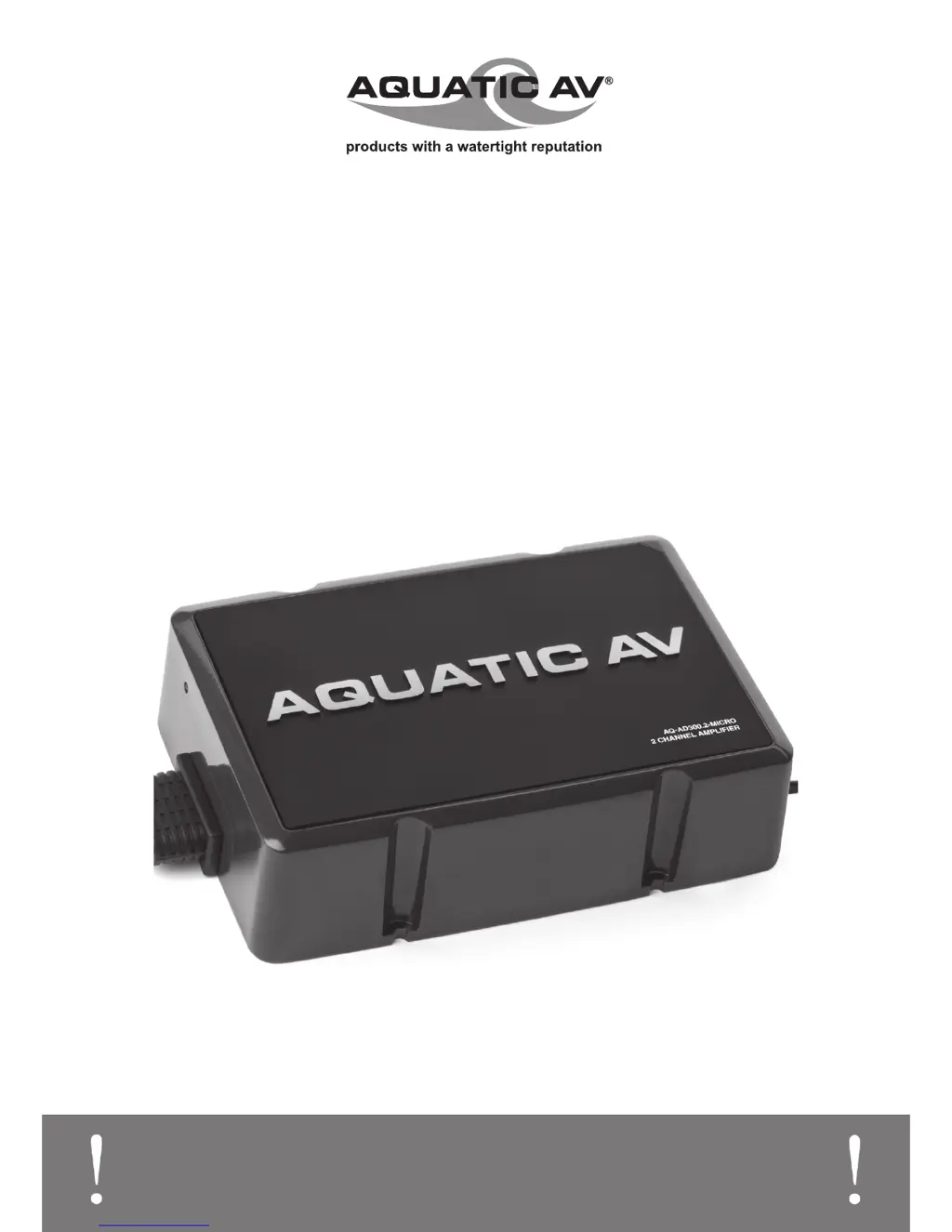
AQ-AD300.2-MICRO
2 CHANNEL WATERPROOF AMPLIFIER
for Harley-Davidson
®
Motorcycles

Questions and Answers

  • E
    Erika McdowellJul 27, 2025
    What to do if my Aquatic Amplifier powers up but makes no sound?
    • J
      Jimmy WoodJul 27, 2025
      If your Aquatic Amplifier powers up but produces no sound and the LED is illuminated red, there could be several reasons. First, check the wiring from the amplifier to each speaker, ensuring that the wire terminals are not shorting. Second, examine the High or Low Level input wiring from the source unit to the main amplifier to ensure it's properly connected. Finally, verify that the source unit itself is functioning correctly; refer to its manufacturer’s instructions if needed.
  • O
    othomasAug 6, 2025
    How to troubleshoot Aquatic Amplifier that doesn't power up?
    • B
      Bobby Smith Jr.Aug 7, 2025
      If your Aquatic Amplifier doesn't power up and the LED is off, it could be due to a few reasons: * The power (+) wire may not be providing +12V to the amplifier. Check the wire connection and ensure it's properly connected. Also, verify that the fuses aren’t blown and check the continuity on the cables. * The remote wire may not be providing +12V to the amplifier. Check the wiring for the remote turn-on wire and ensure the turn-on source is providing 12V. * The ground/power (-) wire may not be providing -12V ground to the amplifier. Check the wire connected to the ground for a proper connection, ensure there is no residue, and check the continuity on the cables.
  • M
    Madeline NolanAug 17, 2025
    Why does my Aquatic Amplifier speaker output sound low or distorted?
    • S
      scottgoldenAug 17, 2025
      If the speaker output on your Aquatic Amplifier sounds low or distorted, it could be due to a few reasons. First, the input gain level might be set incorrectly. Adjust the gain levels using the ‘Test and Tune’ section of this manual; if you've already done this, lower the gain slightly until the distortion stops. Second, a low battery condition could be the cause; check your battery for proper charge and replace it if necessary. Finally, overheating could be the issue; turn off the system and let it cool, then resume and verify all is well. Ensure the amp is not in direct contact with the stereo by using a mounting bracket, and avoid using Velcro or placing the amp on top of the Harley-Davidson stereo.

Summary

Getting Started

Important Information & Contents

Crucial safety notes, system checks, and package contents verification.

Installation

Installation Precautions & Positioning

Safety warnings, placement advice, and cable handling during installation.

Connecting the Amplifier Inputs

Instructions for connecting audio sources via RCA or speaker-level inputs.

Connecting Speaker Outputs

How to connect speakers, including setup for bridged mode.

Connecting Power & Remote Wires

Wiring the amplifier's power and remote turn-on signals.

System Testing

Steps to verify the amplifier and system operate correctly after installation.

Setting Amplifier Controls

Gain & Crossover Settings

Adjusting input sensitivity (gain) and filter modes for optimal sound.

Crossover Frequency & Bass Boost

Adjusting crossover points and applying bass boost for sound shaping.

Troubleshooting

Specifications & Dimensions

Technical Specifications

Detailed technical data, performance metrics, and features of the amplifier.

Physical Dimensions

Physical measurements of the amplifier for installation planning.

Warranty Information

Aquatic AQ-AD300.2-MICRO Specifications

General IconGeneral
BrandAquatic
ModelAQ-AD300.2-MICRO
CategoryAmplifier
LanguageEnglish

Related product manuals