————
ENGLISH
————
1.Quick Start Guide
1.1 What’s in the Box?
1*dash cam
1*suction cup
1*cigarette lighter adapter (3.5m)
1*mini USB cable (0.5m)
1*user manual
1.2 Setup Initial Menu
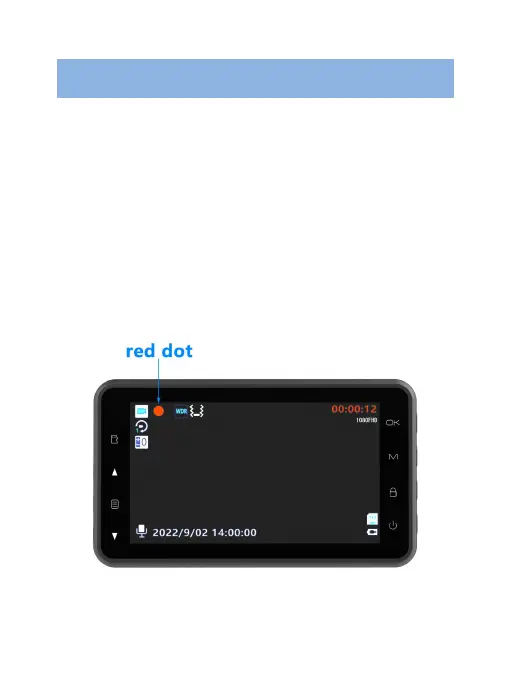
1. The blinking red dot on the screen means the camera is
recording video, press OK button first to pause the
recording.
2. Short press MENU button to enter the video settings
mode. Press MENU button again, switch to the dash cam
setting mode. In the setting mode, short press UP and


 To Next Page