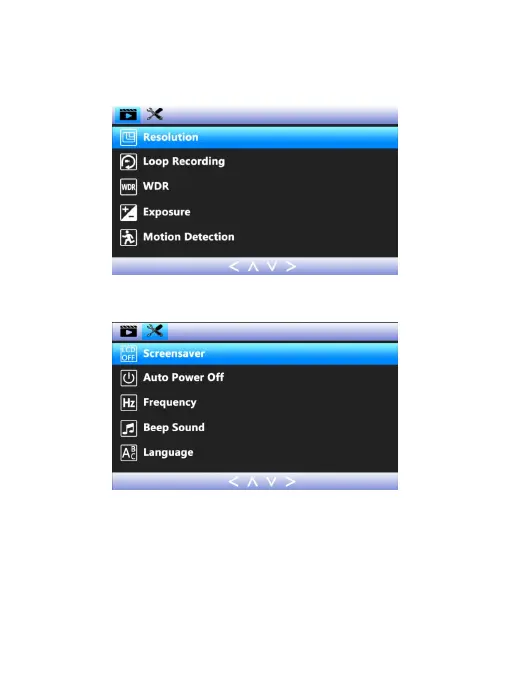
DOWN button, you can toggle up and down in the sub-items,
short press OK button to enter the sub-item. Short press
MODE button, you can exit the setting.
(the video settings mode)
(the dash cam setting mode)
Please make the following initial settings before you start
using it.
Format the memory card: Short press 2 times MENU button
to enter the dash cam setting mode. Press DOWN button to
find out the ‘Format’ option, press OK button to enter the


 To Next Page