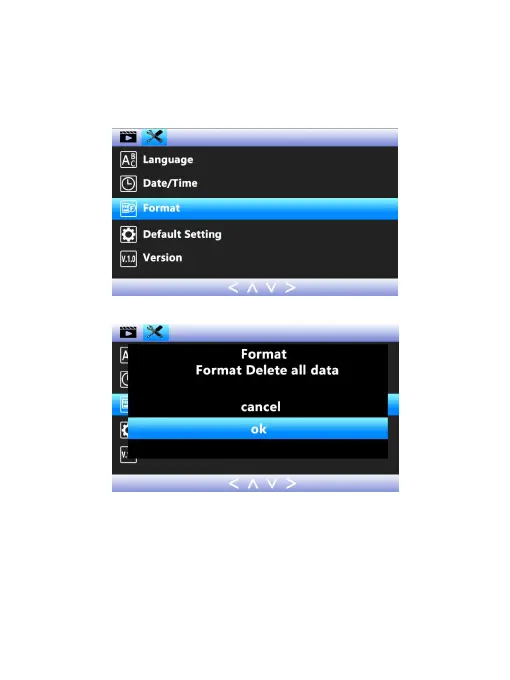
setting. Press DOWN button to select OK, press OK button
to confirm the formatting and return to the system menu.
(Reminder: Please make sure there are no important
contents in the memory card before formatting it.)
1) Language setting: Press DOWN button to find out
‘Language’ option, short press OK button to enter it. Short
press UP and DOWN button to select the language you
want. Press OK button to confirm the modification.



 To Next Page