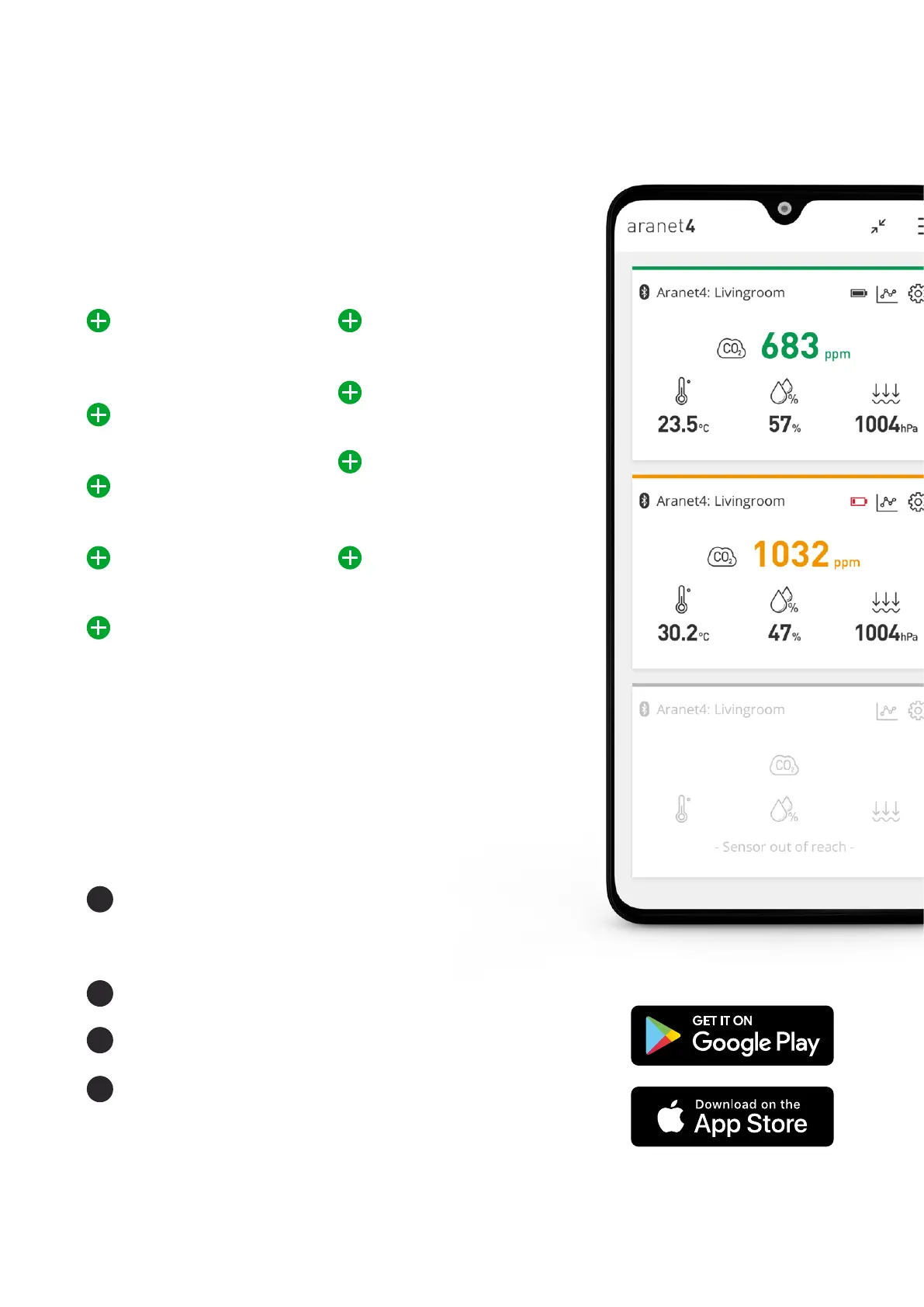
Connect your smartphone with the Aranet4 device via
Bluetooth by using iOS or Android (access to device’s
location should be allowed due to general requirement for
Bluetooth apps to work correctly on Android OS) app to:
How to pair Aranet4 to my smart
device using the Aranet4 app
Access real-time
measurement data
overview
View up to seven day
measurement history
View atmospheric
pressure data
Set adjustable CO
²
thresholds
Set alarms and frequency
of sensor readings
Access all nearby
Aranet4 devices
Do the CO
²
calibration
of the device
Get access to the
available firmware
updates
Connect to smart
devices and show the
readings on larger
TV screens
1
2
3
4
Launch the Aranet4 app and on the main page
(My devices) add a new device by clicking on the
(+) symbol.
Select your Aranet4 device from the list.
When prompted, confirm the start of pairing.
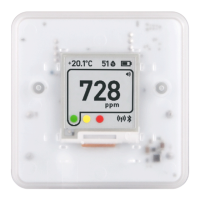
Type in the 6 digit passcode that is shown on the
display of your Aranet4 device.
More answers about Aranet4 app in
forum.aranet.com
Your mobile phone must have either Android 6.0 or newer
(for Android) or iOS 11.00 or newer (for iPhone) in order for
you to be able to download the app.
To connect your Aranet4 device to your smart
device, make sure Bluetooth connectivity is enabled on
your smart device and on your Aranet4 device, and do
the following steps:
5
NEW Aranet4 User Manual



 To Next Page