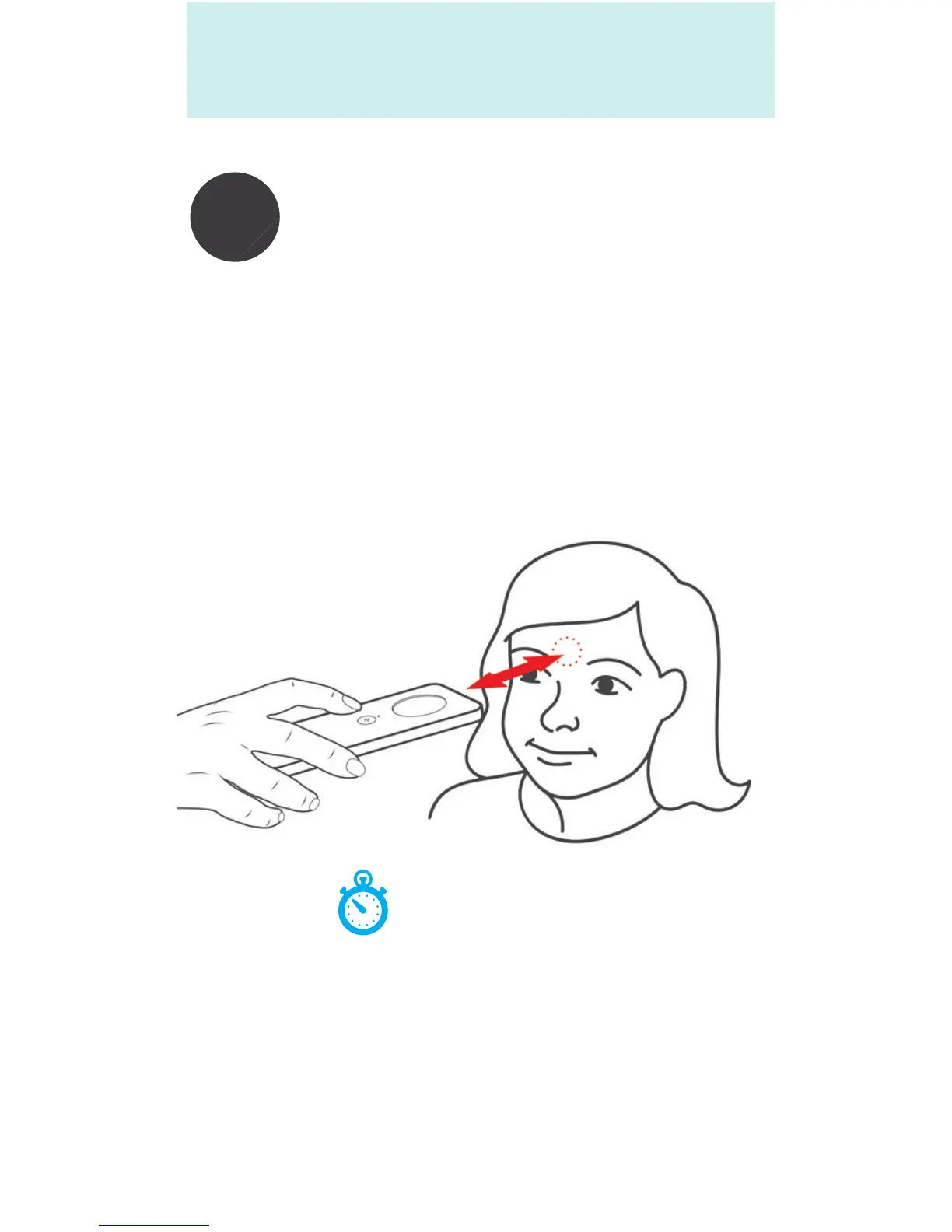
Point the thermometer at the person as
shown below. Ensure the device is 0.5-1.25
ins (1-3 cm) from the forehead, above the
eyebrows and between the eyes.
ARC InstaTemp™ must be held steady, perpendicular
to and pointing directly at the center of the forehead
at the area above the eyebrows and between the eyes
when taking a temperature.
Hold the ARC InstaTemp™ in position, and press and
release the activation button once, simply point and
click. Hold the thermometer in position until the
display is illuminated and a temperature reading is
displayed on the screen.


 To Next Page