EasyManua.ls Logo

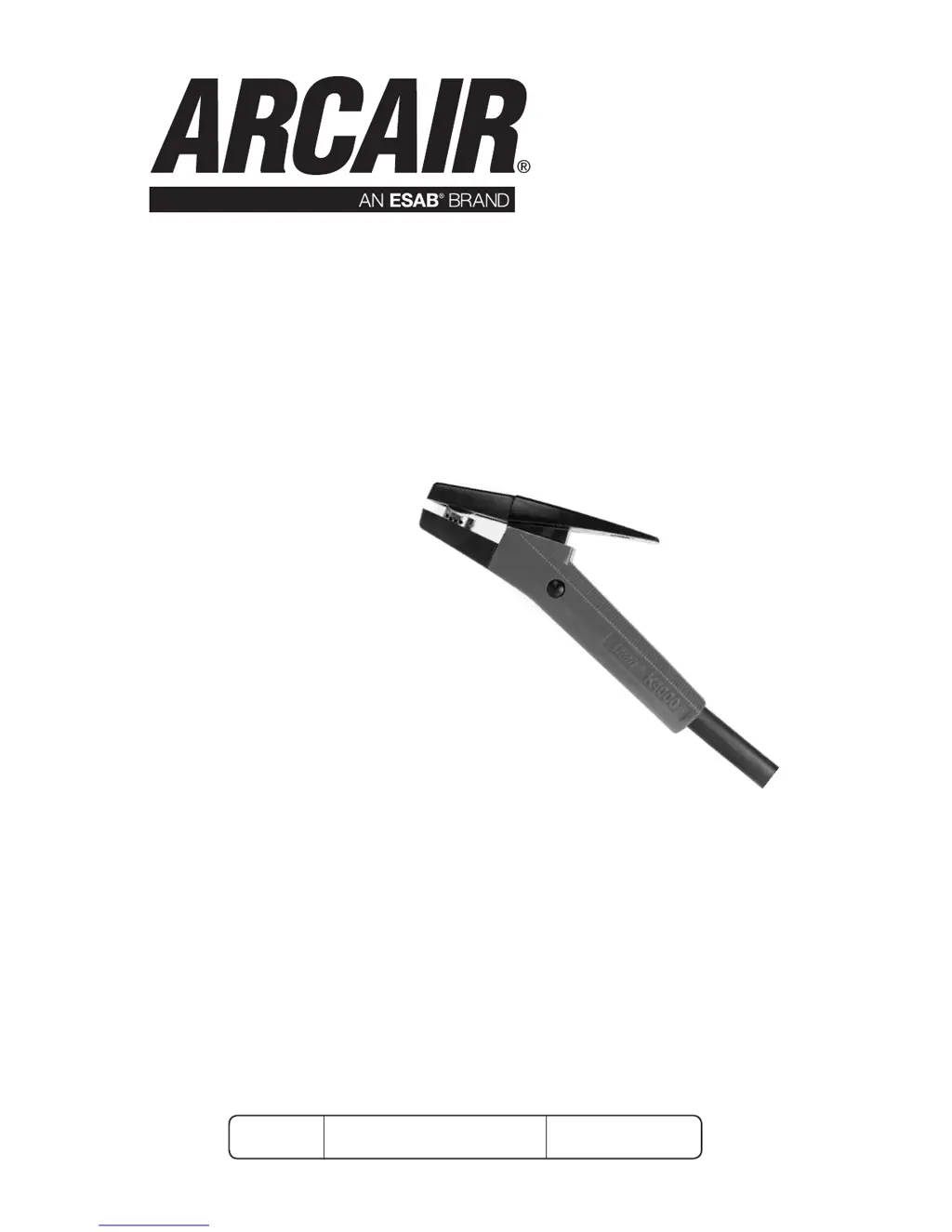
ARCAIR K3000 - User Manual

Default Icon
32 pages
Print Icon
To Next Page IconTo Next Page
Loading...
K4000
®
K3000
Art# A-13068
English
Operating
Manual
Revision: AC Issue Date: June 15, 2016 Manual No.: 89250012
AIR CARBON-ARC
MANUAL GOUGING TORCHES

Questions and Answers

  • N
    Natalie RamirezAug 7, 2025
    How to prevent large free-carbon deposit at the beginning of the groove with ARCAIR Tools?
    • B
      browncarlaAug 7, 2025
      To prevent large free-carbon deposits when using ARCAIR Tools, ensure you turn on the air jet before striking the arc, making sure the air flows between the electrode and the workpiece. Also, verify that the carbon rod is properly seated in the groove within the torch head.
  • J
    Jon RobertsonAug 11, 2025
    Why is the arc unsteady when using ARCAIR Tools?
    • J
      Jennifer ReedAug 12, 2025
      If you experience an unsteady arc with ARCAIR Tools, resulting in slow travel speed, it might be due to insufficient amperage for the electrode diameter. While the lowest recommended amperage might work, a mid-range amperage is generally better. If you cannot obtain the desired amperage, consider using a smaller diameter electrode or connecting two or more welding power supplies in parallel.
  • K
    Keith CurtisAug 17, 2025
    What to do if slag adheres to the edges of the groove with ARCAIR Tools?
    • J
      jennifer27Aug 17, 2025
      If you notice slag adhering to the edges of the groove when using ARCAIR Tools, ensure you maintain proper air pressure and flow rate. The air hose feeding the concentric cable assembly needs a minimum hose ID of 3/8" (9.5 mm) for manual torches and 1/2" (12.7 mm) for automatic torches. Direct the air jet parallel to the gouge area, avoiding favoring one side unless you want to minimize slag on that specific side.
  • J
    Jennifer TuckerAug 21, 2025
    What to do if there is intermittent arc action resulting in an irregular groove surface with ARCAIR Tools?
    • M
      Michael KingAug 21, 2025
      If you're experiencing intermittent arc action with ARCAIR Tools, leading to an irregular groove surface, ensure that your travel speed isn't too slow during manual gouging. Stand comfortably, allowing your arms to move freely without your gloves dragging on the workpiece. For mechanized equipment, consult Table 4 (Page 4-24) for proper operating conditions. Also, inspect ground clamps and leads to ensure a proper connection.
  • A
    adamdicksonAug 27, 2025
    Why is the groove erratic, with the arc wandering from side to side and the electrode heating up rapidly with ARCAIR Tools?
    • M
      Mrs. Anna Brown DDSAug 27, 2025
      If you observe erratic groove formation with ARCAIR Tools, where the arc wanders and the electrode heats up rapidly, it's likely due to using DCEN (electrode negative). The gouging process should be performed with DCEP (Electrode positive) whenever possible. Direct current electrodes should be used with DCEP (electrode positive) on all metals, except for a few copper alloys such as Superston and Nialite.
  • T
    Tamara WalkerAug 31, 2025
    What causes free carbon deposits at varying groove intervals when gouging with ARCAIR Tools?
    • L
      Lauren YoungSep 1, 2025
      If you're getting free carbon deposits at varying groove intervals during gouging, or at various spots on the washed surface during pad-washing with ARCAIR Tools, it's likely due to a shorted electrode on the workpiece. Maintain a proper arc gap and use an electrode-to-work angle of 15° to 70°.

Summary

Safety and Health Precautions

Installation, Use, and Maintenance Safety

Emphasizes reading manual and understanding hazards before equipment installation or use.

Ventilation Hazards and Safety Measures

Warns about smoke, fumes, and gases, and the need for adequate ventilation.

Personal Protective Equipment (PPE) for Gouging

Covers hearing protection and eye/skin protection from arc rays, heat, and sparks.

Installation and Setup Guide

Installing DC Welding Power Cable and Air Hose

Provides step-by-step instructions for connecting power and air lines to the connector.

Installing Twist Lock Power Cable and Air Hose

Details connecting power and air lines using a twist lock connector.

Connecting to DC or AC Welding Power Supplies

Explains how to connect the torch assembly to DC or AC power sources.

Troubleshooting Air Carbon-Arc Gouging

ARCAIR K3000 Specifications

General IconGeneral
BrandARCAIR
ModelK3000
CategoryTools
LanguageEnglish

Related product manuals