5
Inserting SIM & Micro-SD cards
WARNING: Make sure to turn o your device before inserting the SIM & memory cards.
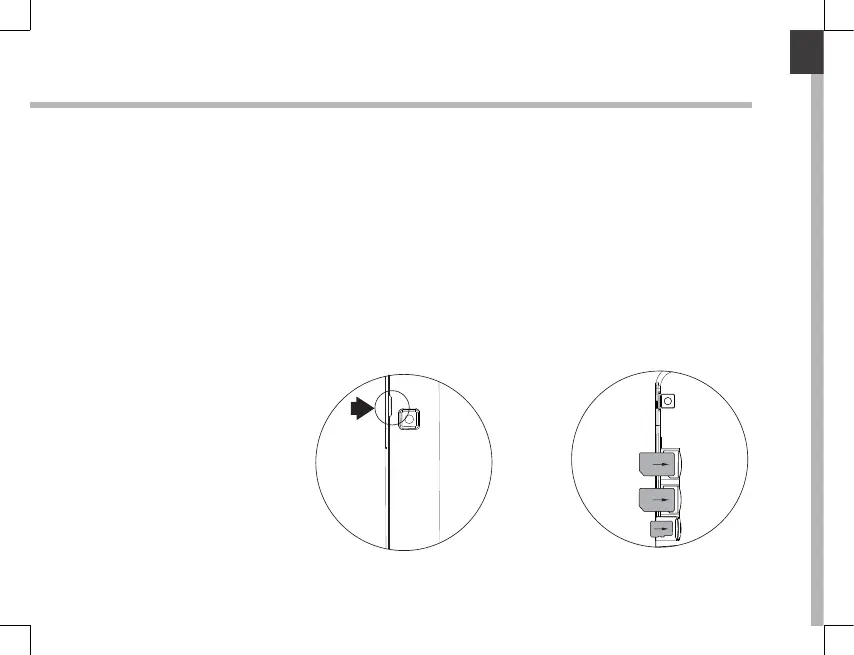
Opening
Use the notch to remove the back cover.
Do not bend or twist the back cover excessively. Doing so may damage the cover.
Inserting a SIM card
For your SIM card, slide it facing downwards in the slot.
Inserting a Memory card
Slide it facing downwards in the slot TIF
Closing
Replace the back cover clicking it back into position.













 To Next Page