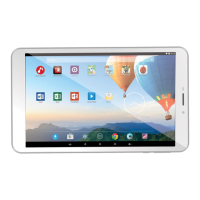
1. Plug out the power supply.
2. Press 10 seconds on the On/Off button for a hardware reset.
3. Plug in the tablet to the power supply.
After a certain period (few minutes or one hour), the charging indicator starts blinking.
1.2.2. The Startup Wizard
The first time you turn on the ARCHOS, the installation wizard will help you configure the main functions of your ARCHOS: language, country, time, etc.
1.2.3. Online Registration
Do not forget to register your device.
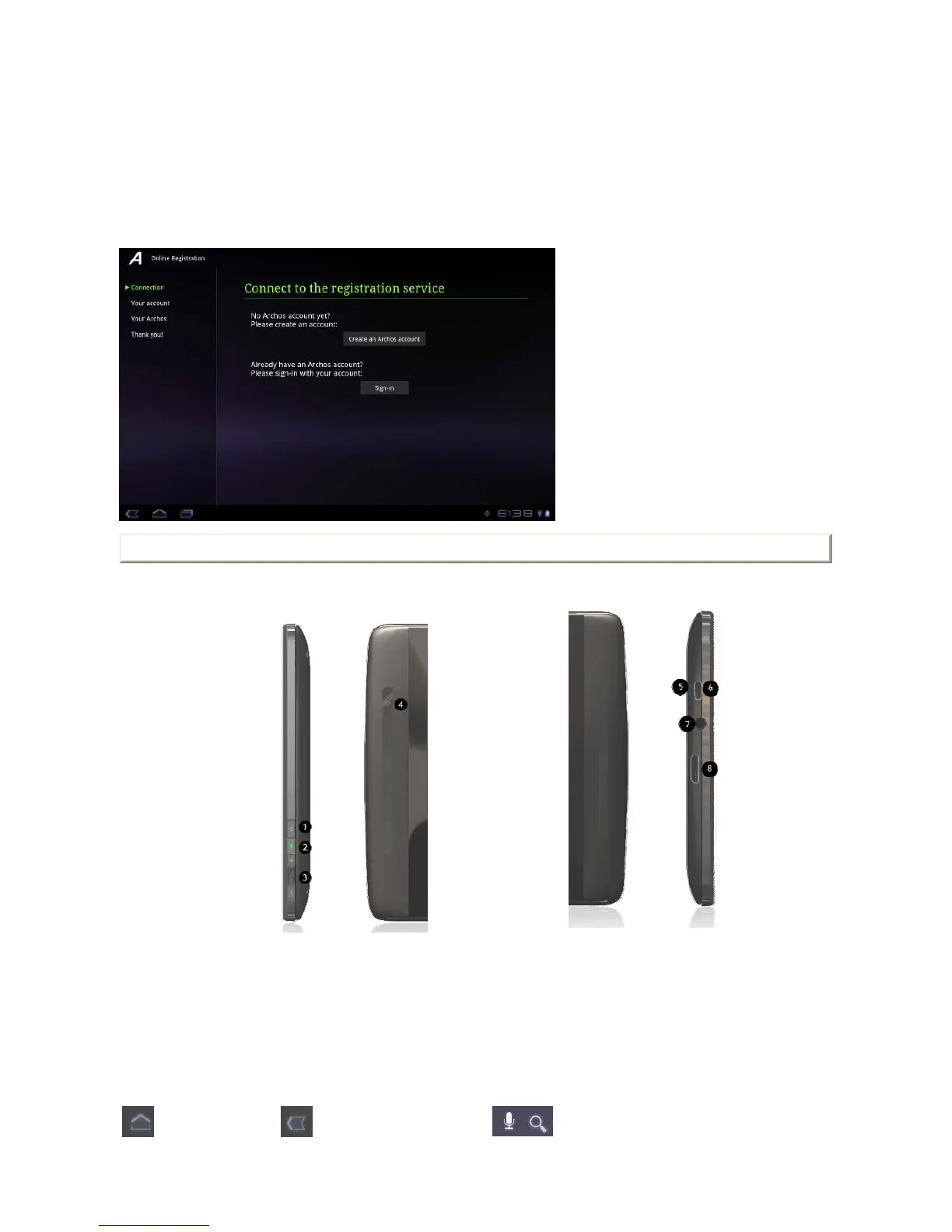
Tap the Online registration application and follow the on-screen instructions.
2. Presentation
2.1. ARCHOS Description
2.1.1. Main touchscreen buttons
1. Power button
2. Charging indicator
3. Volume buttons
4. Camera
5. Micro-sd card slot
6. Micro-USB port
7. Headphone jack
8. Mini HDMI output
The Home button - to return to
the main screen.
The Back button - to go back to your
previous screen.
The Search and Voice search buttons - to search your
tablet and the web by typing or by speaking.
Page 2 of 12ARCHOS 70b it English
2012-11-19http://www.archos.com/manuals/A70b


 To Next Page