12
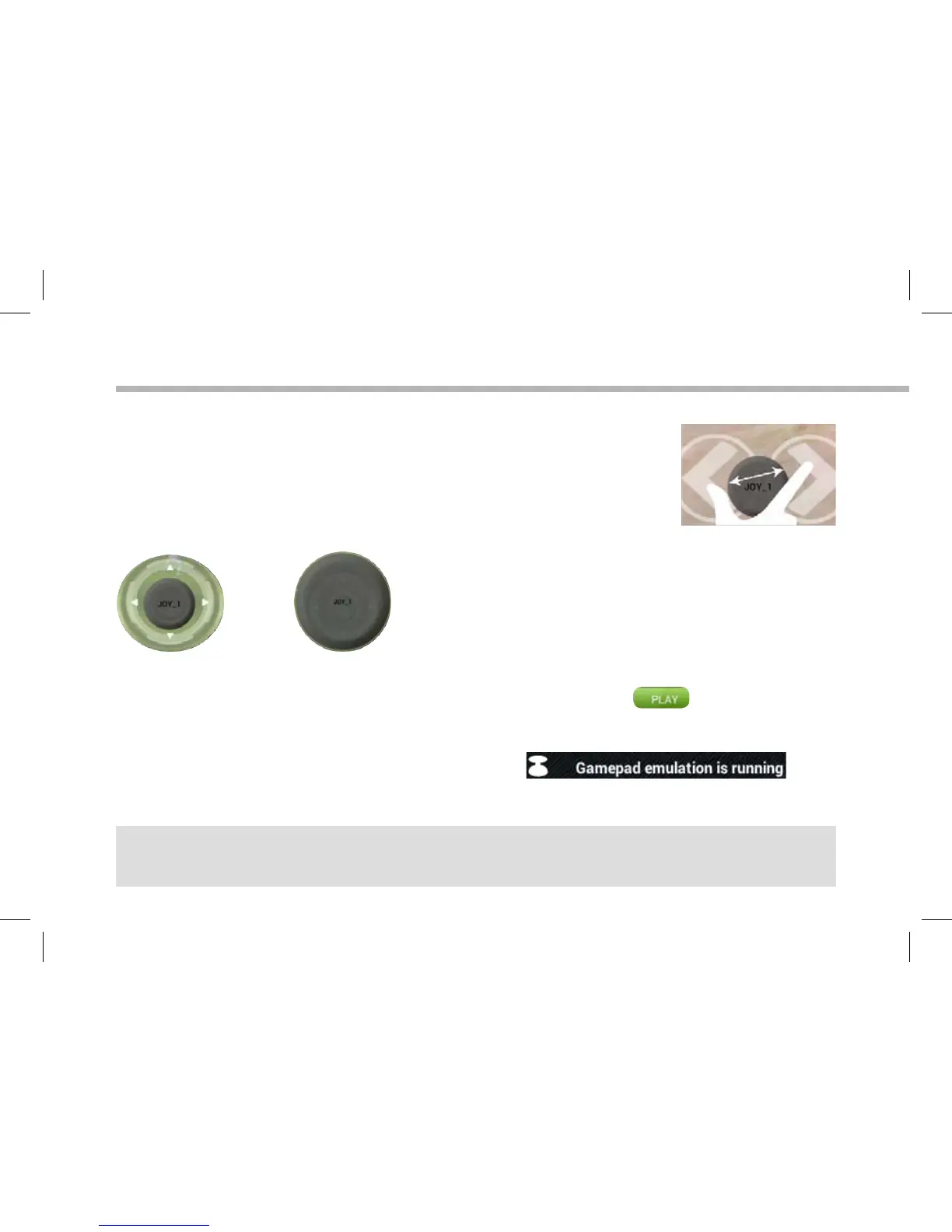
Enlarging a mapping control
Some virtual controls are larger than the mapping controls.
Pinch to enlarge the mapping control so that it is tailored to the virtual
control.
The size of the mapping control must be tailored to the virtual control.
Saving your parameters
When you have mapped the virtual controls of a game, select "Play" to validate .
The prole is saved and associated with that game.
The mapping overlay disappears and you can play.
Whenever you start the game, you are informed that:
Tips:
- You can only enlarge the mapping controls Stick and Target.
- Each mapping is specific to a game.
OK NO


 To Next Page