Q&A about the mapping
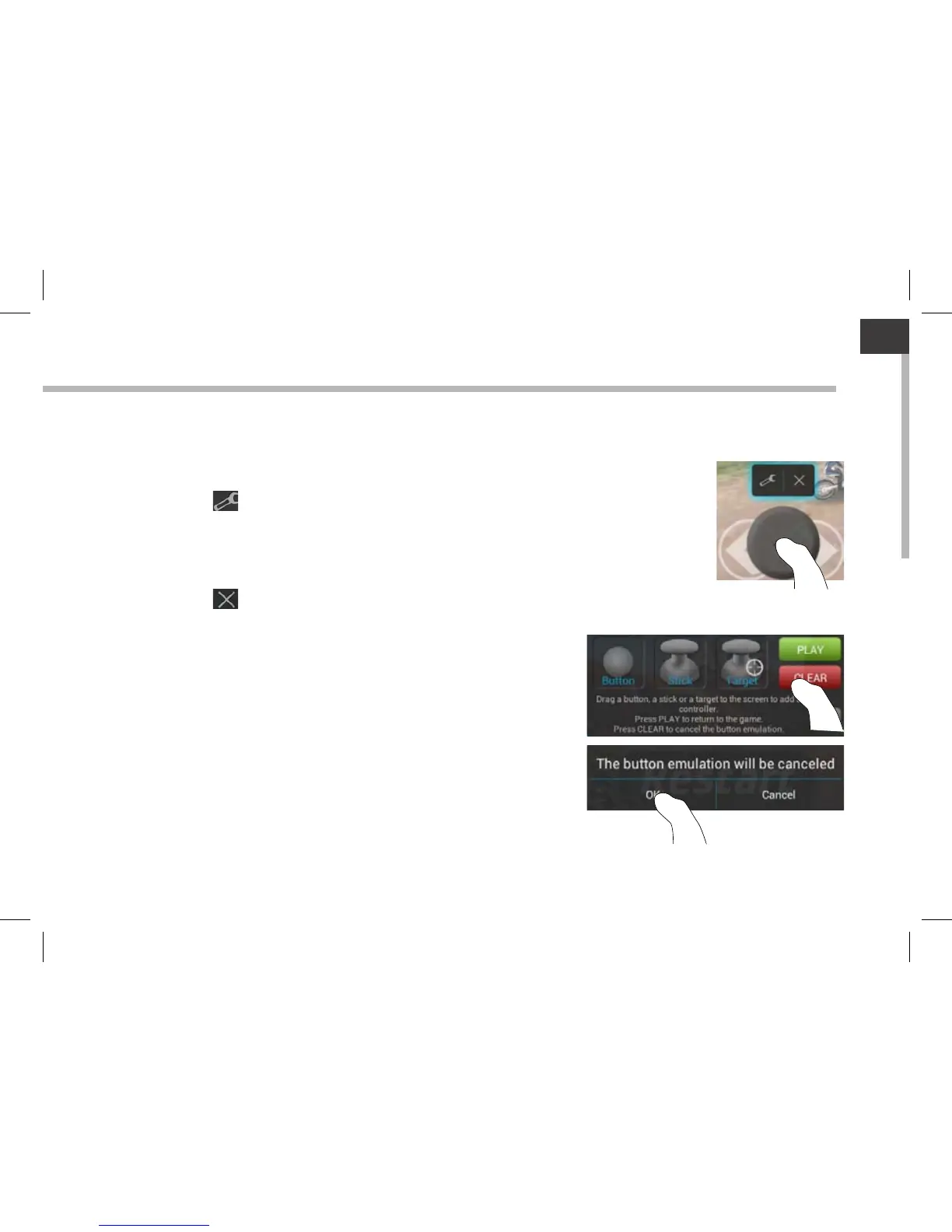
You placed a mapping control on a virtual control but no option is available?
1. Hold your nger on the mapping control.
A menu box is displayed
2. Select the icon to set up the mapping control.
You want to remove a mapping control that you set?
1. Hold your nger on the mapping control.
A menu box is displayed
2. Select the icon to remove the mapping control.
You want to remove a mapping prole set for a game?
1. From ARCHOS mapping tool, select "Clear".
2. Select "OK" to conrm.
Removing a mapping prole
Displaying options



 To Next Page