- 7 -
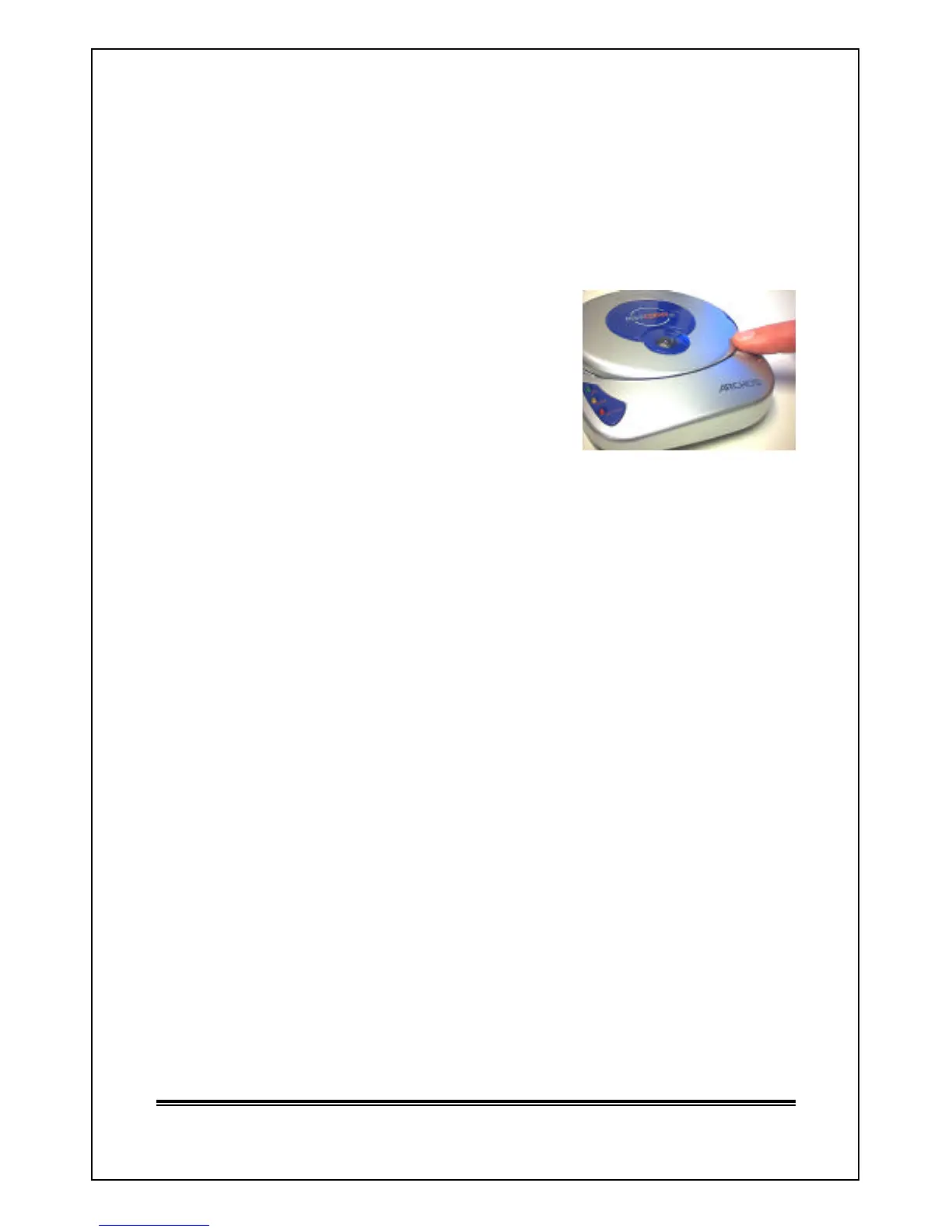
3. Opening the Lid of MiniCDRW 2 Drive
NOTE: The cover of MiniCDRW 2 drive DOES NOT eject or
open automatically like a tray CDROM .
? Press firmly on the silver
Lock/Unlock button.
? Wait until the CD disk stops
spinning.
? Cover will unlock.
? Grasp “TABS” on both sides of the
lid and gently lift up.
4. Closing the Lid of MiniCDRW 2 Drive
? With the lid open, insert the CD disk with printed label facing up.
? Push down gently on the cover. It will lock automatically.
? MiniCDRW 2 is now ready for use.
5. Installing NERO Burning ROM Software
NOTE: MiniCDRW2 drive will not operate if the cover is
NOT in the locked position after inserting a CDROM
media.
? Insert ARCHOS CDRW CD disk into the drive
? Close cover and wait for the CD disk to spin up.
? Select Install NERO V5.5 Burning ROM from main menu, and click
OK.
? Choose NERO. Installation will start automatically.
If you wish to use the CD-RW writer as a floppy drive, install InCD Packet
Writing by repeating the instructions above and choose InCD/Packet
Writing .



 To Next Page