EasyManua.ls Logo

ARCTIC WIND 2AD50A - User Manual

ARCTIC WIND 2AD50A
20 pages
Print Icon
To Next Page IconTo Next Page
Loading...
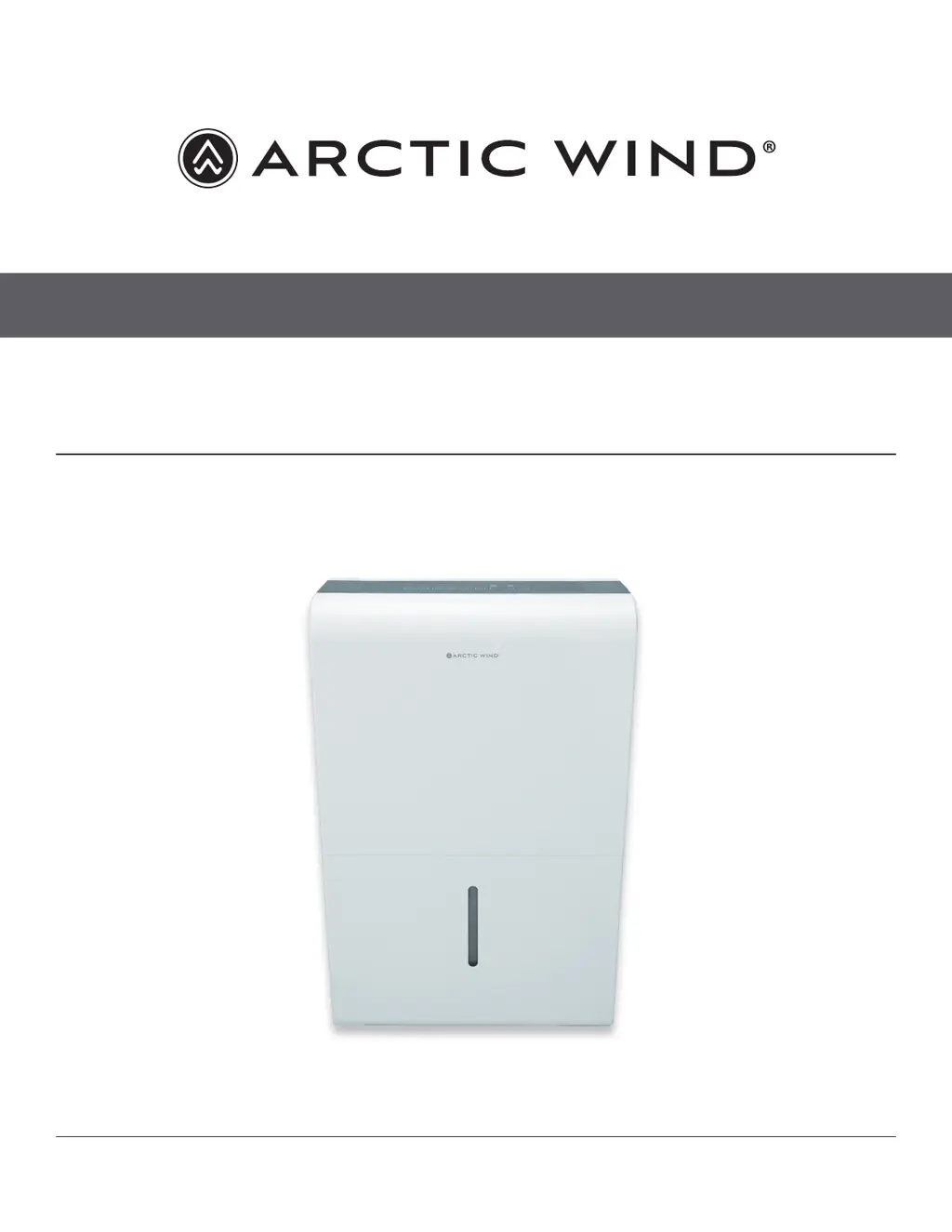
DEHUMIDIFER
MODEL 2AD22A / 2AD35A / 2AD50A / 2ADP50A
OWNER’S MANUAL

Questions and Answers

  • J
    jaylawsonAug 16, 2025
    Why ARCTIC WIND Dehumidifier does not dry the air as it should?
    • C
      Cheryl ReillyAug 16, 2025
      If your ARCTIC WIND Dehumidifier isn't drying the air sufficiently, consider these points: * Allow sufficient time for moisture removal. * Ensure curtains, blinds, or furniture aren't blocking the front or back of the unit. * Verify the humidity control is set low enough. * Confirm all doors, windows, and openings are securely closed. * Note that the room temperature should not be below 5°C (41°F). * Also, check for any sources of water vapor in the room, like a kerosene heater.
  • B
    Bryce MasonAug 18, 2025
    How to fix ARCTIC WIND Dehumidifier that does not start?
    • S
      Sarah BrownAug 19, 2025
      If your ARCTIC WIND Dehumidifier unit doesn't start, ensure the plug is fully inserted into the outlet. Also, check your house's fuse or circuit breaker box. The dehumidifier might have reached its preset level, or the bucket could be full or not correctly positioned.
  • E
    Erin TurnerAug 22, 2025
    What to do if ARCTIC WIND Dehumidifier shows P2 error?
    • Z
      zmooreAug 22, 2025
      If your ARCTIC WIND Dehumidifier displays 'P2', it means the bucket is either full or not in the correct position. To resolve this, empty the bucket and ensure it is properly placed.
  • B
    Brenda SmithAug 25, 2025
    Why is my ARCTIC WIND Dehumidifier making a loud noise?
    • E
      Edward HarrisonAug 25, 2025
      If your ARCTIC WIND Dehumidifier is making a loud noise during operation, check if the air filter is clogged. Also, ensure the unit is upright and not tilted, and verify that the floor surface is level.
  • D
    Dylan RobinsonAug 28, 2025
    What to do if pump operation light blinks at 1Hz on ARCTIC WIND Dehumidifier?
    • L
      Lisa WestAug 28, 2025
      If the 'pump operation on' light is blinking at 1Hz on your ARCTIC WIND Dehumidifier, try cleaning the pump's filter, checking the pump hose for kinks or blockages and emptying the water bucket.
  • A
    anthonyhigginsAug 30, 2025
    Why is there water on floor near ARCTIC WIND Dehumidifier?
    • M
      Melissa LopezAug 31, 2025
      If you see water on the floor near your ARCTIC WIND Dehumidifier, check if the hose connection is loose or if the back drain plug is removed when you intend to use the bucket to collect water.
  • R
    rebecca74Sep 3, 2025
    What to do if ARCTIC WIND Dehumidifier shows Eb error?
    • M
      Marc HolmesSep 3, 2025
      If your ARCTIC WIND Dehumidifier displays 'Eb', it indicates that the bucket is removed or not in the right position. Ensure you replace the bucket in the correct position.
  • D
    Donna HarrisSep 6, 2025
    Why does frost appear on the coils of my ARCTIC WIND Dehumidifier?
    • K
      Kenneth NorrisSep 6, 2025
      If frost appears on the coils of your ARCTIC WIND Dehumidifier, don't worry. This is normal, as the unit has an auto-defrost feature.
  • K
    Kathryn RobertsSep 9, 2025
    What to do if ARCTIC WIND Dehumidifier displays ES error?
    • B
      Betty YoungSep 9, 2025
      If your ARCTIC WIND Dehumidifier shows the error 'ES - Tube Temperature sensor of the evaporator error', unplug the unit, plug it back in. If the error repeats, call for service.
  • G
    Gregory StephensSep 12, 2025
    What to do if ARCTIC WIND Dehumidifier displays AS error?
    • A
      Amy JohnsonSep 12, 2025
      If your ARCTIC WIND Dehumidifier displays 'AS - Humidity sensor error', unplug the unit and plug it back in. If the error repeats, call for service.

Summary

SAFETY INFORMATION

OPERATING INSTRUCTIONS

TIMER button

Initiates auto start and auto stop features for the dehumidifier.

Humidity Set Control Buttons

Adjusts desired humidity level between 35%-85% in 5% increments.

OTHER FEATURES

REMOVING THE COLLECTED WATER

Using the bucket

Steps for removing, emptying, and replacing the water bucket.

Continuous draining

Instructions for setting up continuous water drainage using a hose.

Pump draining (on some models)

Guide to using the pump feature for automatic water drainage.

CARE AND MAINTENANCE

TROUBLESHOOTING TIPS

ARCTIC WIND 2AD50A Specifications

General IconGeneral
ModelARCTIC WIND 2AD50A
CategoryDehumidifier
Tank Capacity1.6 Gallons
Voltage115V
Frequency60Hz
Moisture Removal Capacity50 pints per day
Dehumidification Capacity50 pints per day
Noise Level52 dB

Related product manuals