(img 3.4s)
(img 3.1s) (img 3.2s) (img 3.3s)
Step 3: Installing the filters - Silver Sentinel Filters
** upgraded Classic Series
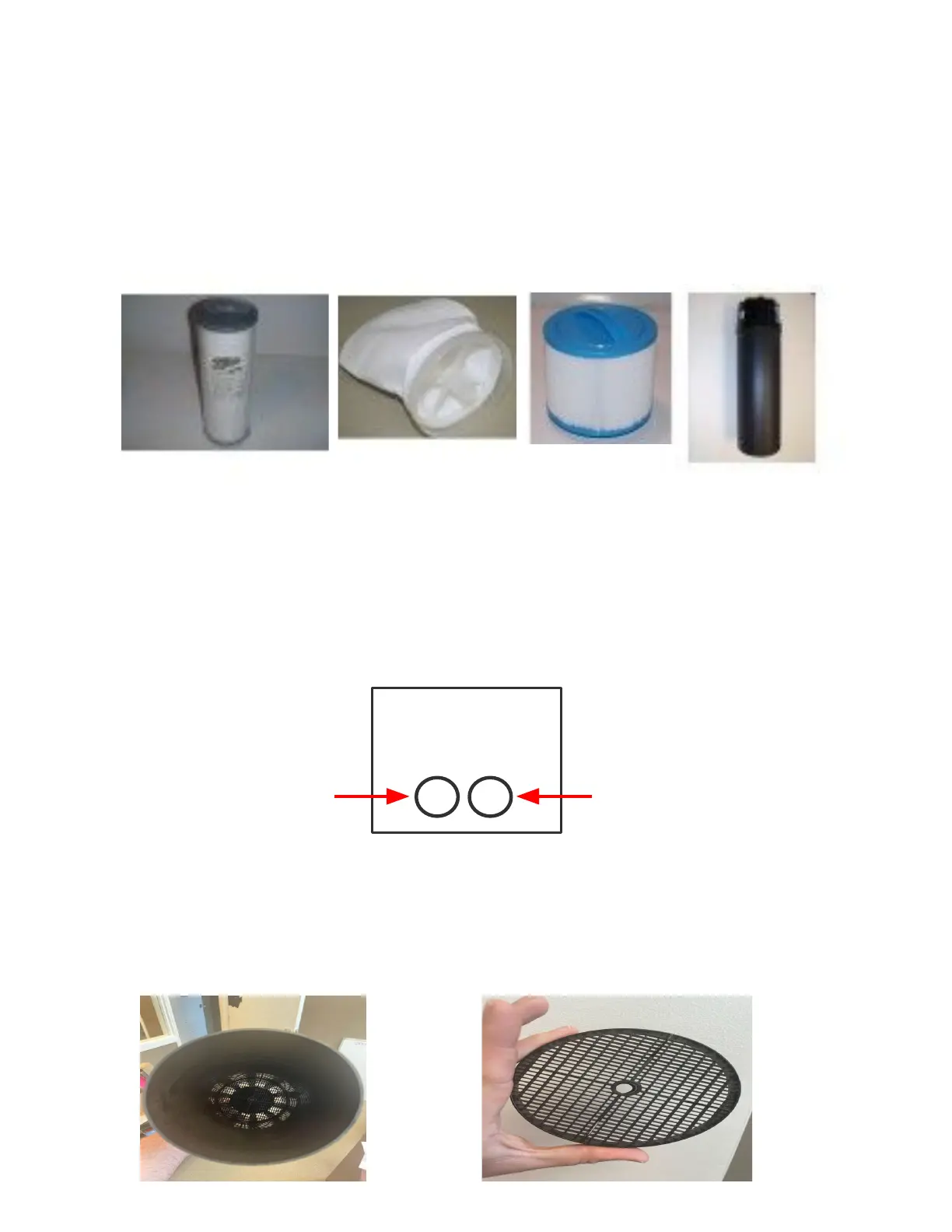
1. Your new Arctic Spa comes equipped with 3 different types of filter media. A Silver
Sentinel thread in filter (img 3.1s), a rescue bag (img 3.2s) and a short pleated
thread in filter (img 3.3s) ** NOTE - Timberwolf will only come with Silver Sentinel
thread in filter (img 3.1s)
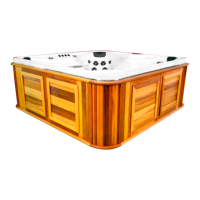
2. To install the filters, locate the filter weirs (img 3.4s) in your spa. Standing outside of
the spa with the weir(s) directly in front of your, remove the weir by simply lifting out of
the spa. On the left side insert the Silver Sentinel thread in filter by pushing down and
turning until filter does not float. Once in place return the filter weir back into the
canister. Repeat this process on the right side using the short pleated thread in filter
keeping the weir out to install the rescue bag.
Silver Sentinel
thread in filter
Short pleated
thread in filter
3. With the filter weir still not in place, invert to expose the open end (img 3.5). Looking
inside the weir you will notice a grate. Remove the grate (img 3.6) by turning counter
clockwise. In place of the grate, thread in the rescue bag. Return the weir into the spa
overtop of the short pleated thread in filter.
(img 3.5) (Img 3.6)
6


 To Next Page
 Loading...