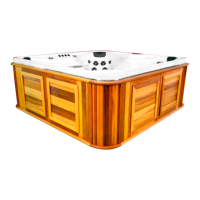
(img 4.1)
Step 4: Power ON
Now that your spa is full, filters are in place, ORP probe is uncovered and the
protective grate is installed (SpaBoy® option only), you are ready to turn the power
on to your spa.
1. Ensure your breaker inside your main panel is turned on.
2. Locate your outside breaker box (img 4.1) and flip to the on position.
3. The topside display will light up, start loading the software and start heating.
Depending on the temperature of the water going into the spa it may enter
freeze protect mode. Pumps will cycle on and off periodically.
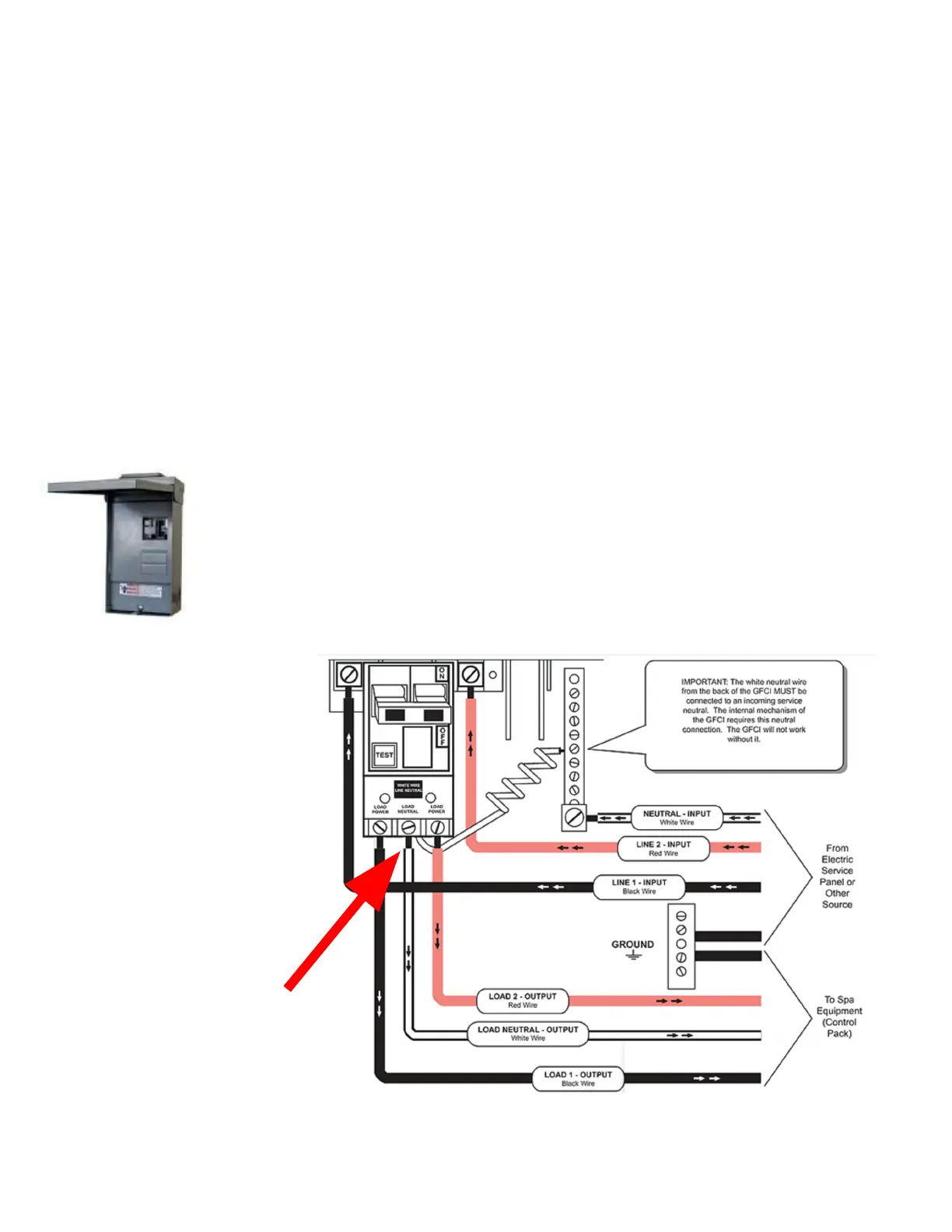
NOTE: If your breaker trips on the initial start up, verify that
the spa is wired correctly. The most common mistake made is
putting the output neutral wire in the wrong place. From the
diagram below (img 4.2) you can see the output neutral must
be connected directly to the GFCI and not the neutral bar.
(img 4.2)
Neutral wire going to spa
must be attached to the
GFCI
7


 To Next Page
 Loading...