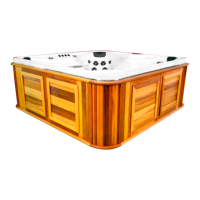
Now that your electrical is verified and your spa is on you can go to your display and set
your desired temperature all other settings will be factory set.
Step 5: Completing Start-up
Based on the series of
spa you have some
buttons may not have
any function
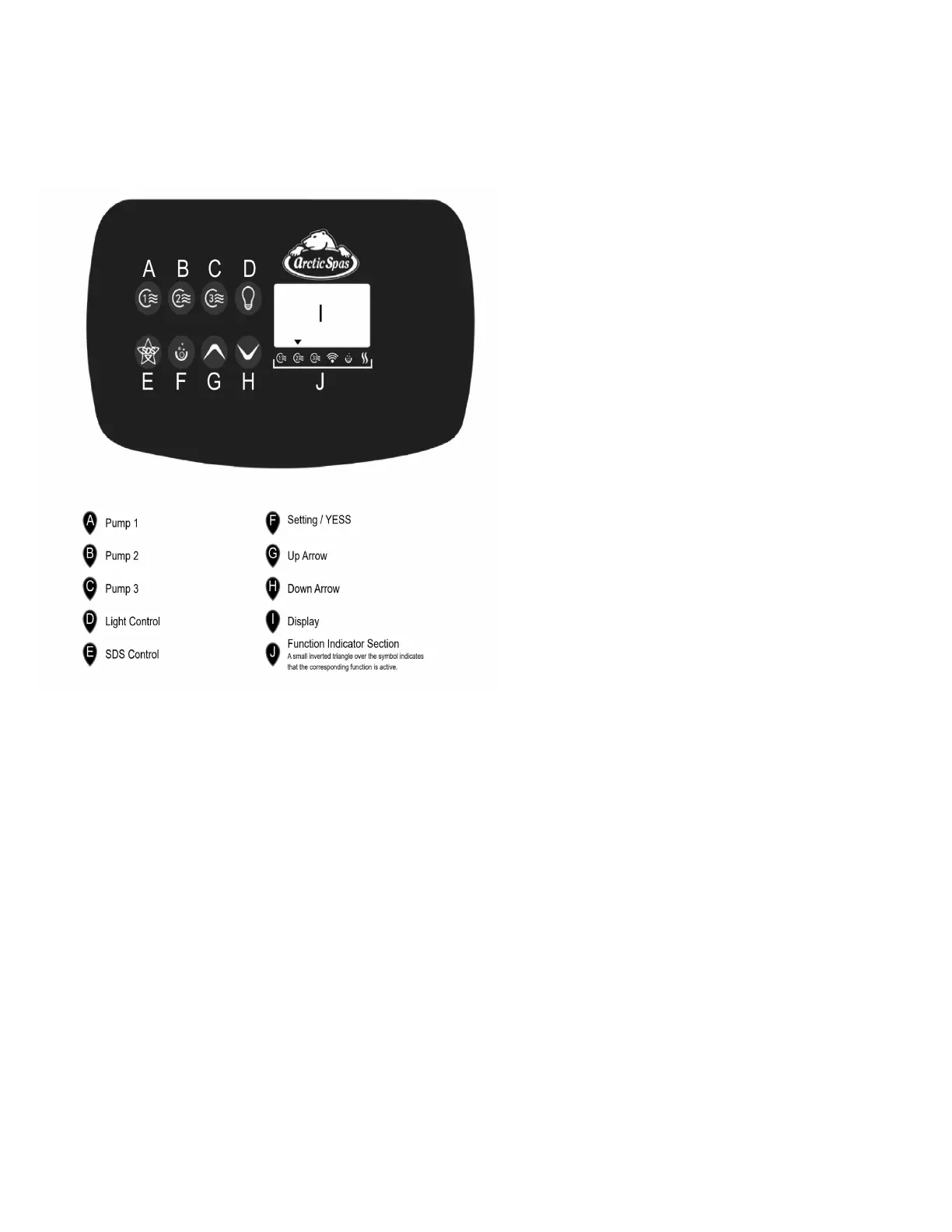
1. Step the desired temperature by
pressing the up and down buttons
(G &H)
2. Once your temperature is set close
the lid and allow the spa to heat up
to desired temperature.
3. Additional control information can
be found on pages 32 to 34 of your
owner’s manual
Step 6: Home Connect
Each custom series spa is accessible via a website www.myarcticspa.com or through
the Arctic Spas app. In order to access your spas functions via your device, the spa
must first be connected to your home network. Your new spa does come equipped with
WIFI but as previously indicated in your signed appendix, WIFI may not work in your
area or specific installation. A connection point via other methods may be necessary.
Please contact your sales representative for more information.
8


 To Next Page
 Loading...