Getting Connected
The P604 Wireless allows you to pair with your mobile
device in 2 different ways:
1. Switch on the P604 Wireless by Press the Multifunction
Button for 3 seconds.
2. The P604 Wireless automatically enters pairing mode
shown by the red and blue LED flash alternately.
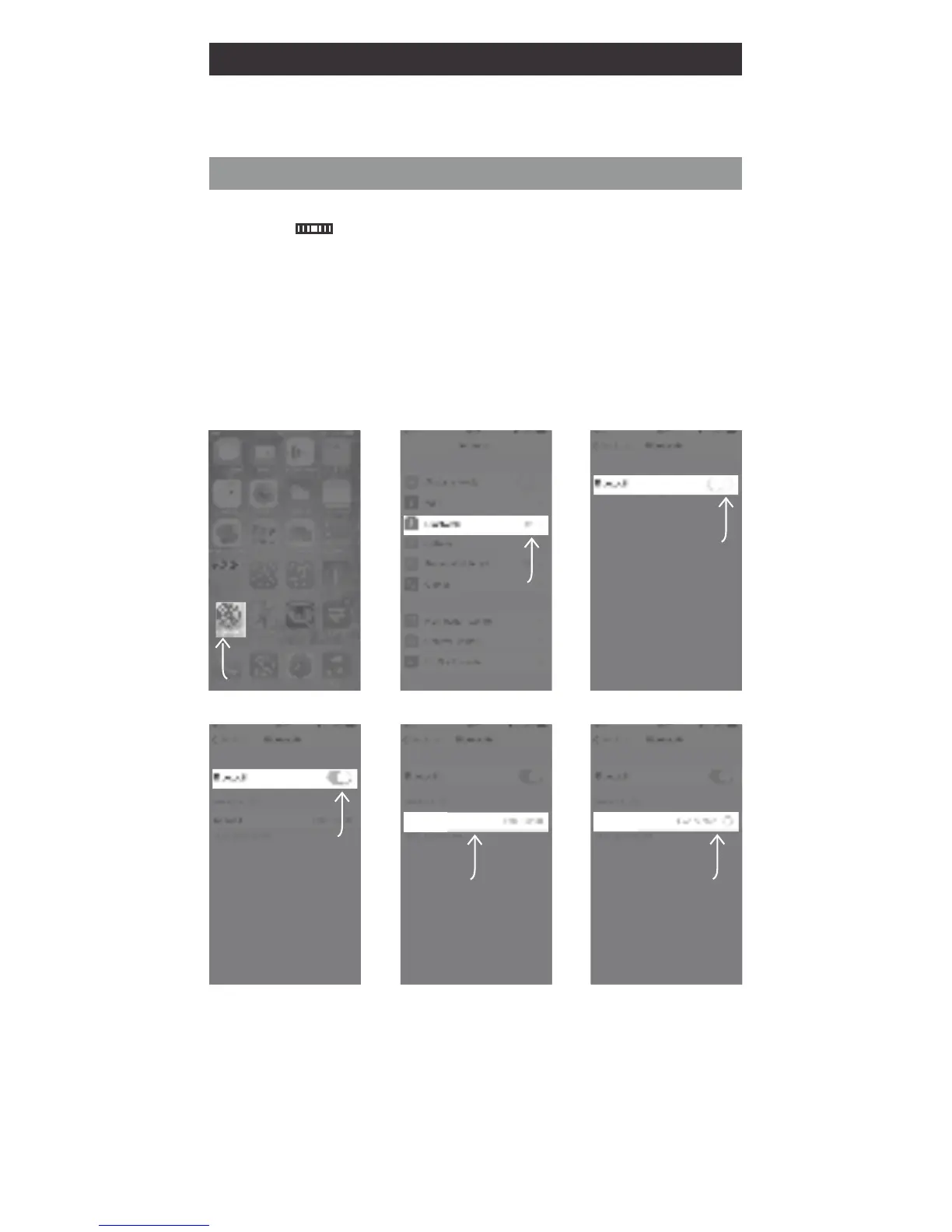
3. Turn on Bluetooth on your phone and pair it with the
headphone.
A. Bluetooth Pairing
Select
Bluetooth
Click Settings
Switch On
Bluetooth
Bluetooth
is On
Select
P604 Wireless
P604 Wireless
Now
Connected
P604 Wireless
Example: iOS
Press Settings > Bluetooth and switch Bluetooth on
> P604 Wireless > Pair



 To Next Page