ON
Select
P604 Wireless
P604 Wireless
ON
Click Search
for Devices
ON
Now
Connected
P604 Wireless
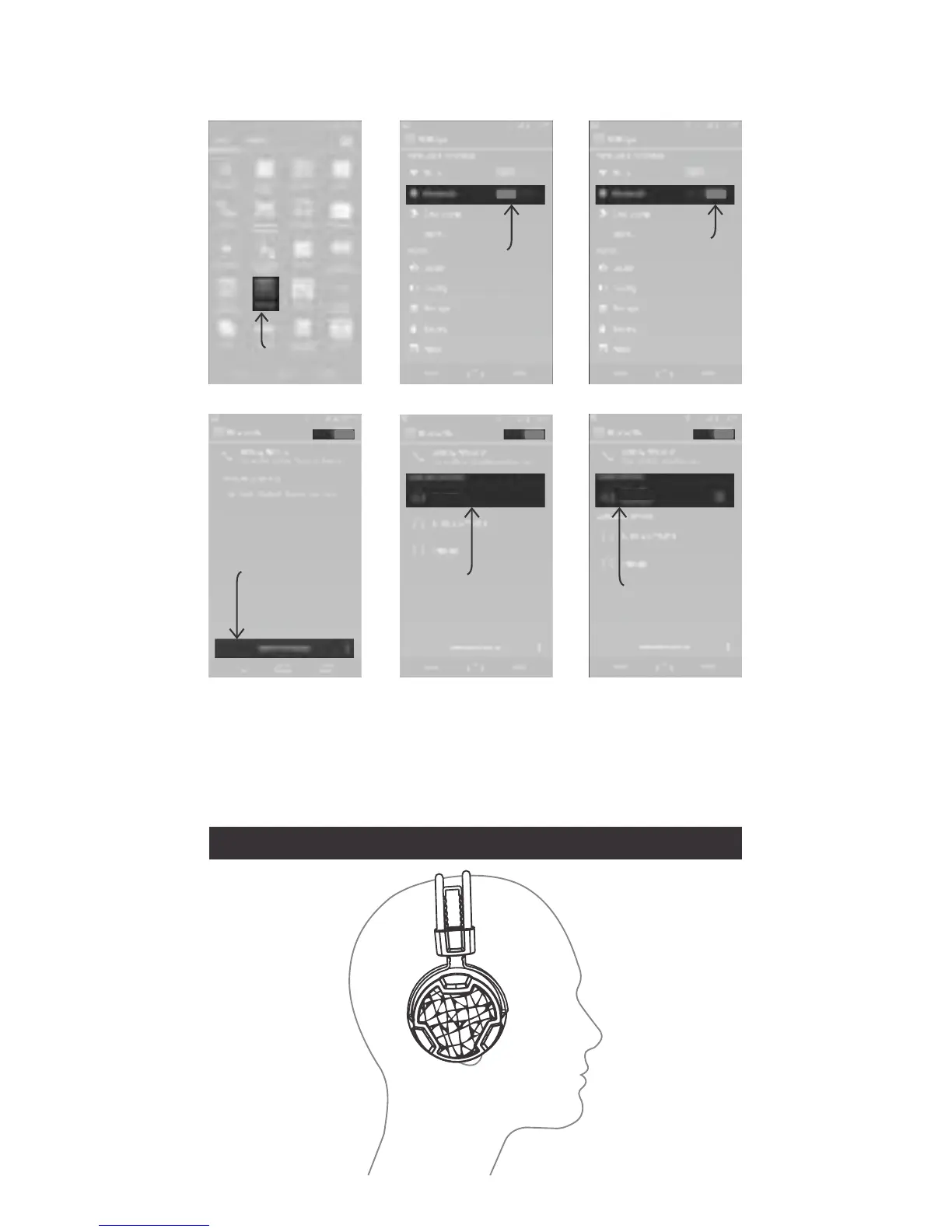
Example: Android 4.0
Press Menu > Settings > Switch on Bluetooth >
Bluetooth > Search for devices > P604 Wireless > Pair
OFF
Switch On
Bluetooth
Click
Settings
ON
Bluetooth
is On
Notes:
- Pairing mode will last up to ten minutes or until a device is found,
two tones will sound to let you know when pairing has stopped.
- If you exceed the effective range of approx. 10M (33ft) the
headphone will disconnect and will automatically reconnect if the
speaker re-enters the effective range within ten minutes.
How to wear the headset



 To Next Page