LED Indicators
Status
Charging
Battery Full
On and Paired
Paring Mode
Low Battery
Indication
Red LED on
Blue LED on
Blue LED flashes
Red and Blue LED will flash alternately
Red LED flashes
Phone Operations
If the mobile device that is paired (via Bluetooth) with the
P604 Wireless headphone is a cellular phone you can:
Answer Call
End Call
Refuse Call
Switch Call
Press the once.
Press the once.
Press and holdfor 2 seconds.
Press and holdfor 2 seconds
while in a call.
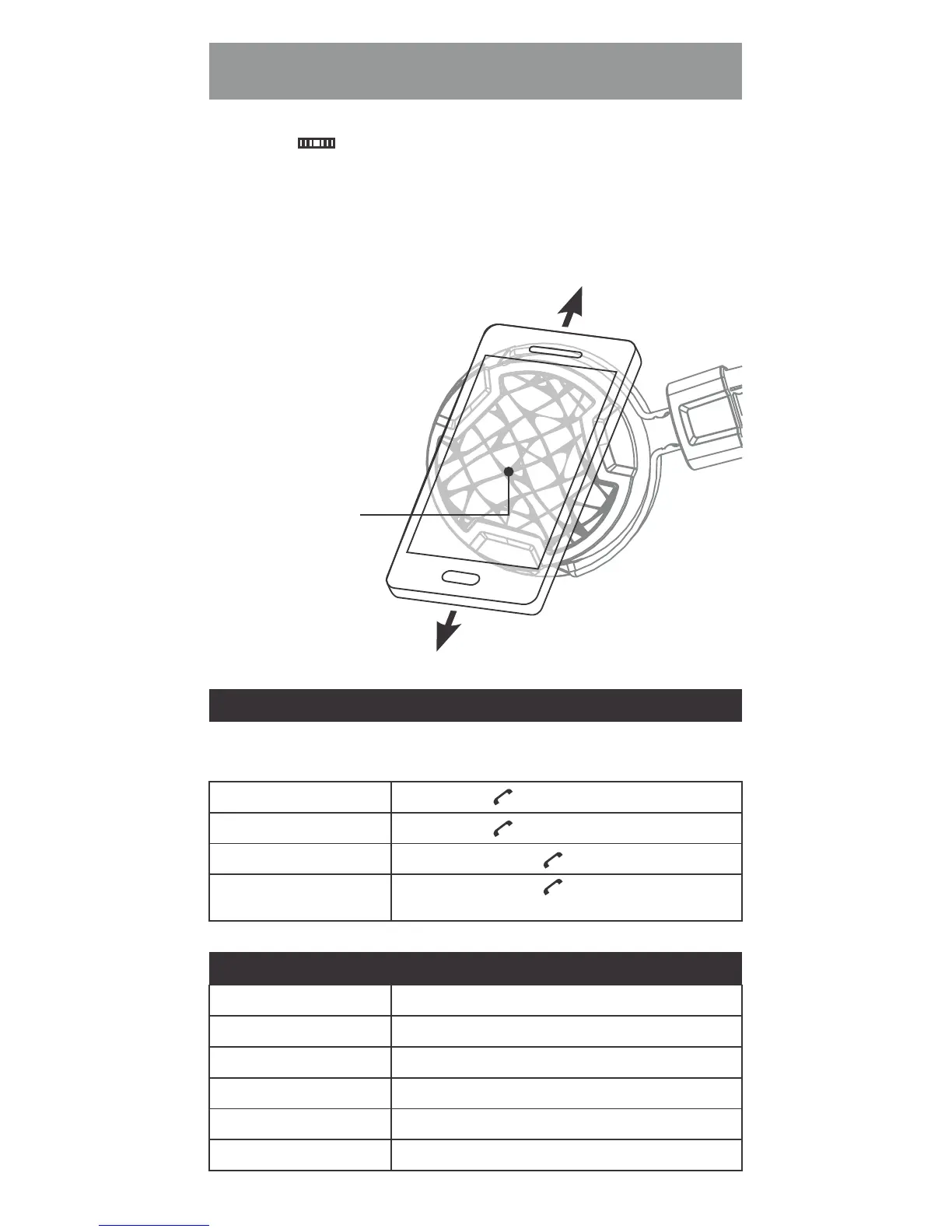
1. Switch on the P604 Wireless by Press the Multifunction
Button for 3 seconds.
2. Enable NFC on your mobile device.
3. Slide your phone very slowly from top to bottom across
the shown area of the right side of the headphone until
you hear a beep and a confirmation message comes up
on your mobile device.
4. Play music!
B. NFC One Touch Pairing
(only for NFC enabled phones)
NFC antenna



 To Next Page