FX DETAILED MANUAL
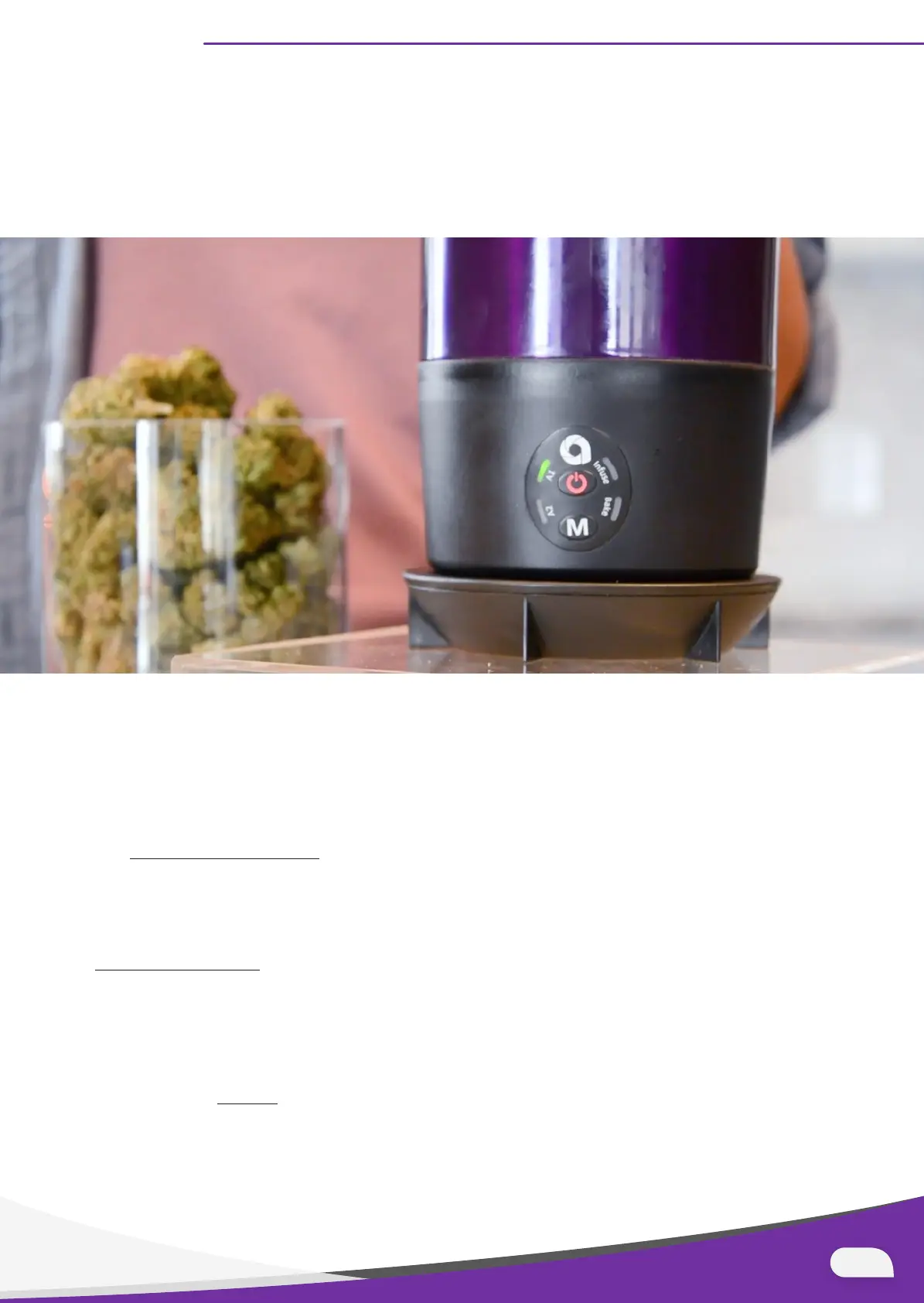
5. Click the Power button to start the cycle. The button color should change from green
to red indicating that the cycle is in progress.
Note: at the end of the A1 and A2 cycles, the Power button will flash red, indicating the
cool-down has started. Please wait until the cool-down stops completely to open the
FX.
6. After A1 or A2 activation cycles, choose your oil or butter preference and add it to
your activated material inside your FX (only up to the Max Fill symbol). Use the M
button to toggle to Infuse mode and click the Power button to start the low-temp
infusion.
See the
Infusion Cycle section for more details including higher temperature infusions.
(Picture of Fill Line)
7. After the infusion cycle, store your infused oil or add it to your favorite baking
recipe and bake in your FX. Repeat steps 3 & 4 to run the Bake cycle. Please see the
Bake Cycle section for more details.
8. Once finished with use, hand wash the FX unit or place it in the dishwasher, making
sure the detachable power base does not get wet. Let the device dry completely
before placing on base to use.
Learn more about
Dosing to learn how to achieve just the right dose for you or anyone
else you make products for.
05


 To Next Page