1/2Hrs. 1Hrs.2Hrs. 4Hrs.
SwingLow Middle High
Mist
Nature
Normal
Sleep
POWER
SWING MIST
ON
TIMER
SPEED
/
OFF
16
Instructions for use
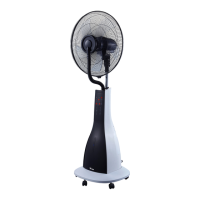
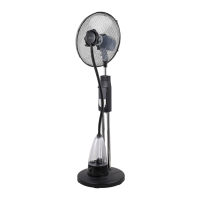
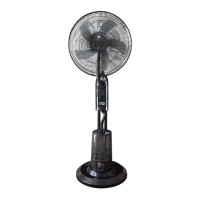
Place the fan on a at, dry and stable surface and plug it to a proper
socket. The POWER light indicator is on. The misting fan can be
controlled both from the control panel (12) and remote control. To use the
remote control, insert 2 batteries AAA (not supplied) in the appropriate
battery compartment on the back of the remote control.
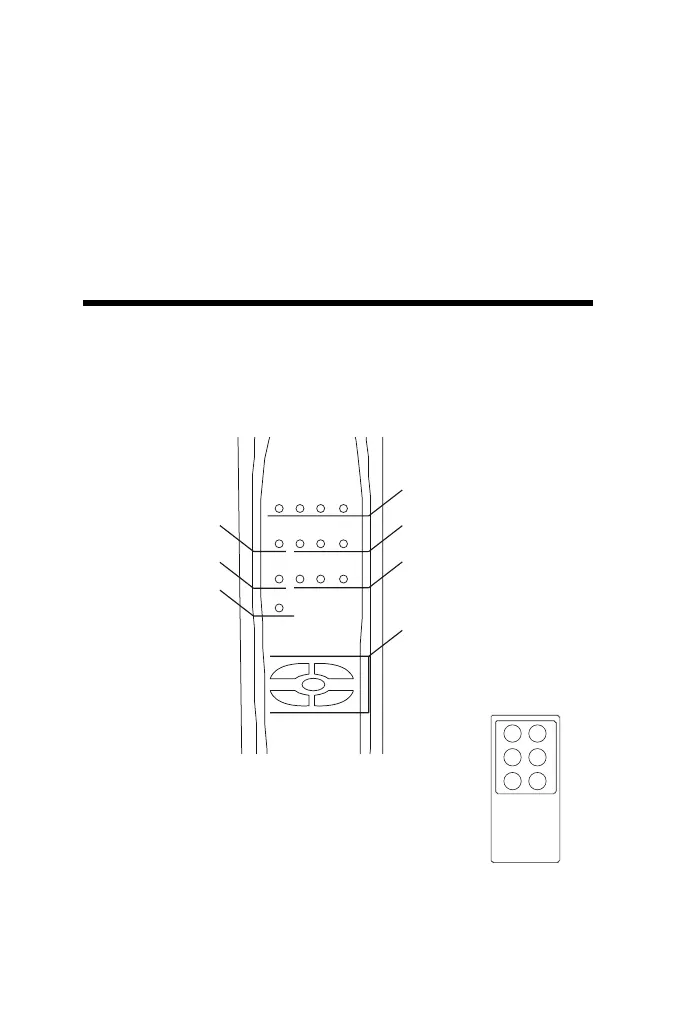
CONTROL PANEL AND DISPLAY LIGHTS
Turn off the humidier and set the switch placed on the side of the
humidier’s main body in position “O” and disconnect the power cable
from the socket.
Lift the tank of the humidier and turn it upside down.
Unscrew the cap of the tank by rotating it counterclockwise.
Fill the tank with cold and clean water (previously boiled).
Close the tank with the cap by rotating it clockwise.
Turn over the tank and place it on the main body of the humidier.
Oscillation light
indicator: Swing
Misting light
indicator: Mist
Power light
indicator: Power
TIMER light indicators:
1/2Hrs. - 1Hrs. - 2Hrs. - 4Hrs.
SPEED light indicators:
Low - Middle – High
OPERATING MODE light
indicators:
Natural - Normal – Sleep
Control panel
MIST MODE
TIMER OFF
SPEED
/ON
SWING
Remote Control


 To Next Page