35 / 44
- The fan will stay on for about 3 minutes.
Note: If there is no operation within five minutes, the system will automatically
return to the standby interface
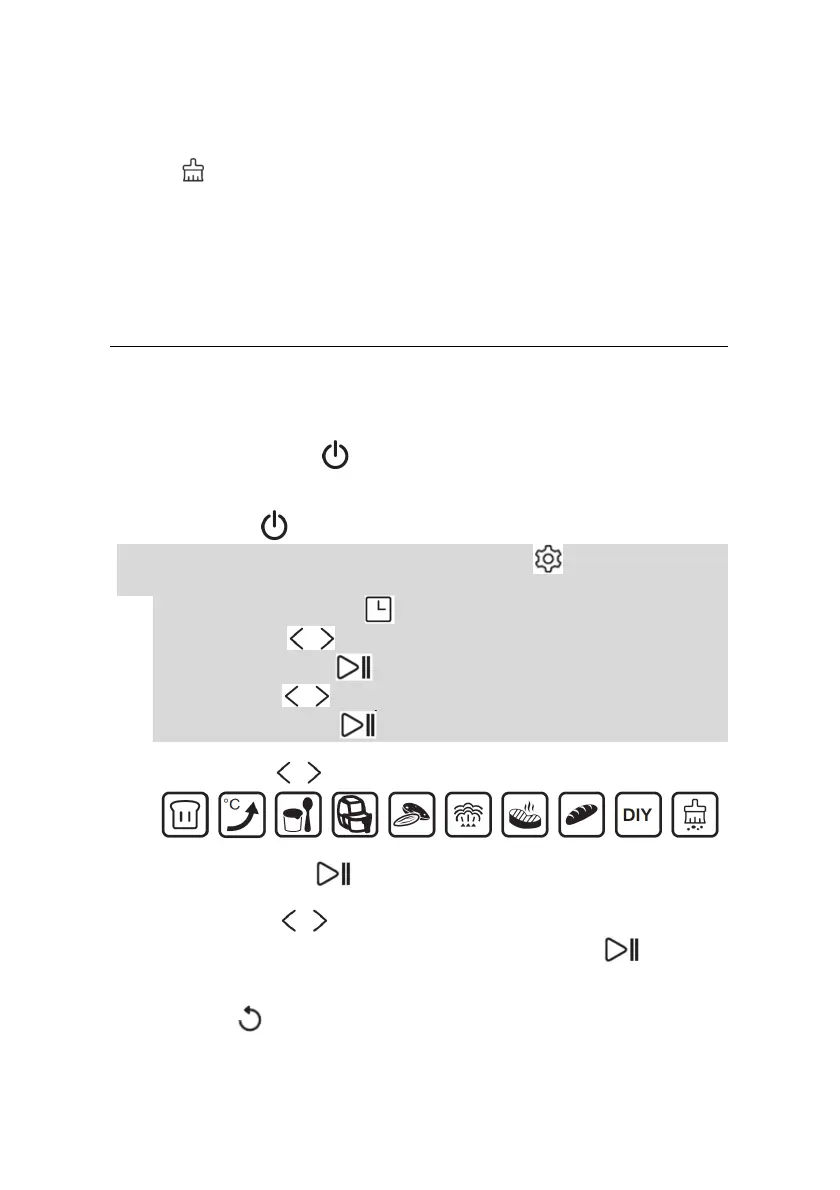
The icon will blink to remind the user to:
o Remove the tank (6) and empy it;
o Wait few second to allow the oven to drain the residual water from
the evaporator;
o Dry the compartment (after it has cooled down).
o Empty the water tray (9).
OPERATING INSTRUCTIONS
Note: before using the oven for the first time, follow the operations decribed in the
“FIRST USE” section.
1. Plug the oven into a standard 220-240V grounded outlet;
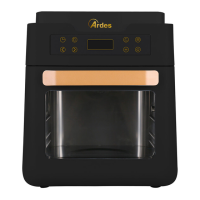
2. Press the ON/OFF key , the display will lights on;
Note:
during the setting process, if there is no operation for continuous in three
minutes all current settings will be cancelled and the machine will return to the
standby mode ;
3. If you want to set a DELAYED START, press this key , otherwise got to point
4.
This DELAYED START icon will lights on..
Use these keys to adjust the hours of delayed start and confirm by
pressing the ENTER key .
Use these keys to adjust the minutes of delayed start and confirm by
pressing the ENTER key .
4. Use these keys to set the operation mode:
5. Press the ENTER key to confirm;
6. Use these keys to adjust the parameters (the parameter to be set will
blink) and confirm each parameter by pressing the ENTER key
- Note: depending on the selected mode, only some parameters could be set
- Note: if you need to change a previously set parameter, press the BACK
key



 To Next Page