4
Device Overview
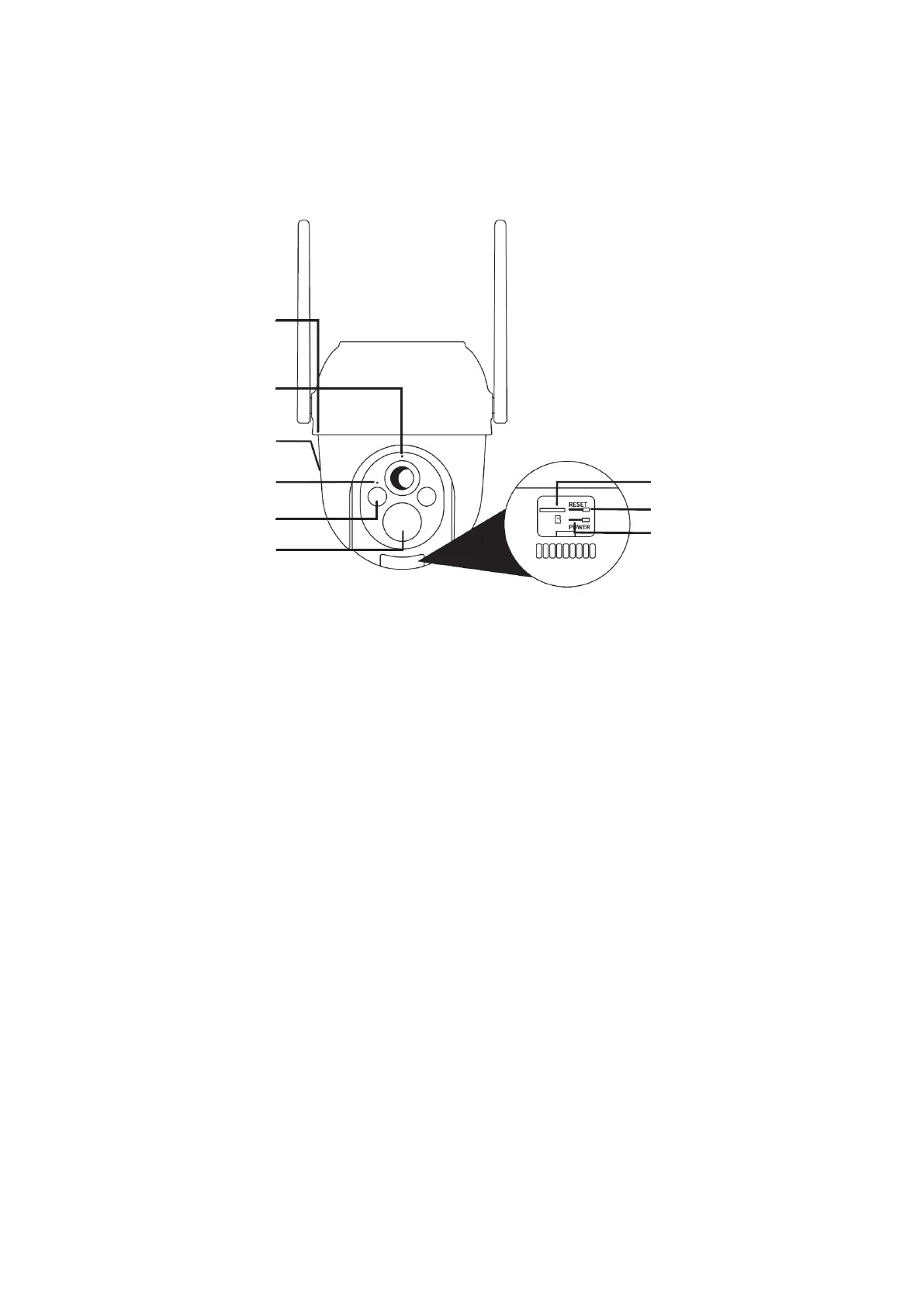
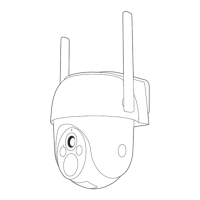
Wi-Fi Outdoor P/T Battery Wireless Camera
Packing List: Camera, Bracket, Power Adaptor, Screw Package, Power Cable and Quick
Guide.
Note: To reset the device, press and hold the reset button for 5 seconds. The camera
will emit a beep sound when the operation is completed.
Status Light of the Camera:
• Flashing red light (slow): Indicates the camera is waiting for network
configuration.
• Flashing red light (fast): Indicates the camera is connecting to the network.
• Fixed red light: Indicates the camera is malfunctioning.
• Fixed blue light: Indicates the camera is working correctly.


 To Next Page