5
Installation Instructions
Wall Mounting
• Thread the camera power cable through the bracket.
• Install expansion screws and mounting screws.
• Secure the bracket to the wall.
• Insert the camera into the bracket, aligning the black arrow on the camera with
the "Unlock" logo on the bracket.
• Rotate the camera until it locks into place, with the black arrow pointing at the
"Lock" logo on the bracket.
Ceiling Mounting
• Pass the camera power cable through the bracket.
• Install expansion screws and mounting screws.
• Secure the bracket to the ceiling.
• Insert the camera into the bracket, aligning the black arrow on the camera with
the "Unlock" logo on the bracket.
• Rotate the camera until it locks into place, with the black arrow pointing at the
"Lock" logo on the bracket.
Product Configuration
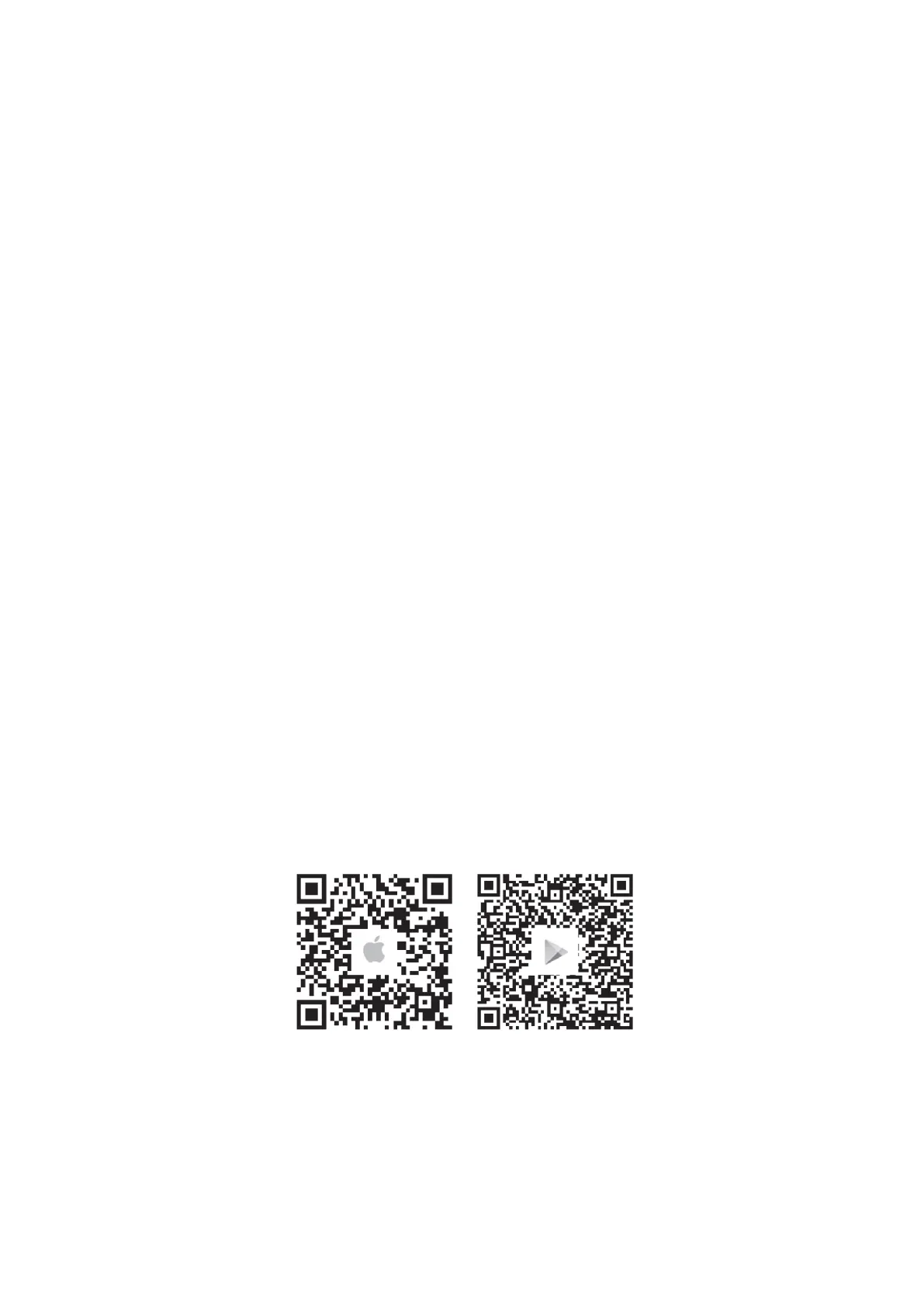
Download and Install the Arenti App: Scan the QR code provided to download and install
the Arenti App. Alternatively, you can search for "Arenti" on the App Store (iOS) or
Google Play (Android) and install it from there.


 To Next Page