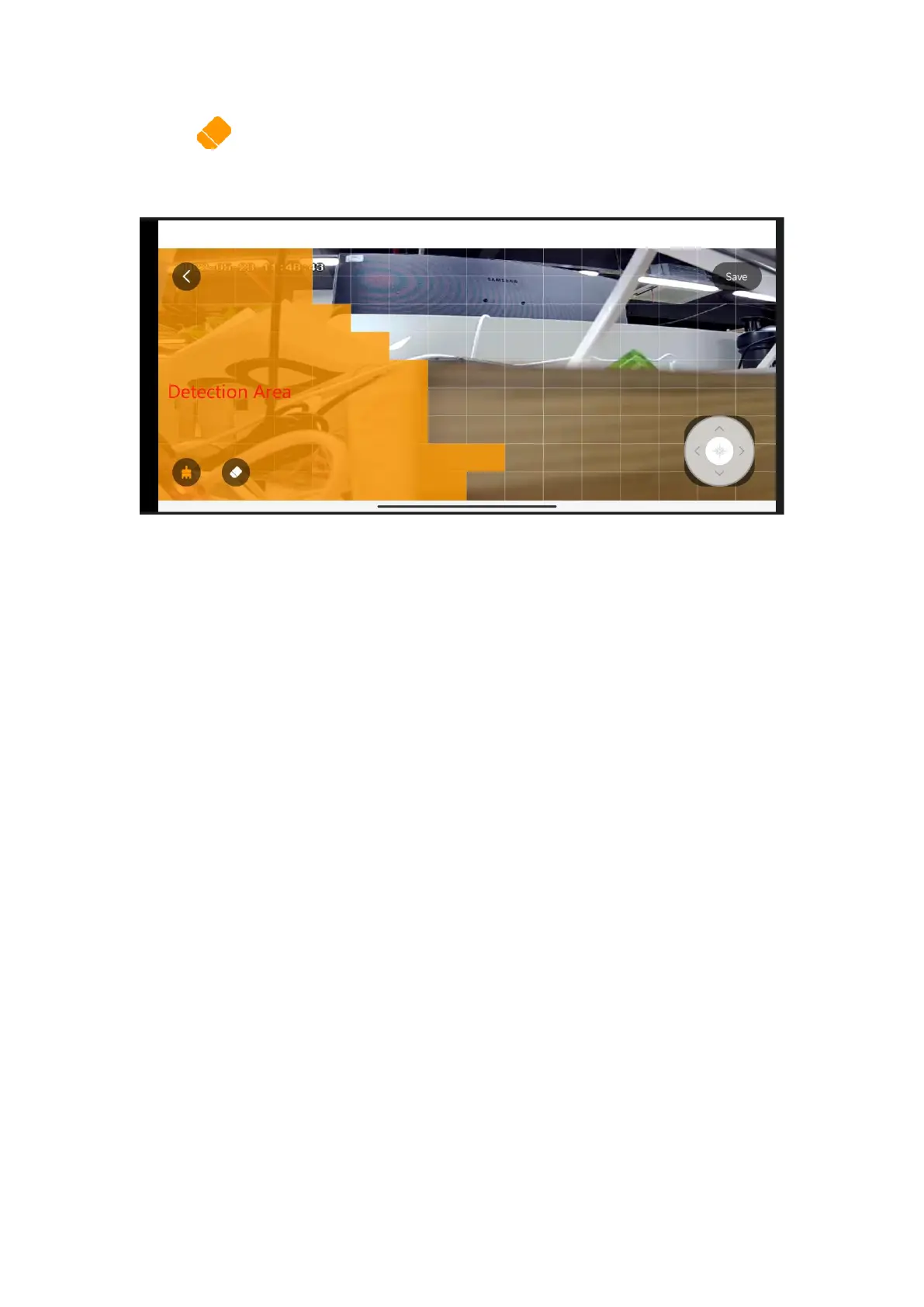
Tap the icon to erase to yellow area that you don’t want to detect.
Tap ‘Save’ to save the Detection area settings.
Note: Camera will only detect the motion in yellow area.
Set up Noise Detection and Sensitivity
Go to camera live video page- Settings-Alert Settings-Noise detection-On
And you can choose and set the noise detection sensitivity.
Note: High-The most sensitive Level.



 To Next Page