4.7 Viewing your radios software version
In FM and DAB mode ,press and hold the Display button for 3 seconds until the text “Manual Tune” appears
in the Display.
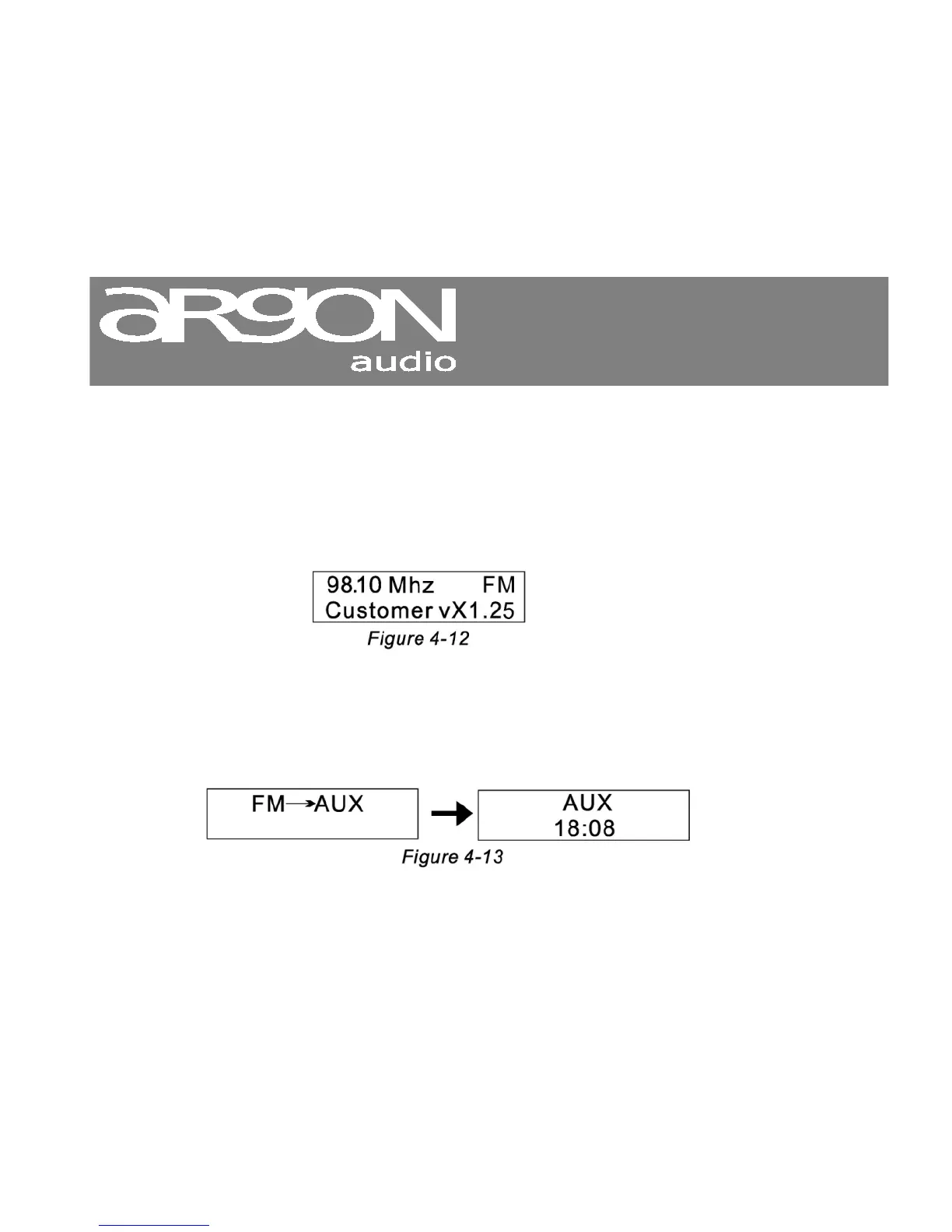
Press the Display button repeatedly until the below screen appears in the Display.
This shows the software version of your Radio´.
Notice: The software version of your Radio may vary from the below.
4.8 Using the AUX IN jack
Use a 3.5mm stereo-to-stereo cable (mini-jack) to connect an external device, like your Mobile phone,
LapTop or iPod to the AUX IN jack on your radio.
Press the Source button to go to a display similar to Figure 4-13.
To adjust the radio volume level, you may need to adjust the volume on your external audio device.
In other words you can adjust the sound level both on the Radio and on the External device.


 To Next Page