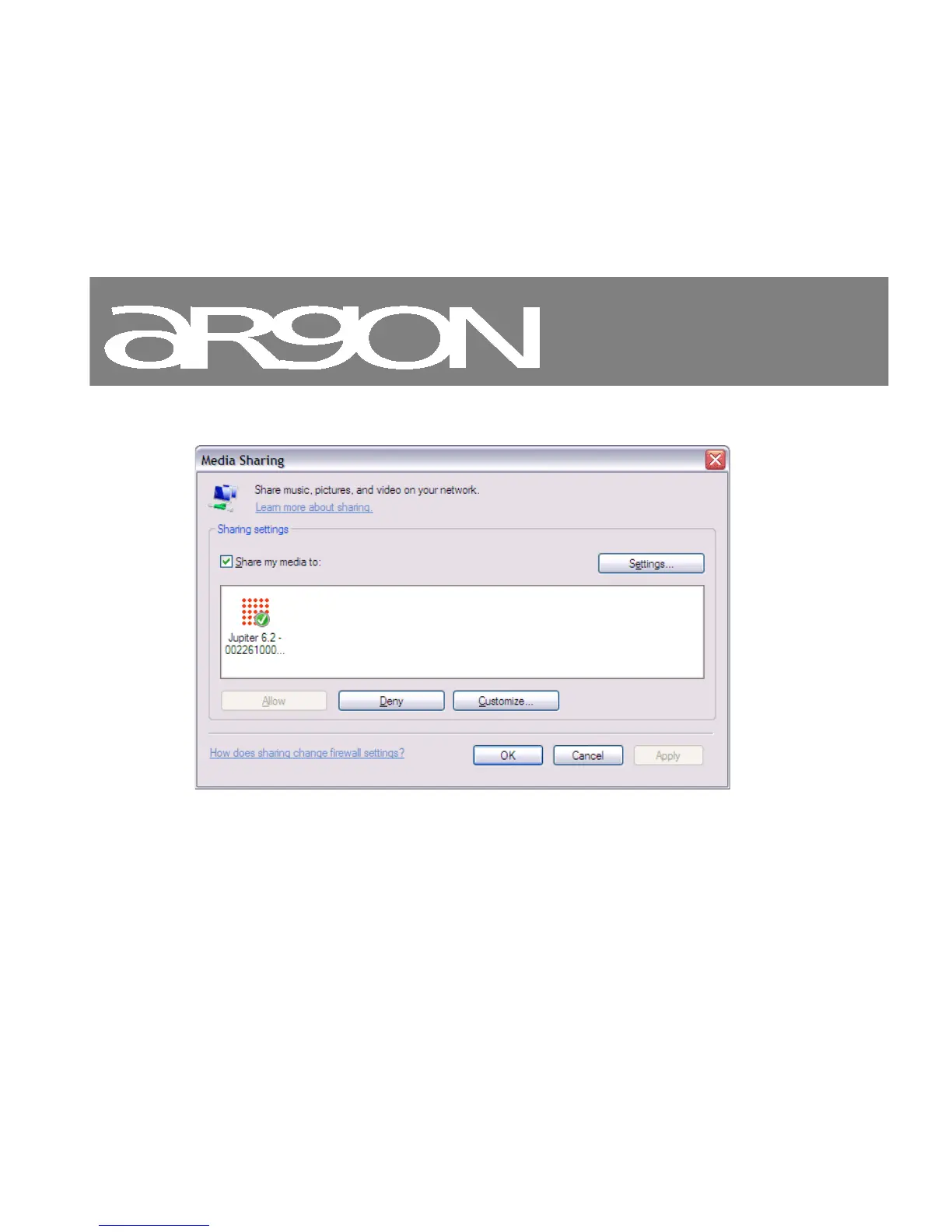
Notice; it may show; Argon iNet3+v2, “Unknown device”, “Frontier Silicon” or the Jupiter logo as shown below.
Make sure that the radio has access to the shared media by selecting it and clicking Allow. You can
also set a name for the shared media in Settings… Click OK to close the dialogue boxes.
The PC is now ready to stream the music to the radio. The WMP UPnP service runs in the background;
there is no need to start WMP explicitly.



 To Next Page