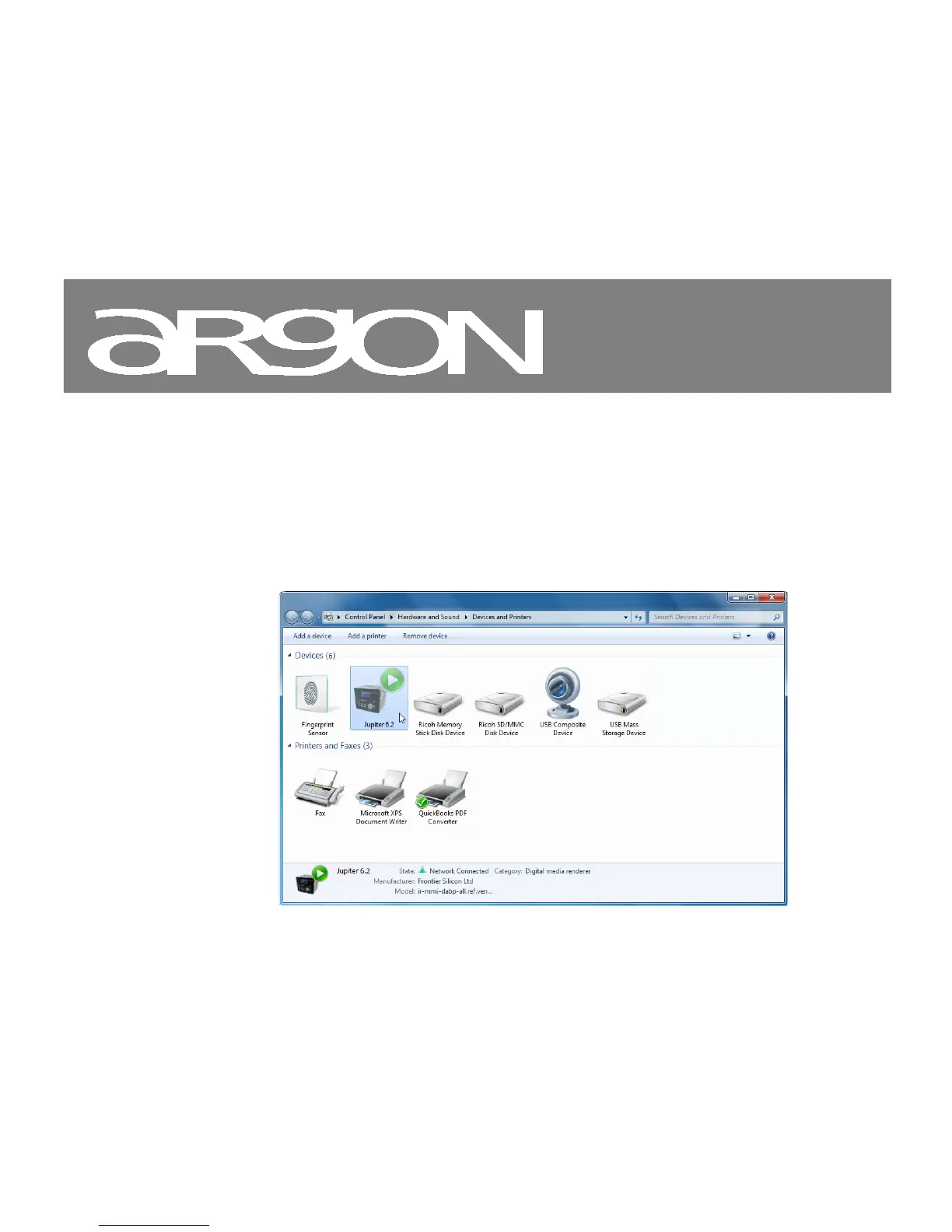
4. Select the Add a device tab in the top left of the Devices and Printers window and follow the
instruction prompts given by the wizard.
In the Devices and Printers window a Argon iNet6+, Jupiter 6.2 or Frontier Silicon icon will appear and
you are now ready to stream your Windows media music files to Argon iNet6+.
*) Note; Icon may show; Argon iNet6+, “Unknown device”, “Frontier Silicon” or Jupiter logo as shown below
*) To change the name of your device, right click on icon and choose properties. Then choose UPnP and click on “device webpage”



 To Next Page