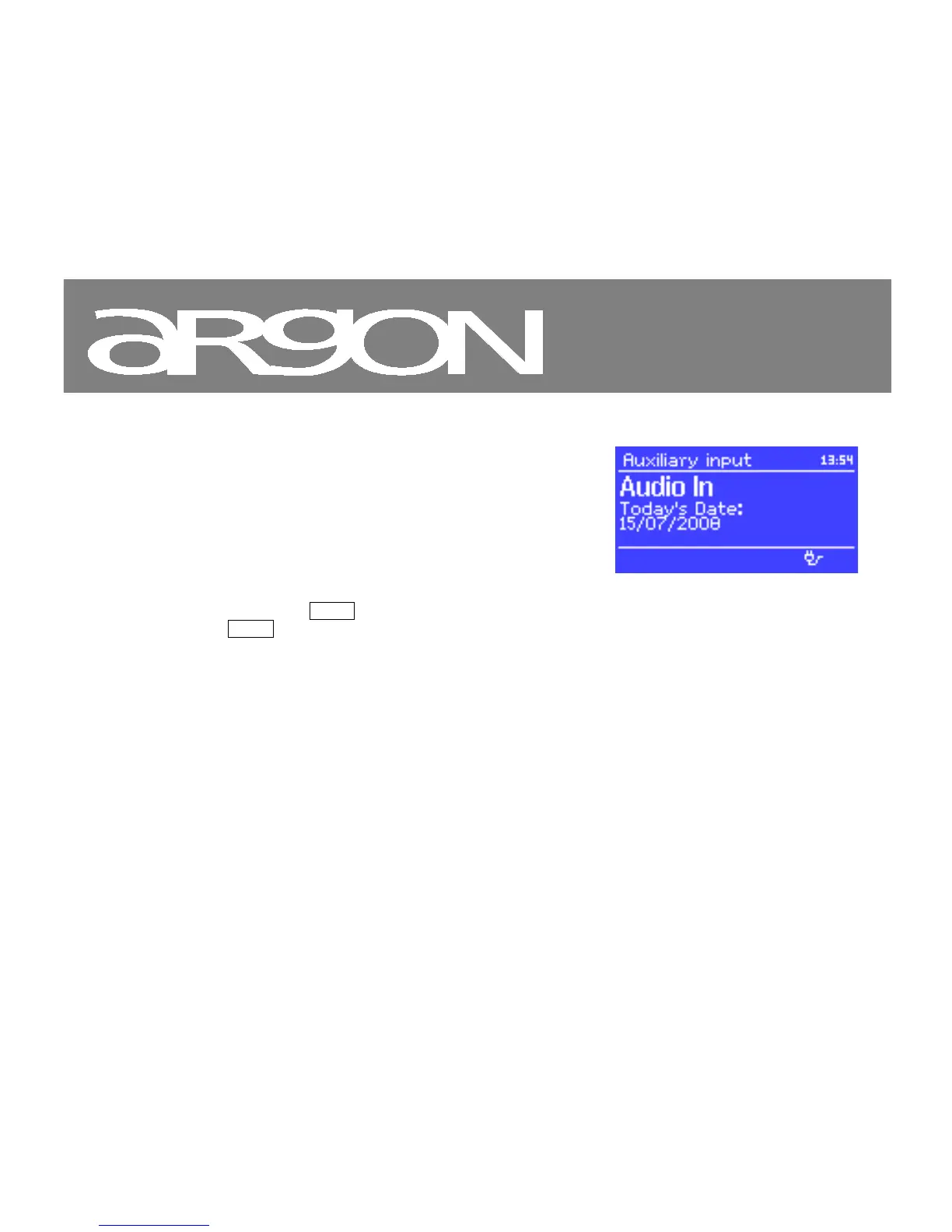
9. Aux in mode (Notice; iNet6+ does not support Aux-in)
Aux in mode plays audio from an external source such as an MP3
player.
To play audio with Aux in mode,
1. Turn the volume low on both Argon iNet6+ and, if
adjustable, the audio source device.
2. Connect the external audio source to the Aux In 3.5 mm
stereo socket.
3. Either press Mode until the display shows AUX in or select
Menu > Main menu > AUX in.
4. Adjust the volume of Argon iNet6+ (and, if necessary, the audio source device) as required.



 To Next Page