5. Connecting a Chromecast Audio device
Your Argon SA1 can easily and relatively cheap be turned into a wifi streaming Amplifier,
simply by adding a Google Chromecast Audio adapter. Read more about Chromecast
Audio here
For connecting a Chromecast Audio device to Argon SA1 you have two choices.
◊ Connecting the Chromecast Audio using USB power on SA1 (point 2.2.2 page 5)
◊ Chromecast must be connected to optical input (point 2.2.6 page 5).
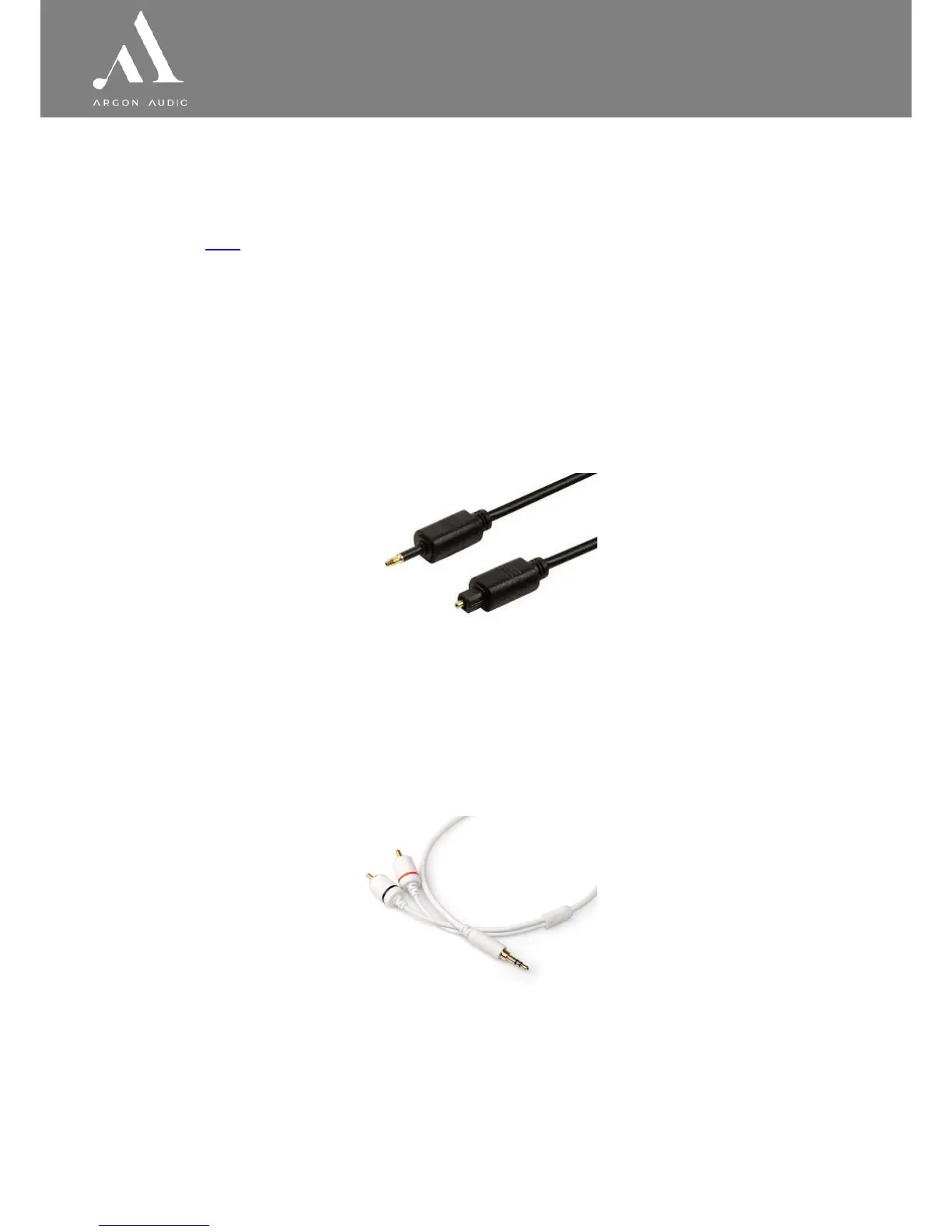
A cable for this kind of connection is not included with the Chromecast. The cable
needed is called Optical mini / Toslink digital and will look like below.
Using this digital cable is the optimal sound quality solution.
◊ Connecting the Chromecast Audio using normal power outlet to power the
Chromecast.
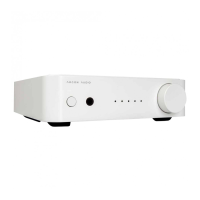
◊ Chromecast must be connected to Line In (point 2.2.4 page 5). A cable for this kind
of connection is not included with the Chromecast. The cable needed is called Mini
Jack to RCA cable and will look like below


 To Next Page