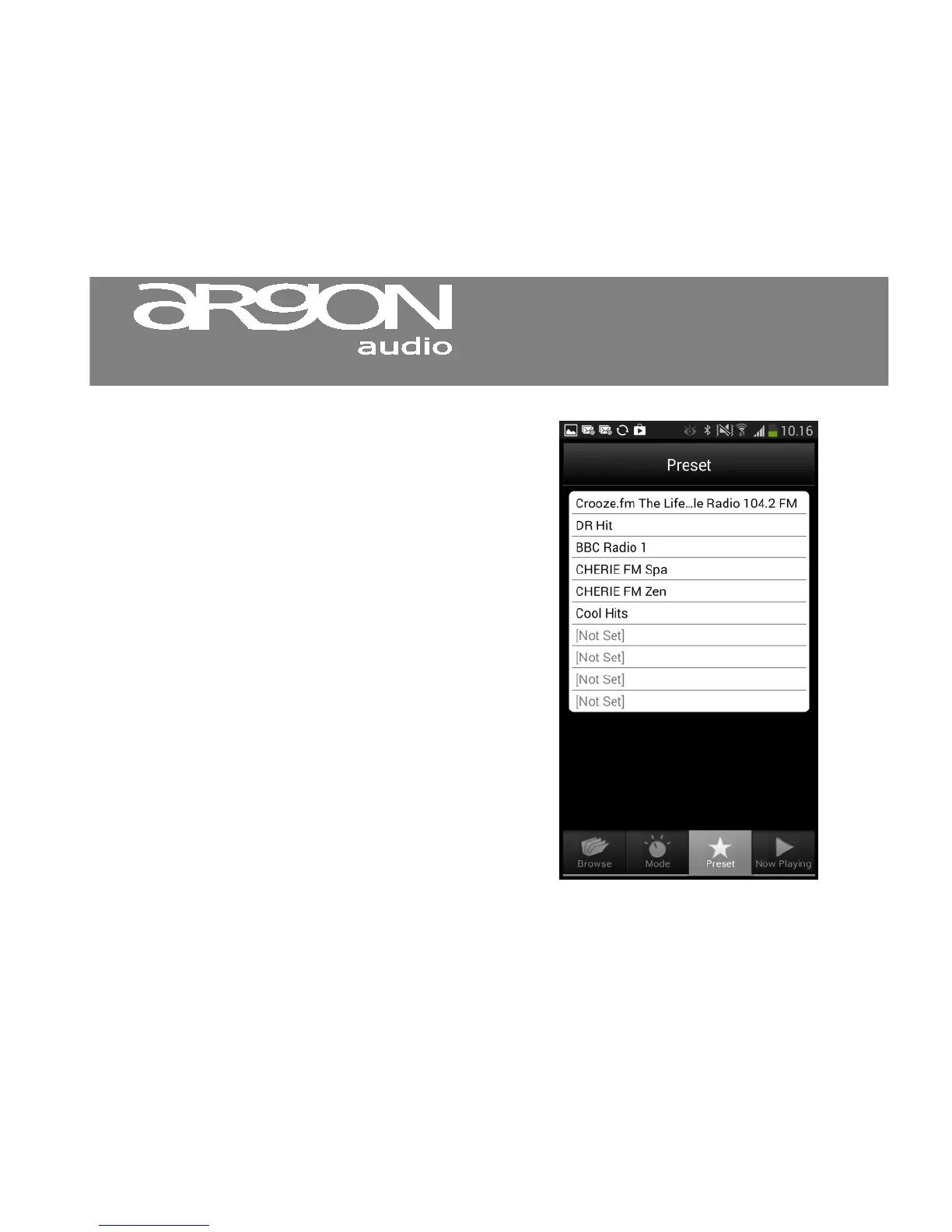
8.8 Playing preset radio stations
The Preset menu option displays a list of
preset radio stations that you can select
to listen to in Internet radio mode.
Only presets for the currently
selected mode are listed.
To play a preset radio station:
1. Select Mode > Preset.
2. Select a station from the list.
The station plays.
Notice: you can only store preset stations from
the Stream2 normal remote



 To Next Page