Please check thoroughly and make sure you find the following items that are included in the
box:
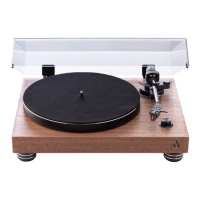
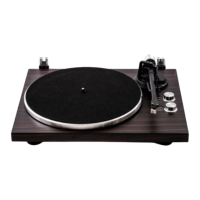
1) Unit
2) Adaptor with EU plug end
3) Counterweight
4) Platter with drive belt
5) 45 RPM Adaptor
6) Turntable Mat
7) Instruction Manual
8) Cartridge Alignment Protractor
9) Drive Belt Hook
10) RCA to RCA cable
This turntable is supplied with a factory fitted and adjusted cartridge.
**The following instructions for adjusting the cartridge are provided in case the cartridge is
replaced by a different model at a later date.
Installing the Lid
Install the Lid carefully over the hinge prongs.
Turntable Platter and Belt Setup
1. Install the drive belt over the inner ring under the platter and make sure it won’t fall off during
the setup.
2. Place the platter through the turntable spindle, then rotate
the platter until you see the drive motor pulley through the
window at the top left corner.
3. Carefully grab the drive belt and put it around the slot of
motor pulley.
4. Connect the power adapter to the turntable and power on the turntable.
5. Set the Motor Start/Stop switch to the Start position to see if the platter motor spins. If the
platter does not spin, try the steps listed above again.


 To Next Page