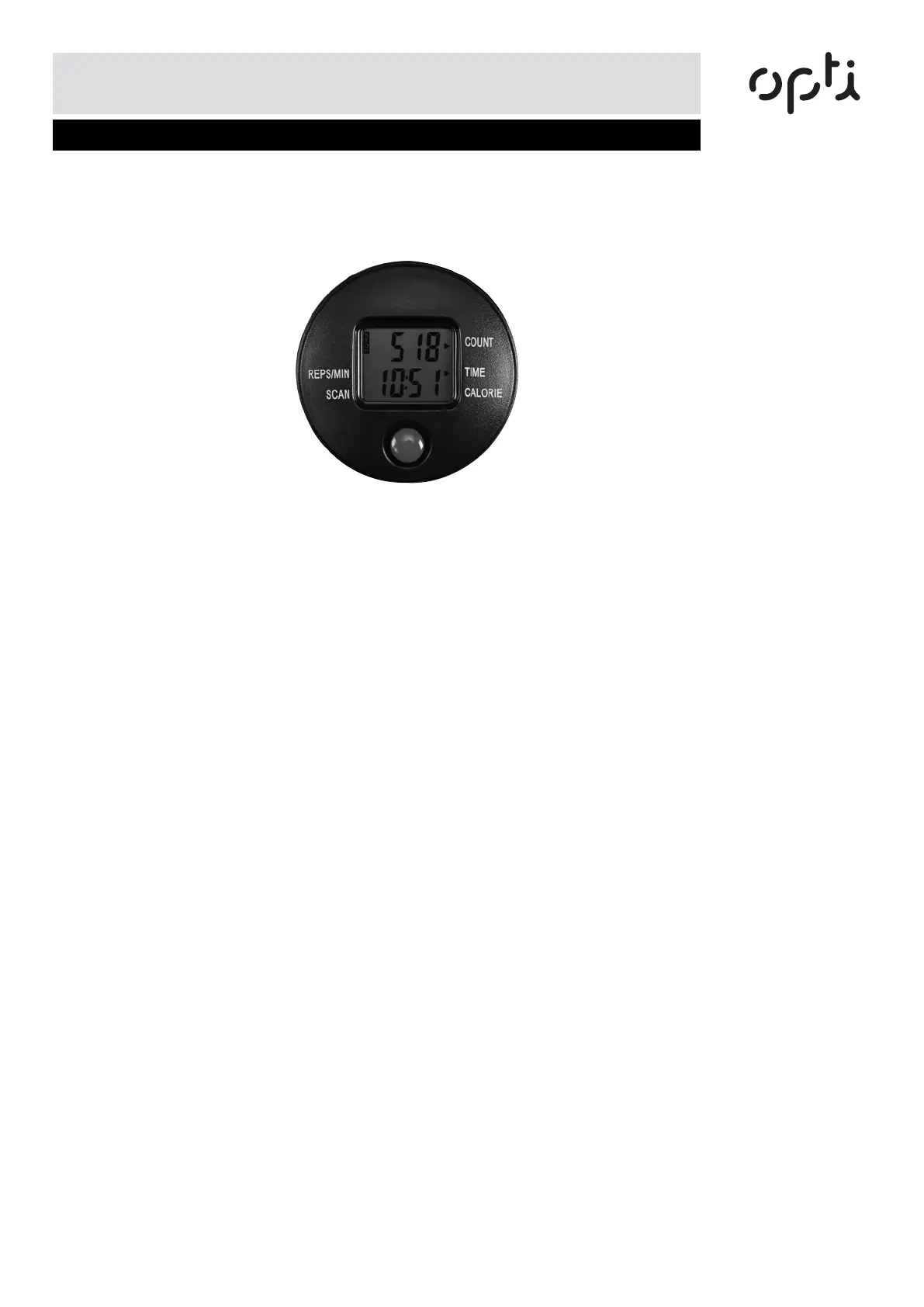
Computer Operation
Functions and operations
5
Press the button to display the following functions:
REPS/MIN: Display steps in every minute.
SCAN: Scan each function in sequence.
TIME: Determine the duration of workout session.
CALORIES: Shows the calories burned. This is a rough guide only and should be used as
comparison over several exercise sessions.
COUNT: Accumulate the number of steps during your workout session.
How to replace the battery:
1.Using the assembly instructions for guidance. Remove the computer from the stepper.
2.Remove the old battery.
3.Replace with a new battery and make sure the battery is positioned correctly.
4.Replace the computer into the stepper.


 To Next Page