2
Connecting
Connecting
Connecting
Connecting AS-85
AS-85
AS-85
AS-85 20
20
20
20 to
to
to
to PC
PC
PC
PC via
via
via
via Bluetooth
Bluetooth
Bluetooth
Bluetooth USB
USB
USB
USB D
D
D
D ongle
ongle
ongle
ongle
AS-8520 is allowed to connect PC via Bluetooth USB dongle.
1. Scan the following barcodes to set scanner to Bluetooth
connection mode, with PIN code as 0000 or refer to the
manual page 22
nd
to set any four-to-six character PIN
code assigned to the target Bluetooth device
Cradle/Dongle
Cradle/Dongle
Cradle/Dongle
Cradle/Dongle connection
connection
connection
connection auto
auto
auto
auto detection
detection
detection
detection –
–
–
– The
The
The
The imager
imager
imager
imager
can
can
can
can be
be
be
be linked
linked
linked
linked to
to
to
to either
either
either
either a
a
a
a cradle
cradle
cradle
cradle or
or
or
or other
other
other
other Bluetooth
Bluetooth
Bluetooth
Bluetooth
enabled
enabled
enabled
enabled devices.
devices.
devices.
devices.
Set
Set
Set
Set PIN
PIN
PIN
PIN code
code
code
code to
to
to
to 0000
0000
0000
0000
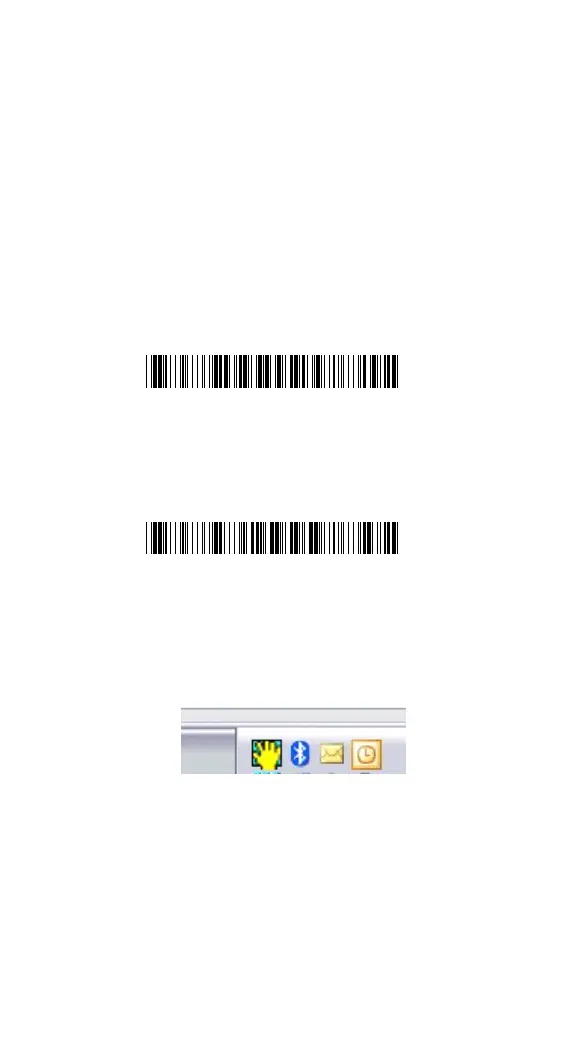
2. After well-connecting Bluetooth dongle to PC , f ind the
blue-tooth sign on Taskbar; double-click on it to bring out
the Bluetooth Devices prompt.
*$%-$0000%%*
*$%-$0000%%*
*$%-$0000%%*
*$%-$0000%%*
*$%-1AB01%%*
*$%-1AB01%%*
*$%-1AB01%%*
*$%-1AB01%%*



 To Next Page