EasyManua.ls Logo

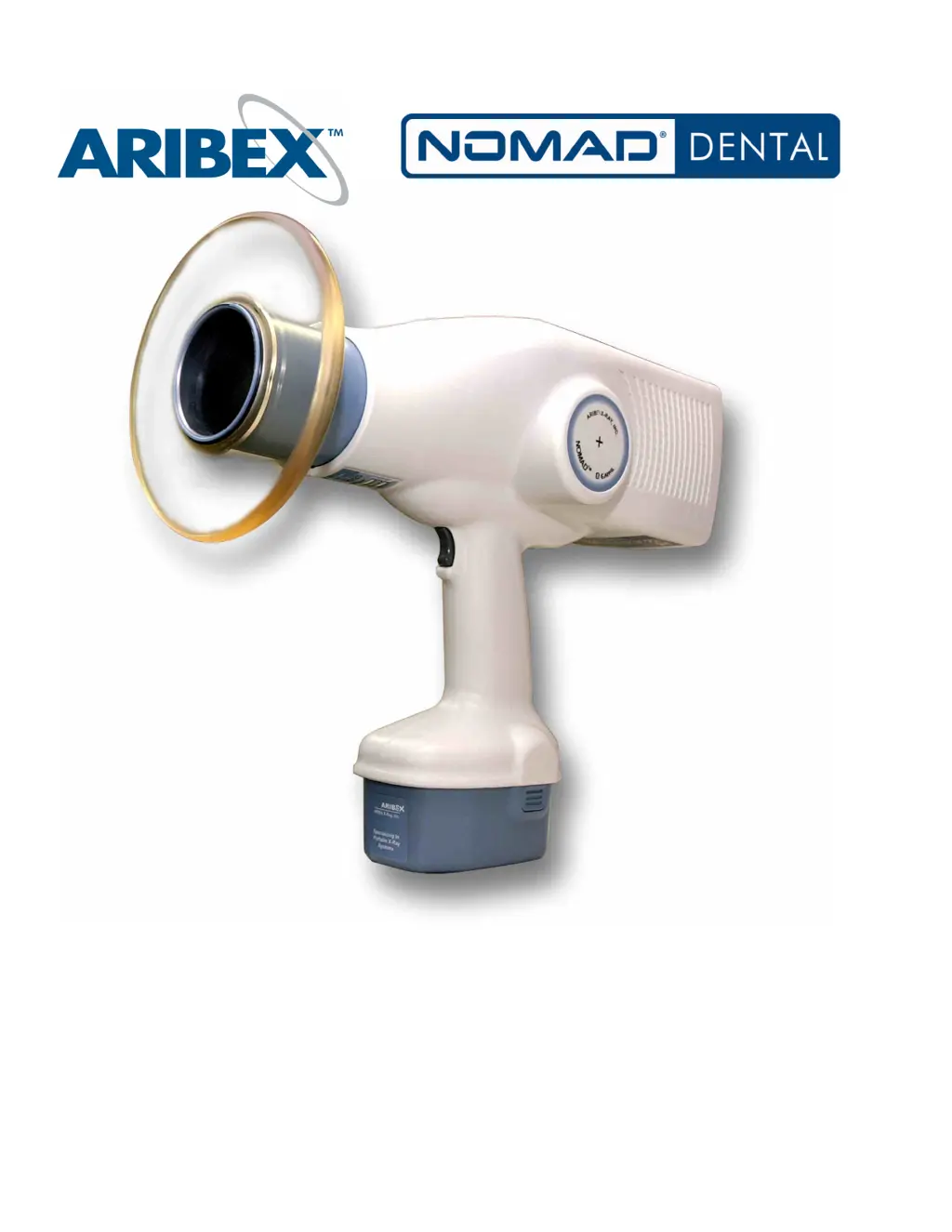
ARIBEX Nomad Dental - User Manual

ARIBEX Nomad Dental
25 pages
Print Icon
To Next Page IconTo Next Page
Loading...
Portable X-ray System for
Intraoral Radiographic Imaging
USER MANUAL

Other manuals for ARIBEX Nomad Dental

Questions and Answers

  • J
    Jasmine BallAug 5, 2025
    What to do if the ARIBEX Dental equipment image from x-ray exposure does not have sufficient contrast?
    • G
      Gary Gutierrez PhDAug 5, 2025
      If your ARIBEX Dental equipment x-ray image lacks sufficient contrast, it could be due to several reasons. If the image is too light (underexposure), increase the exposure time. If the image is too dark (overexposure), decrease the exposure time and check the film expiration date, as old film can produce dark, grainy, or foggy images. For film-based imaging, ensure your chemical developer is fresh and at the correct temperature.
  • G
    George BrooksAug 12, 2025
    Why do the green START and yellow X-RAYS ON indicators flash on my ARIBEX Dental equipment?
    • J
      John RodriguezAug 13, 2025
      The green START and yellow X-RAYS ON indicators on your ARIBEX Dental equipment flash, accompanied by a series of long beeps, because of an incomplete exposure. This happens when the trigger was released before the timed exposure could finish. This condition clears automatically within 15 seconds, or by turning the device off and back on. The exposure will likely need to be repeated.
  • D
    ddukeAug 20, 2025
    Why does the green ENABLED indicator stop flashing on my ARIBEX Dental equipment?
    • M
      martinlongAug 20, 2025
      The green ENABLED indicator on your ARIBEX Dental equipment stops flashing (and the short double beeps end) before an exposure starts because the system is no longer enabled. If an x-ray exposure isn't initiated within 30 seconds of enabling, the System Ready condition terminates. Double-check the exposure time setting and re-enable when the operator and patient are properly situated.
  • M
    Michael CastanedaAug 27, 2025
    How to fix a blurred image from x-ray exposure on ARIBEX Dental equipment?
    • D
      David HernandezAug 27, 2025
      A blurred image from x-ray exposure on your ARIBEX Dental equipment is likely due to movement of the operator or patient during the exposure, causing distortion. Check the exposure time setting and re-enable the device when both the operator and patient are properly situated and still.

Summary

Getting Started

Intended Use

Defines the purpose of the NOMAD Dental X-ray System for diagnostic imaging.

Unpack, Check, and Register NOMAD

Details the process of unpacking, inspecting components, and registering the device.

Charging the Battery

Provides detailed steps for charging the NOMAD batteries, including indicator lights and charge time.

Safety Precautions

Radiation Safety

Outlines critical safety guidelines for radiation exposure to operators and patients.

Usage

Covers safe usage, including duty cycle and avoiding overheating.

Cleaning

Instructions for cleaning the NOMAD device and charger using appropriate materials.

Security, Storage, and Transportation

Guidelines for securing, storing, and transporting the NOMAD device safely.

Setup and Check

The Backscatter Shield

Explains the function and adjustment of the backscatter shield for operator protection.

Attaching a Charged Battery

Step-by-step guide on how to properly attach a charged battery to the NOMAD.

Checking for Power and Adequate Charge

Procedures to verify the device powers on and has sufficient battery charge.

Optional Checks

Details optional checks that can be performed by a qualified technician for system verification.

Operation

Powering Up

Describes how to turn the NOMAD device on and the indicators for power.

Ensuring Battery Charge Is Adequate

How to check if the battery has sufficient charge for operation.

Ensuring the Right Exposure Time Is Set

Explains how to set and adjust exposure times for imaging.

Situating the Patient and Enabling the Device

Guides on patient positioning and enabling the device for exposure.

Initiating and Completing an X-ray Exposure

Details the process of starting and finishing an X-ray exposure.

Powering Down

Instructions on how to turn off the NOMAD device.

Exposure Techniques

Provides guidance on various techniques for taking X-ray images with NOMAD.

Technique Factor Chart

Battery Replacement

Keeping NOMAD Up and Running

Alarms and Alerts

Explains the various visual and audible signals indicating status or action required.

Troubleshooting

Provides solutions for common problems encountered during NOMAD operation.

Repair and Maintenance

Details routine maintenance, user serviceability limitations, and factory serviceable parts.

Limited Warranty

ARIBEX Nomad Dental Specifications

General IconGeneral
Device TypeHandheld X-ray
TypePortable X-ray System
X-Ray Tube Voltage60 kV
Battery LifeApproximately 300 exposures per charge
Image Sensor CompatibilityCompatible with digital sensors
Safety Featuresbackscatter shield

Related product manuals