18 19
Connecting To Bluetooth
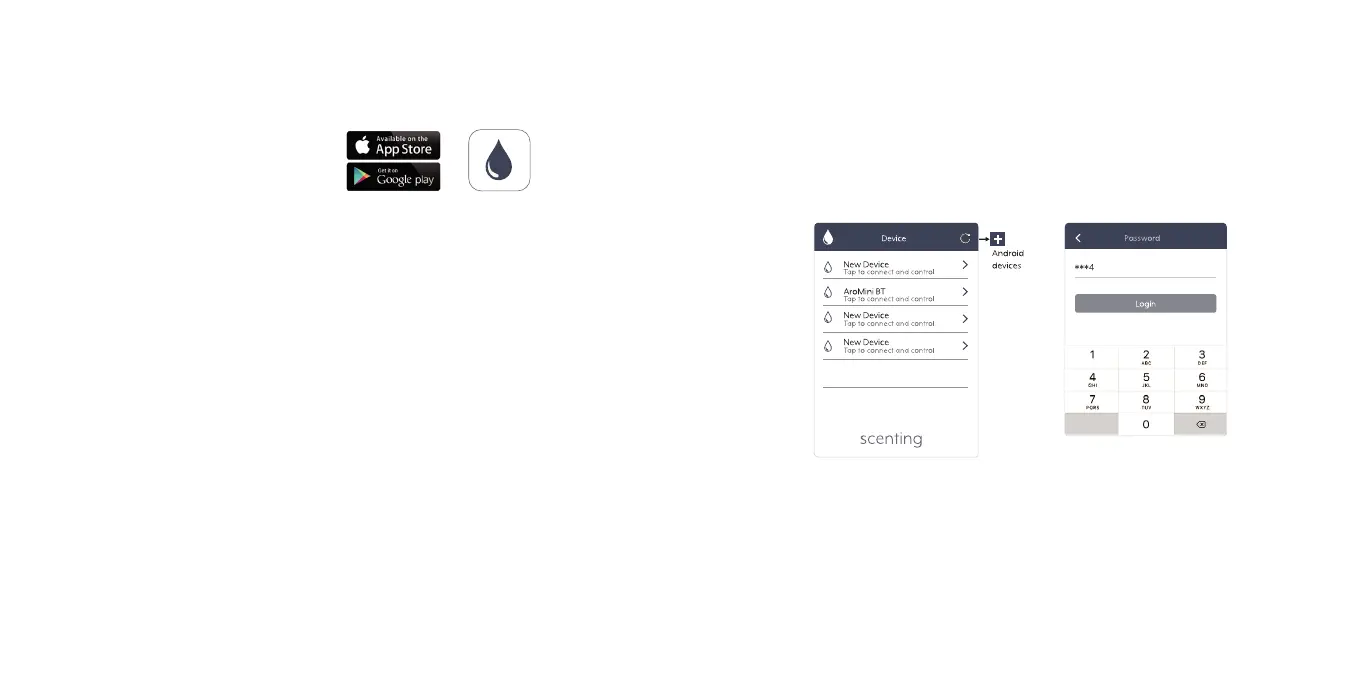
DOWNLOAD OUR SCENTING APP
FROM THE APP STORE OR
GOOGLE PLAY TO CONTINUE
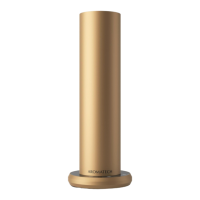
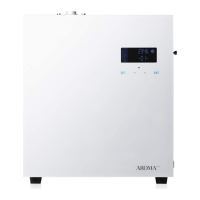
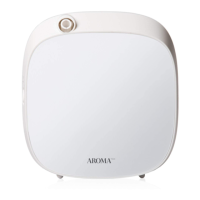
1. Plug in the AT600 to an electrical outlet.
2. Open Scenting app on your smart device.
3. Find your AT600 on the list of available devices.
4. Enter default password - 1234
5. Press Login.
6. Personalize your diffusers running schedule.


 To Next Page