Fixture Menu
38
To Perform a Factory Reset
• Press the MENU button (10) to open the fixture menu.
• Turn I/S, until „Factory Reset“ is displayed. Press I/S to open
the menu.
• Turn I/S to choose the option „Yes“ and perform a factory re-
set. Press BACK (11) to abort.
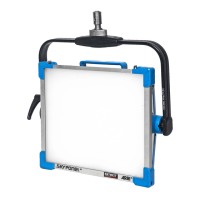
• The SkyPanel reboots with its factory settings.


 To Next Page