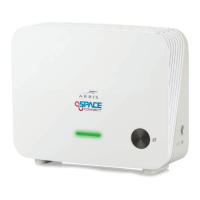
Option 2: Connecting to a Non-MoCA Network via Ethernet Cable
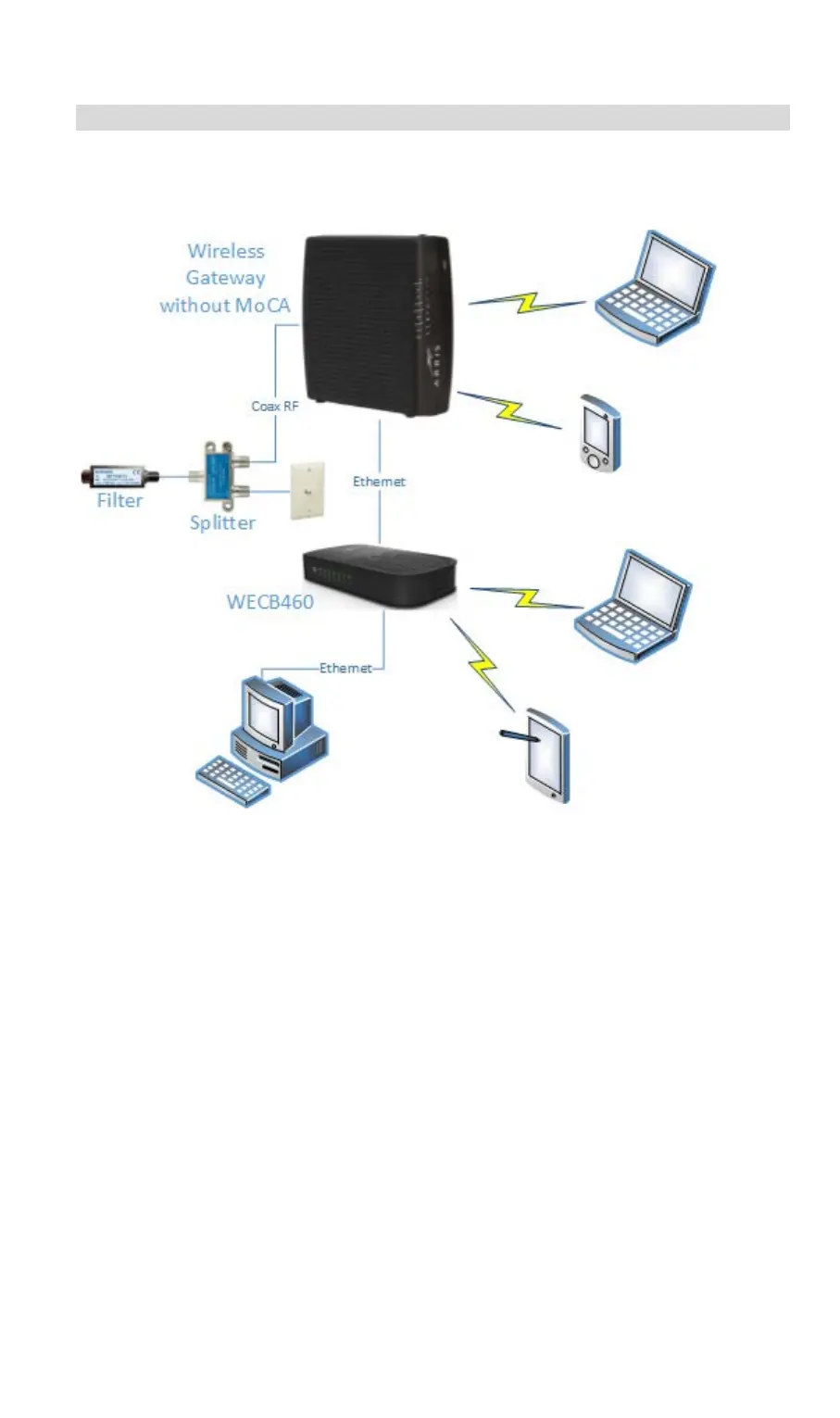
If the router or gateway present in the home network is not MoCA enabled,
you must connect the WECB460 Wi-Fi MoCA Bridge to the network using
Ethernet cable. The following diagram shows a typical installation.
Perform the following steps to install the WECB460 Wi-Fi MoCA Bridge.
Step 1: Connect the WECB460 Wi-Fi MoCA Bridge to the Router or Cable
Modem
Using an Ethernet cable, connect the Ethernet 1 connector on the
WECB460 Wi-Fi MoCA Bridge to an available Ethernet connector on the
router or cable modem.
Step 2: Connect any Direct Wired Client Devices
Using an Ethernet cable, connect any client devices, such as desktop or
laptop computers, to the Ethernet 2 connector on the WECB460 Wi-Fi
MoCA Bridge. (This should be a device located close enough to make a
direct wired connection practical.)
Step 3: Connect your Wireless Client Devices
Configure any wireless devices, such as laptop computers, notepads or
other mobile devices, to connect to the WECB460 Wi-Fi MoCA Bridge.
See Setting Up your Wireless Client Devices for instructions.
8


 To Next Page