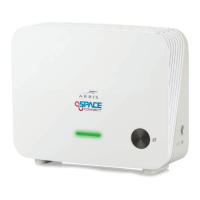
Step 4: Configure Wireless Security
The WECB460 Wi-Fi MoCA Bridge ships with wireless LAN security set by
default. If you need to modify the default wireless security or other wireless
LAN settings, see Configuring your Wireless Connection for instructions.
Step 5a: Set the Ethernet Port Direction to Internet
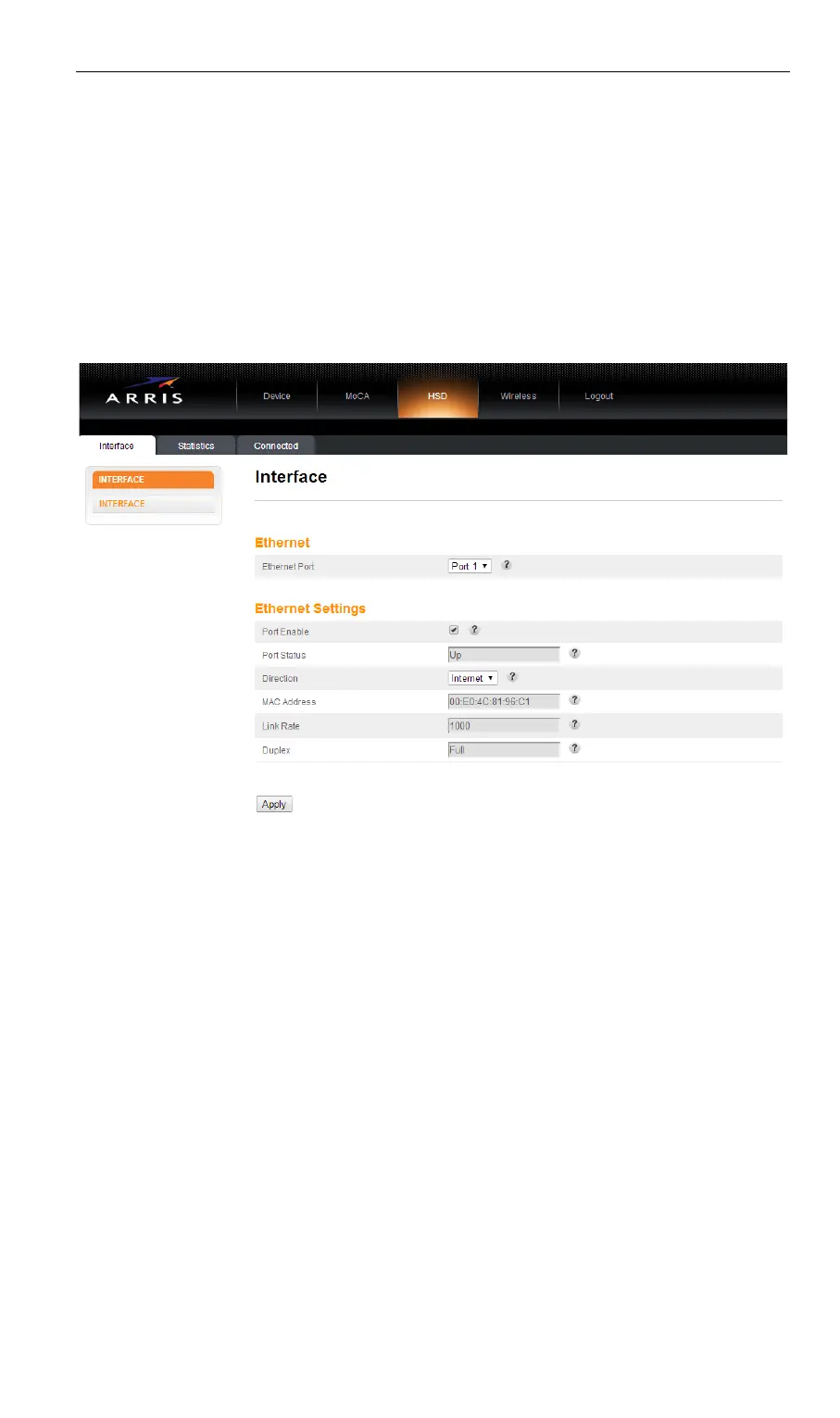
Access the configuration interface and select the HSD tab, Interface
screen. Set Ethernet Port to Port 1 and set the Direction field to Internet.
This tells the WECB460 Wi-Fi MoCA Bridge to consider this interface as its
connection back to the Internet.
Click the Apply button to save and apply the changes.
9


 To Next Page