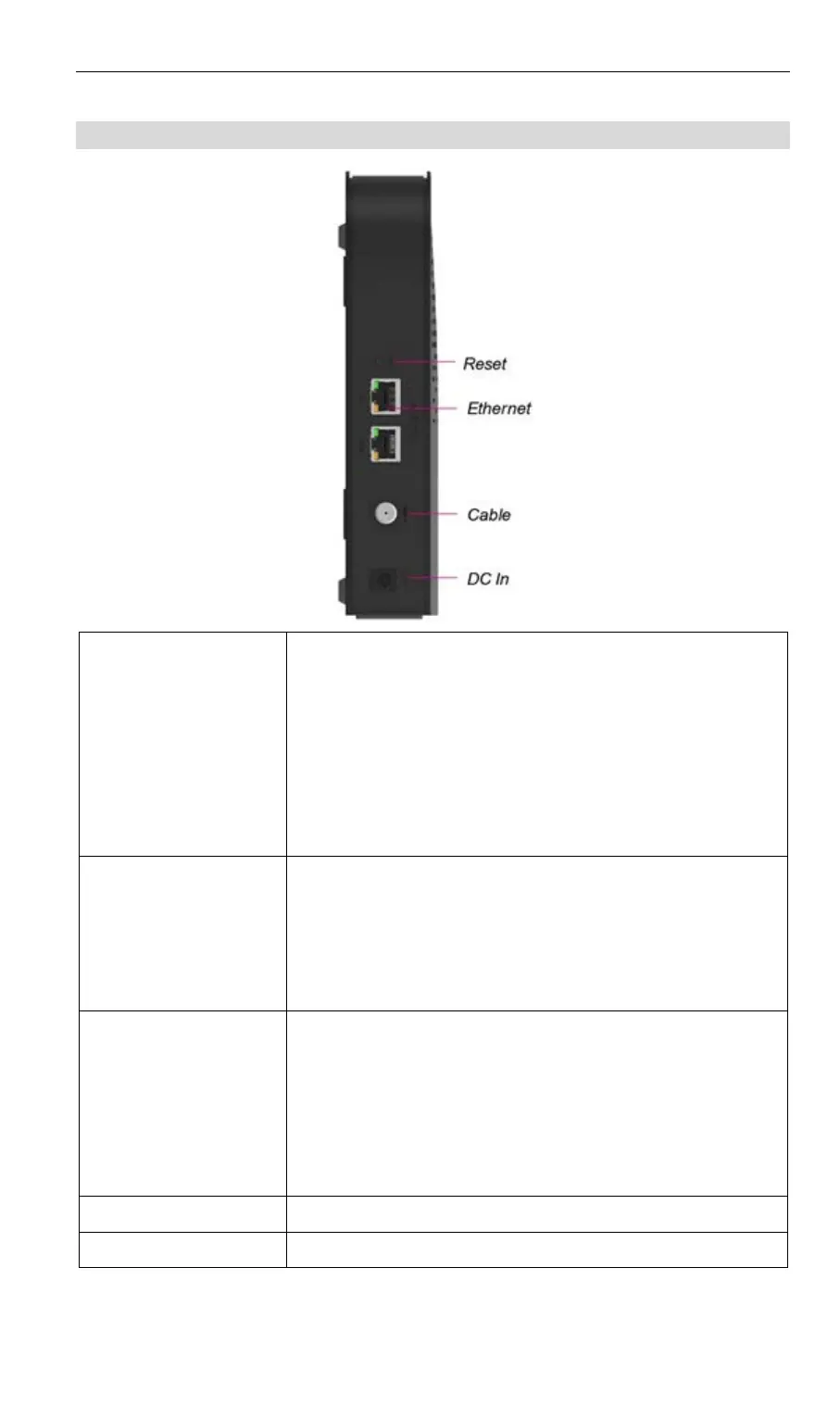
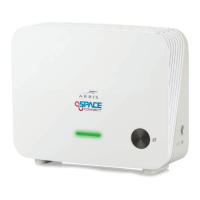
Connector Panel
Reset Button
This button is recessed. Use a pointed non-metallic
object to press this button.
• Reset. Press for 1 to 2 seconds and release for a
standard reset.
• Reset to manufacturer default values and
reboot. When pressed and held for over 15
seconds, the settings of the WECB460 Wi-Fi
MoCA Bridge will be reset to their default values.
Ethernet ports
Use a standard Ethernet cable to connect:
• A PC or other direct wired client device to the
WECB460 Wi-Fi MoCA Bridge.
• The WECB460 Wi-Fi MoCA Bridge to a non-
MoCA enabled router or gateway. (Port 1 only)
Ethernet LED
(Green/Amber)
On (Green) – System with 1Gbps LAN port
connected.
On (Amber) – System with 100Mbps/10Mbps LAN
port connected.
Blinking (Green/Amber) – Network data activity.
Off (Green/Amber) - LAN is not connected.
Cable
Coaxial cable connection to home MoCA network.
DC In
AC/DC power adapter connection.
5


 To Next Page