Dear Customer,
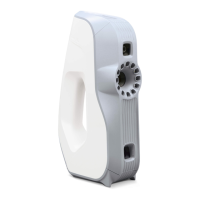
Thank you for choosing Artec Space Spider for your application.
We hope you will enjoy scanning with your new device!
Artec 3D is committed to providing our clients with the best
professional 3D scanners. We are always working hard to make
our products even better, offering regular updates and new
solutions. To keep on top of all the latest news and special offers,
please visit our website www.artec3d.com.
This booklet is a quick guide to getting started. For full
in depth instructions, please visit our Support Center
www.artec3d.com/support or write to us at
support@artec-group.com.
We are always glad to help!
Happy 3D scanning!
Contents
Installation
How to take care of your
Artec Space Spider 3D scanner
1. Safe handling
2. Optical parts
3. Standby position
4. Transportation
5. Storage
6. Accessories
7. Recommended operating conditions
1
3
3
4
5
6
7
8
ARTEC SPACE SPIDER
Getting Started



 To Next Page