10
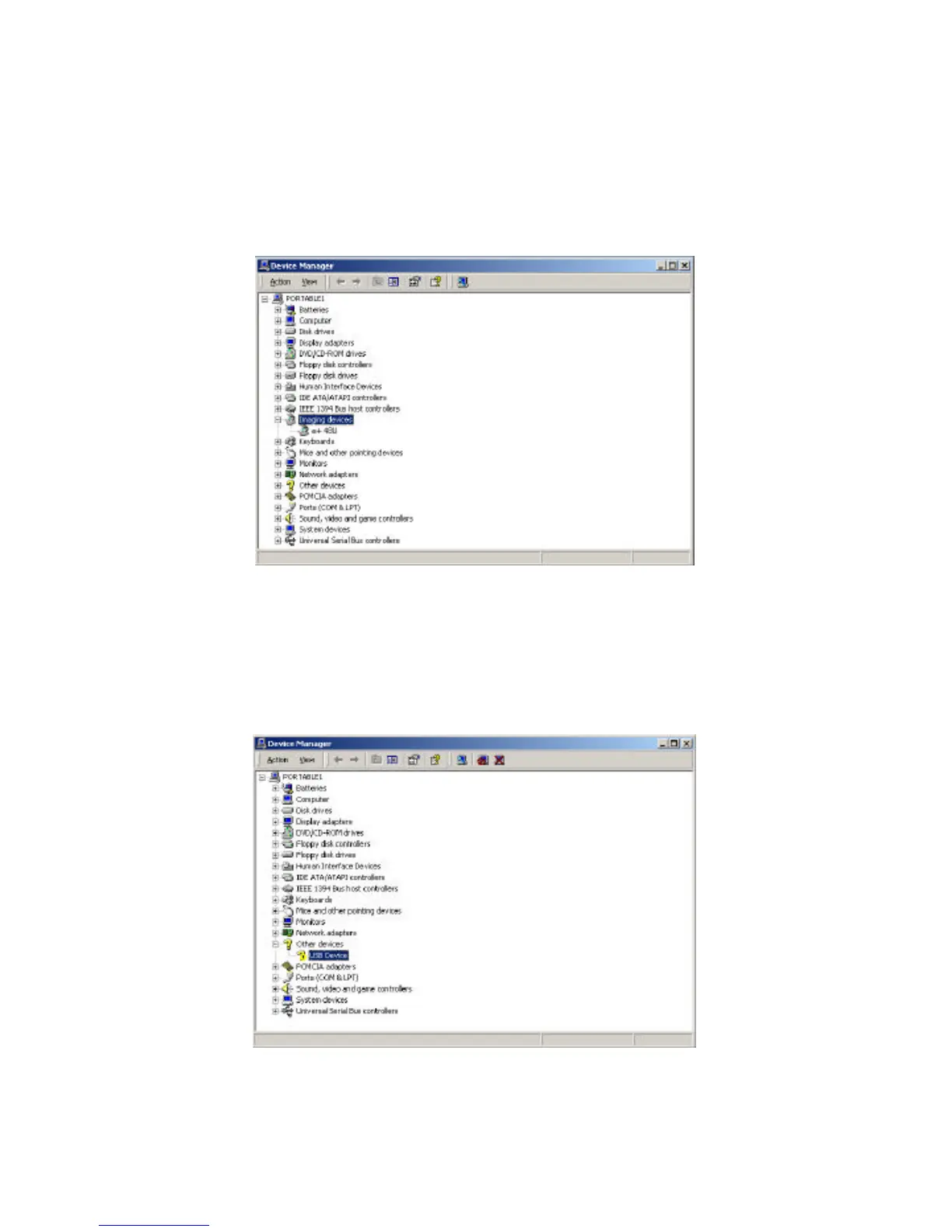
2. You should be able to verify if your scanner has been installed
properly by going into “Device Manager” and check if scanner is
listed under the Imaging Devices category.
3. If you are not seeing the listing of the scanner under “Device
Manager” but instead seeing a USB device with a yellow question
mark listed under Other Devices, you will need to install the scanner
manually. (Reasons for such result due to several factors. Please see
Trouble shooting section for detail.)



 To Next Page