32
Monitor Menu
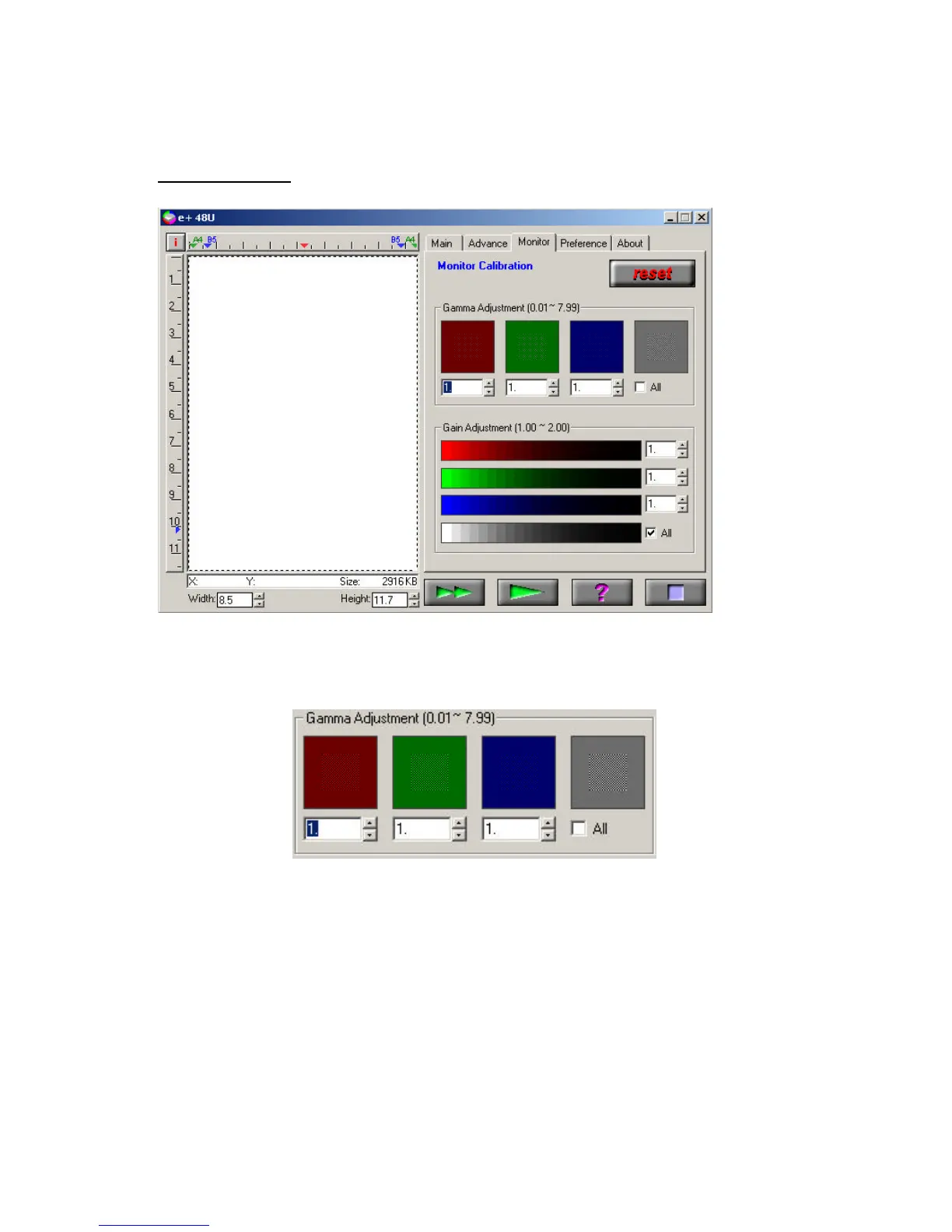
The Monitor menu allows you to calibrate the monitor color by adjusting
the gamma value and gain parameters of your monitor to increase the
visual perception.
Gamma Adjustment box - adjust for a suitable value for each of the
primary color channels used by the monitor.
The value in the number box varies on your visual judgment until the
colors of the two areas come to one. To vary the gamma values of the
three channels together, check the “All” box.



 To Next Page